The hill looks finished until the grass goes in: suddenly every blade is the same size, and the quiet background becomes a hedge. Choosing procreate grass brushes starts with deciding which mark the scene is missing. A broad lawn texture, a stroke of fine blades and a single plant silhouette solve different problems.
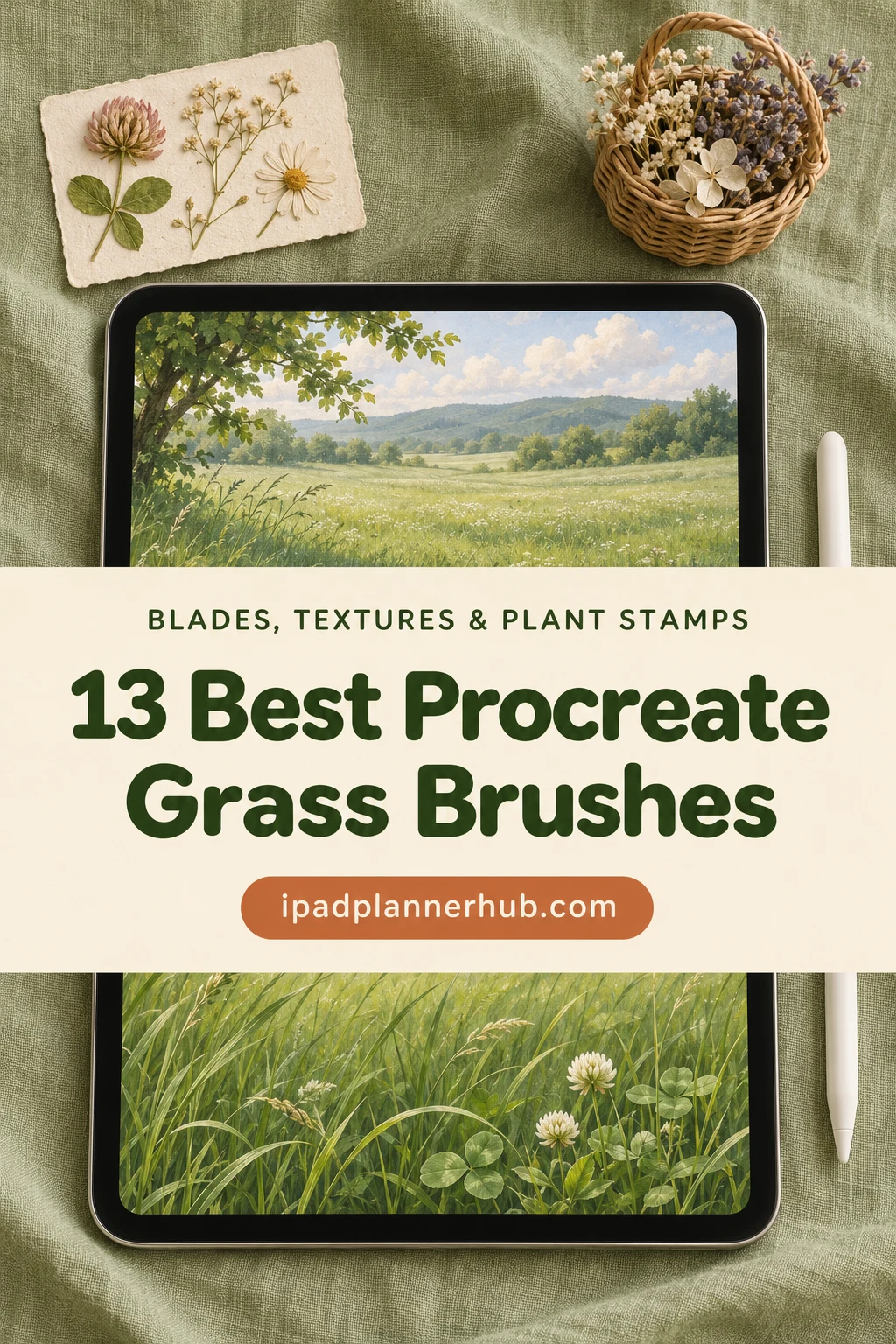
My thirteen-offer shortlist separates those jobs, including focused singles and larger packs with grass as one part of the contents. I selected from the product descriptions and preview galleries, rather than hands-on testing. After the comparison, there is a layered ground study and a checklist for deciding whether pressure, tilt or a simple stamp will help your drawing.
Which Procreate Grass Brushes Match the Ground You Need?
Start with the visible mark, then compare the pack size. The selection includes grass-focused tools and mixed foliage kits. Compare the grass subset in each larger pack before deciding whether the extra plants suit your scene.
TL;DR: Thirteen Procreate offers compared by what they make: blade strokes, ground textures and placed plant silhouettes. Brush counts describe each whole pack, not the number of grass-only tools; the single-brush listings do not include the larger sets advertised in their galleries.
Quick Picks
- Best for pressure-sensitive grass: Grass Procreate Brushes
- Best for pressure and tilt control: 60 Foliage & Grass Brushes for Procreate
- Best for combining strokes and plants: Grass & Foliage Brushes – Procreate
- Best for illustrated path borders: Grass Brush for Procreate,Basic Brush
- Best for a single grassy edge: Procreate Dynamic Color Grass Brush
- Best for an even lawn texture: Turf Lawn Procreate Brush
- Grass Procreate Brushes – Best for pressure-sensitive grass
- 60 Foliage & Grass Brushes for Procreate – Best for pressure and tilt control
- Grass & Foliage Brushes – Procreate – Best for combining strokes and plants
- Grass Brush for Procreate,Basic Brush – Best for illustrated path borders
- Procreate Dynamic Color Grass Brush – Best for a single grassy edge
- Turf Lawn Procreate Brush – Best for an even lawn texture
- Procreate Chopped Grass Single Brush – Best for a chopped-grass surface
- Grass Procreate Brush – Best for a coarser grass fill
- Procreate Clovers Grass Single Brush – Best for clover-like ground cover
- 100 Procreate Grass Texture Brushes – Best for a wide texture library
- Grass Procreate Brushes – Best for silhouette borders
- FLOWER GRASS FIELD Procreate Brush Stamp – Best for a flowering meadow accent
- 200 Forest Nature Procreate Brushes – Best for grass within a larger forest kit
Brushes for blades and illustrated edges
Best for pressure-sensitive grass
1. Grass Procreate Brushes
Sections: 12 brushesFormat: Procreate on iPad
Best for: painting varied blades along a ground edge. Designed by Sko4.
- 12 Procreate brushes
- Pen-pressure sensitivity
- Multiple color tones in a stroke
- Procreate on iPad only; not Photoshop
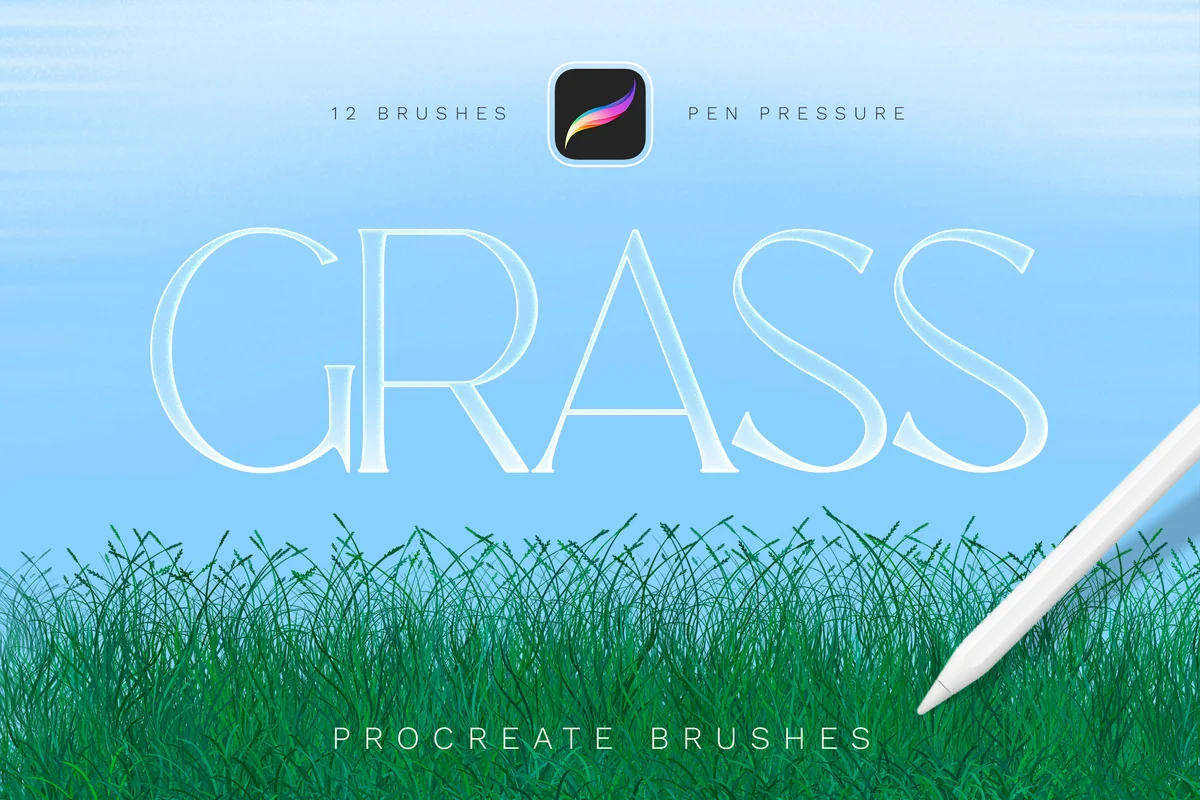
Sko4 is my first choice here for drawing a strip of grass rather than placing a finished plant. The preview sheet separates upright blades, leaning growth and finer wisps, making the difference between the twelve brushes visible. Pressure sensitivity is explicitly part of this set. It suits scenes where the edge of a meadow matters more than filling the entire ground with a dense texture.
Best for pressure and tilt control
2. 60 Foliage & Grass Brushes for Procreate
Sections: 8 grass + other foliageFormat: .brushset for Procreate
Best for: building grass beside moss and forest-floor foliage. Designed by Ldarro.
- 60 brushes: 16 leaves, 15 carpet and 13 conifer
- 8 grass brushes plus 8 moss and lichen brushes
- Procreate .brushset and technique memo pictures
- Preview demonstrates Pencil pressure and tilt effects
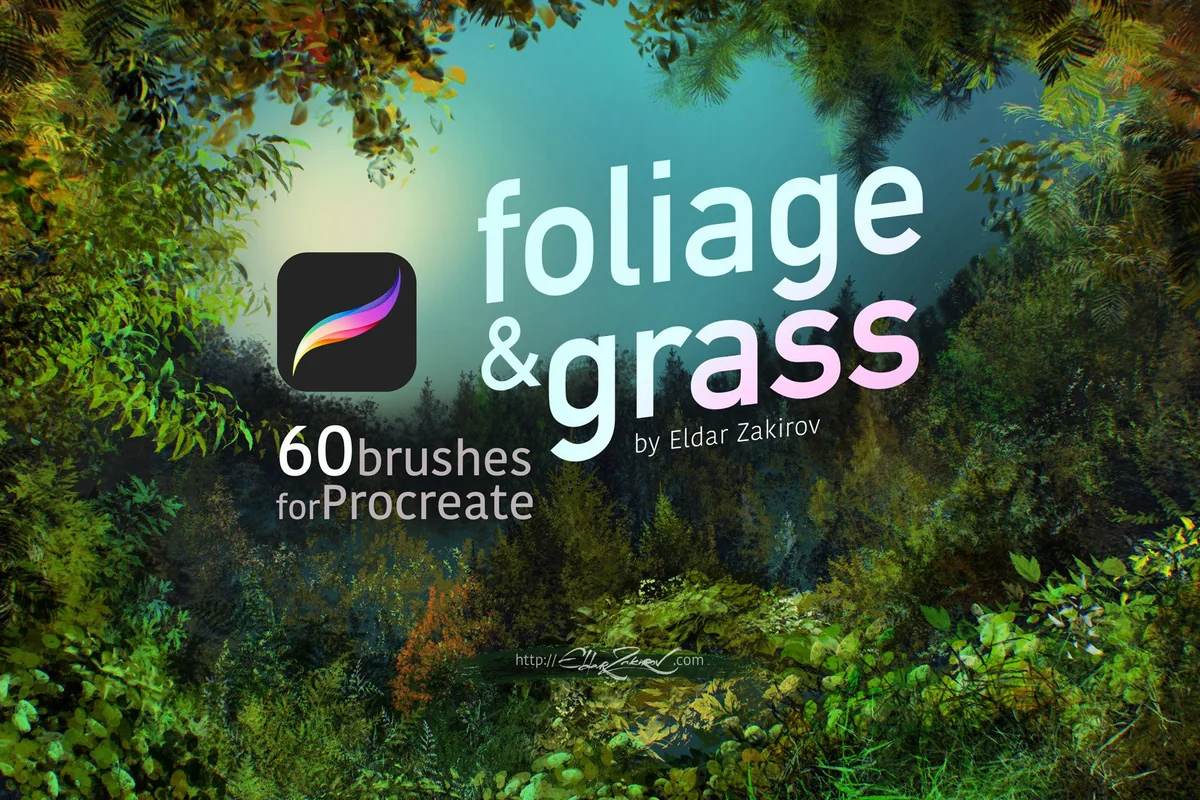
Only eight of the sixty brushes are in the grass category. The value for this topic is the transition from grass into ground foliage and moss, not a claim of sixty grass tools. The technique images demonstrate pressure bringing in color and tilt adding highlights. That gives this pack a different role from a sheet of single-color silhouettes. Select the Procreate version; the seller also offers a separate Photoshop version.
Best for combining strokes and plants
3. Grass & Foliage Brushes – Procreate
Sections: Grass, foliage, plant stampsFormat: Procreate brush pack
Best for: mixing grassy strips with isolated foreground plants. Designed by dashamoony.
- 14 leaves brushes usable for trees or grass
- 25 grass and foliage brushes
- 13 individual plant stamps
- Procreate pack for painting and scene sketches
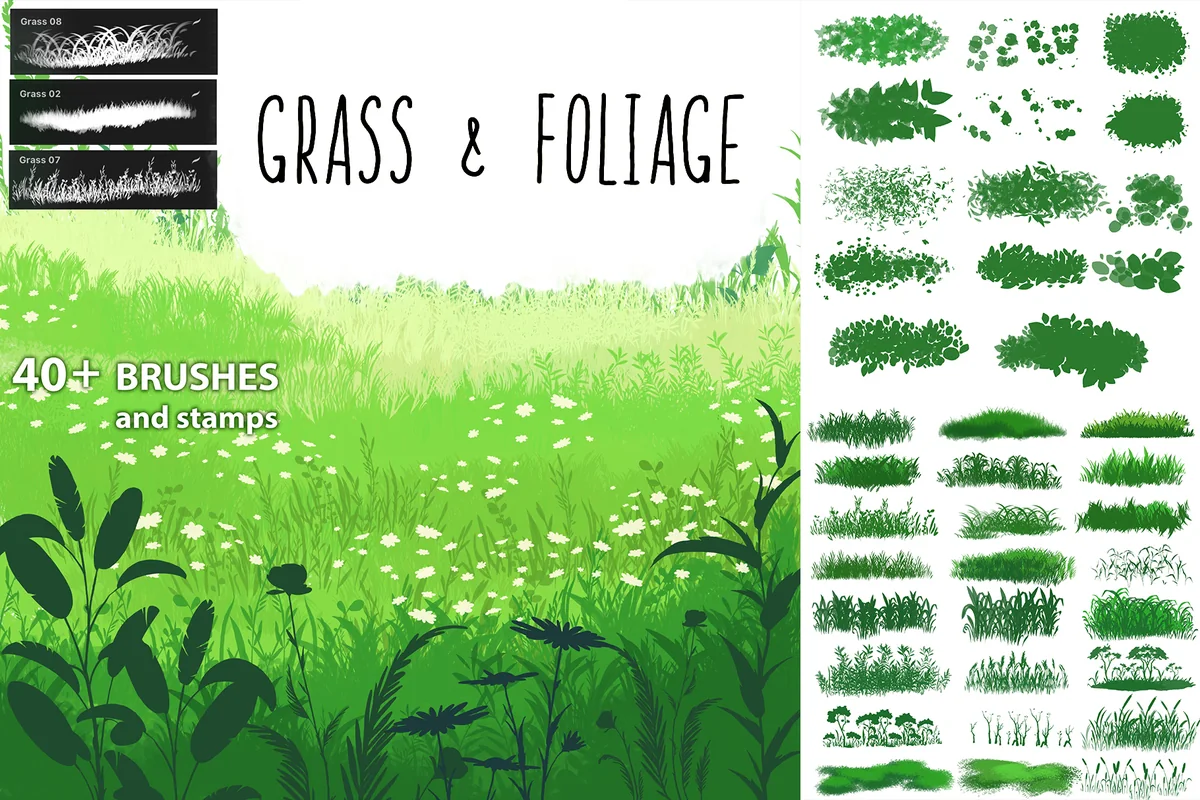
The useful split is between coverage brushes and individual plants. Keep the small plant stamps for a few foreground accents and use the grass brushes to connect them. The main cover says 40+ brushes; the detailed sheet and description break the contents into fourteen, twenty-five and thirteen. Those categories are more informative than treating every item as a grass stroke.
Best for illustrated path borders
4. Grass Brush for Procreate,Basic Brush
Sections: 30 brushesFormat: Procreate only
Best for: adding grass, flowers and small leaves around a path. Designed by Buddy blue.
- 30-piece Procreate brush set
- Preview includes grass clumps and leafy sprigs
- Flower marks and broad base strokes shown
- Brush set may be used for artwork, not resold
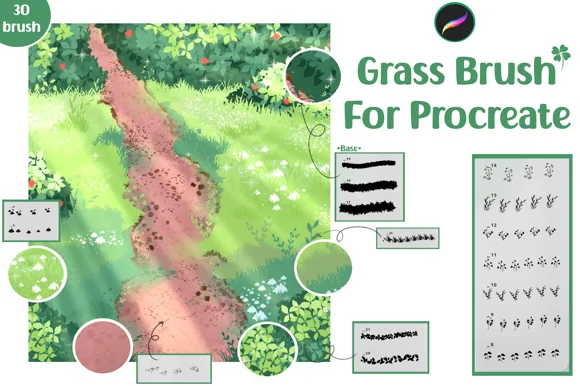
Buddy blue shows an illustrated path surrounded by grass and small flowering marks. It is a more decorative direction than the lawn textures farther down this list. The preview pages show the individual shapes clearly, including clover-like leaves and base strokes. For a stylized garden border, those varied shapes offer more decorative choices than a grass-only tool.
Best for a single grassy edge
5. Procreate Dynamic Color Grass Brush
Sections: 1 brushFormat: .brushset; Procreate 5+
Best for: drawing a jagged band of grass with one tool. Designed by myprintscollection.
- 1 Dynamic Color Grass brush in .brushset format
- ZIP archive listed at 1 MB
- Requires Procreate 5 or higher
- Not compatible with Photoshop or Illustrator
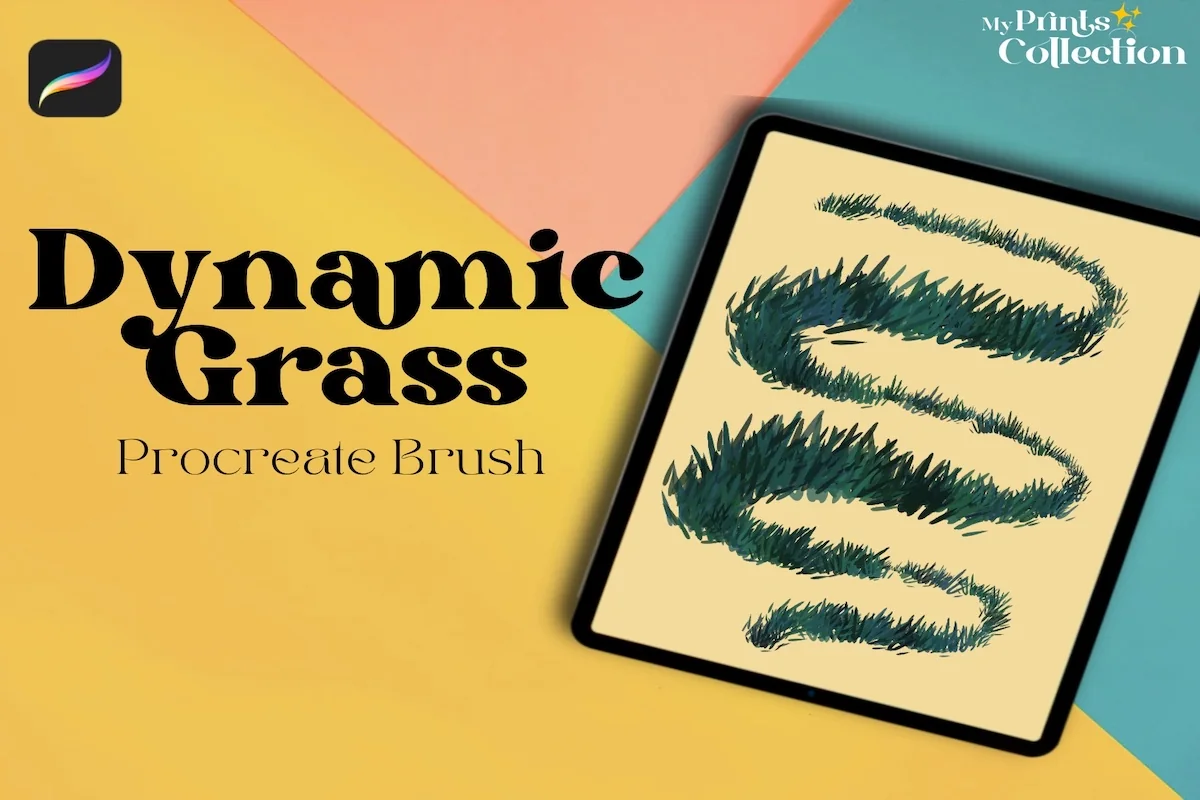
The cover shows a winding stroke with pointed blades along its edge. That is a useful distinction from the all-over texture singles below. A one-brush purchase makes sense if this is the particular mark missing from a scene. The second preview advertises a larger foliage set; that collection is not included in this single-brush listing. I would not infer a particular pressure response from the product name alone.
Textures for lawns and leafy ground
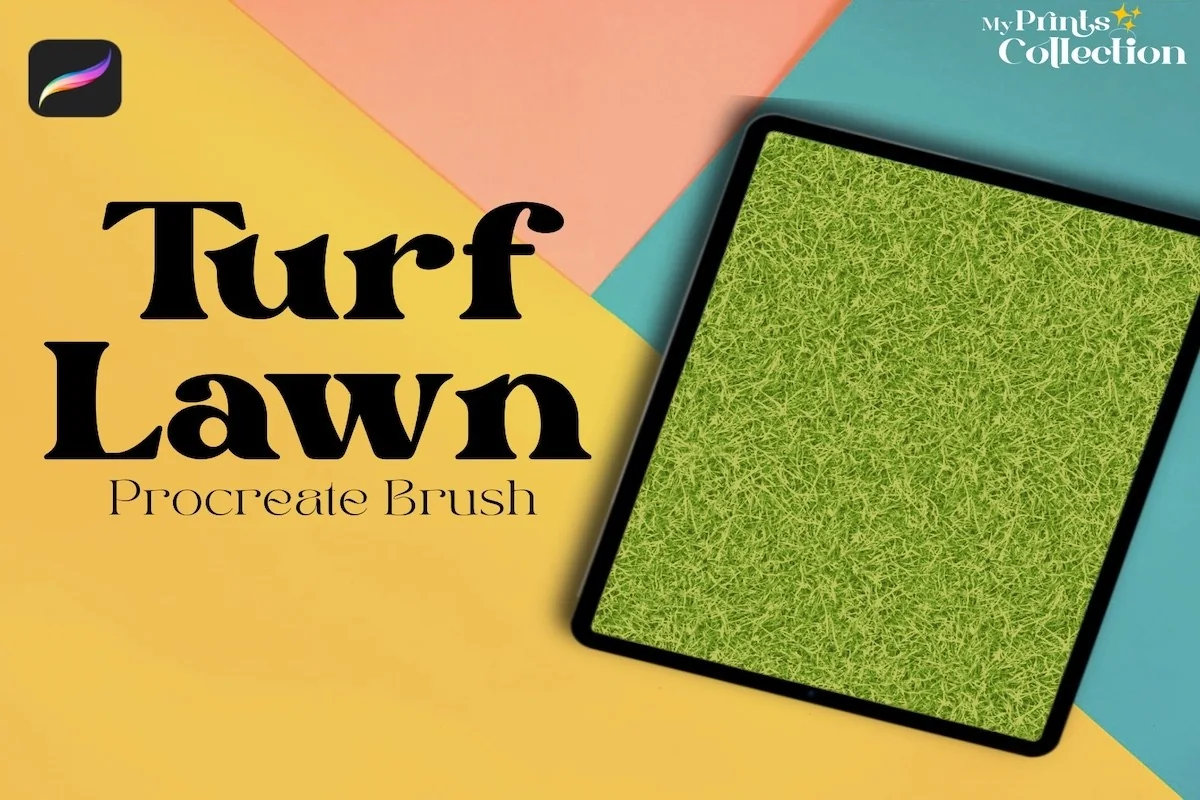
Best for an even lawn texture
6. Turf Lawn Procreate Brush
Sections: 1 lawn brushFormat: .brushset for Procreate
Best for: covering a lawn-shaped area with a fine texture. Designed by myprintscollection.
- 1 Turf Lawn Single Procreate Brush
- Provided as a .brushset file
- Cover shows a dense fine lawn texture
- Larger grass set pictured separately is an advertisement
Turf Lawn is the restrained option for an area that should read as grass without individual tall blades becoming the subject. Its cover is a texture sample on an iPad, not a demonstration of how the edge of a hill will be painted. Pair this kind of fill with a separate edge brush if the silhouette needs readable blades. The advertised thirty-eight-brush set is a different offer.
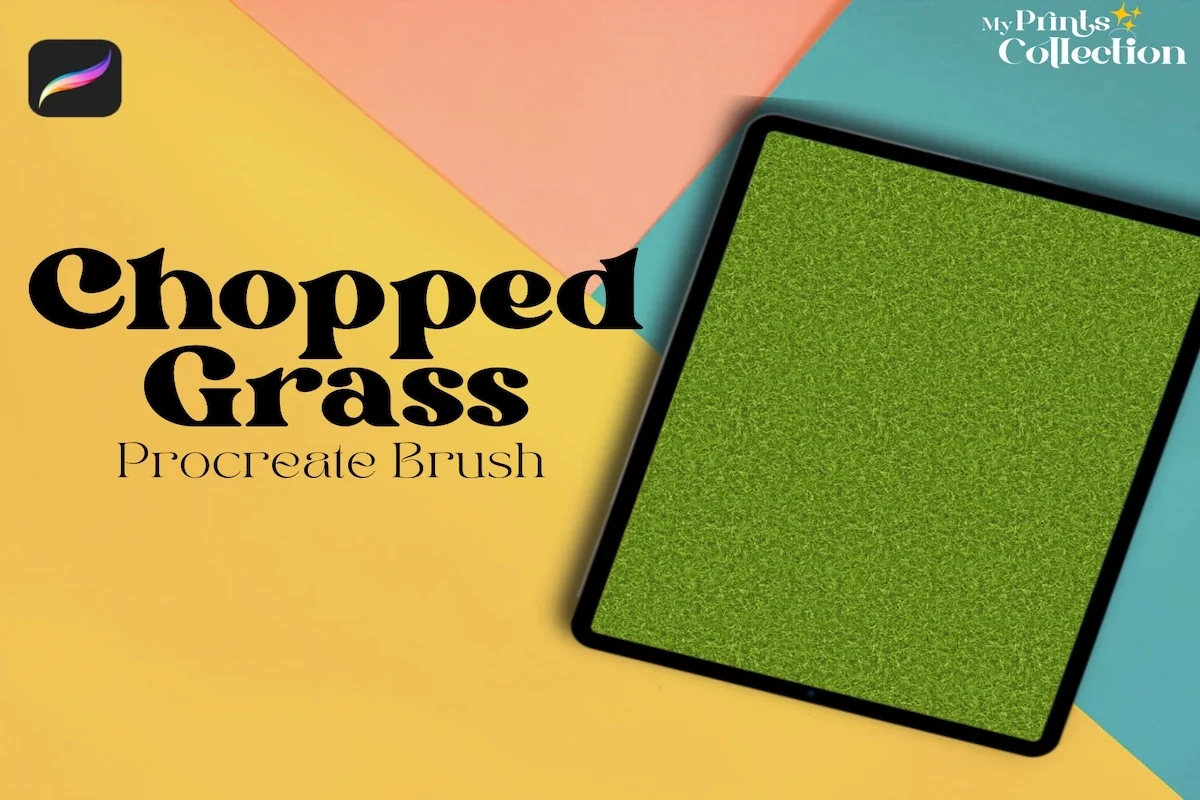
Best for a chopped-grass surface
7. Procreate Chopped Grass Single Brush
Sections: 1 brushFormat: .brushset; Procreate 5+
Best for: adding a compact grass texture behind larger plants. Designed by myprintscollection.
- 1 Chopped Grass brush in .brushset format
- ZIP archive listed at 1 MB
- Requires Procreate 5 or higher
- Not compatible with Photoshop or Illustrator
This single is an alternative surface treatment to Turf Lawn, not an additional complete grass library. The sample looks closely packed, with small marks rather than a stand of tall foreground blades. Compare the two cover samples at the size the lawn will occupy in the finished image. There is no reason to buy both automatically if only a quiet background texture is needed.
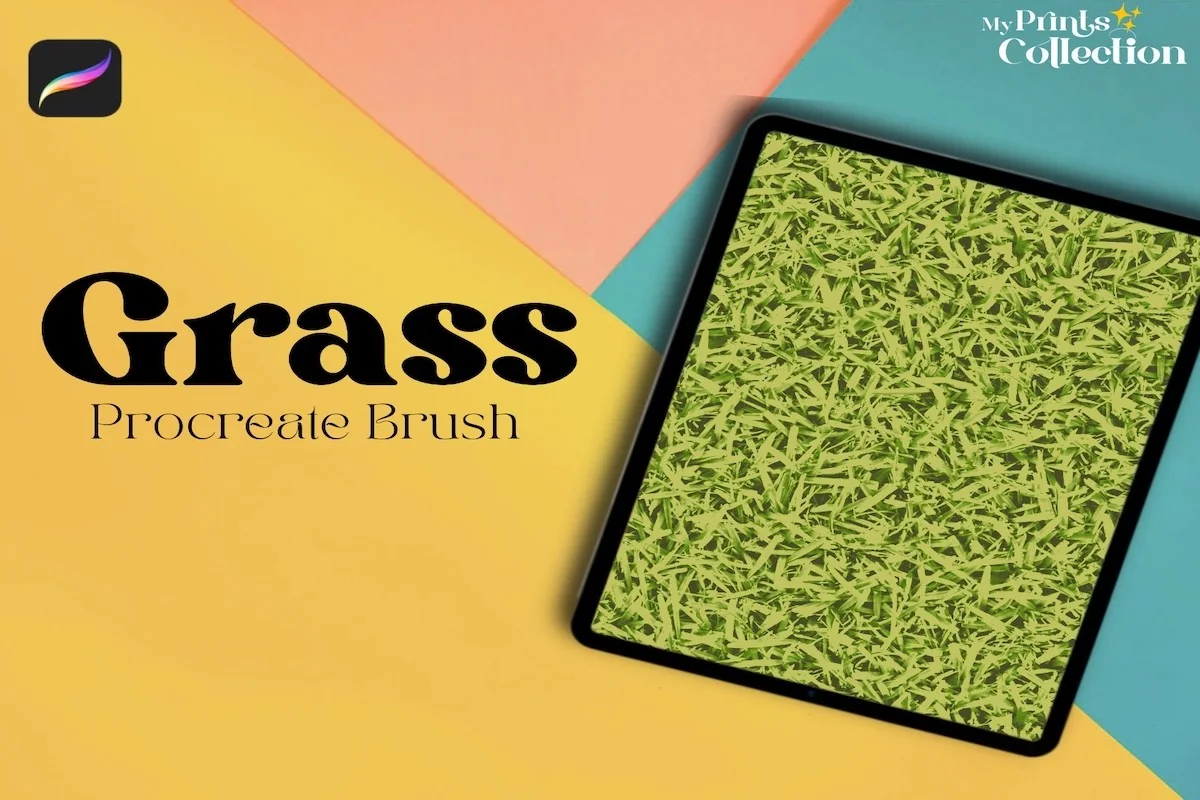
Best for a coarser grass fill
8. Grass Procreate Brush
Sections: Single grass brushFormat: Procreate 5+
Best for: choosing a visibly busier ground texture. Designed by myprintscollection.
- Single grass brush shown on the cover
- Cover displays an overlapping grass texture
- Requires Procreate 5 or higher
- Not compatible with Photoshop or Illustrator
The cover gives this single its place: the overlapping strands are more conspicuous than the fine Turf Lawn sample. That busier sample is worth comparing for a closer patch of ground; check that it does not compete with the subject. The listing does not specify a file extension or special Pencil behavior. Its larger-set promotional slide is not a contents list.

Best for clover-like ground cover
9. Procreate Clovers Grass Single Brush
Sections: 1 clover brushFormat: .brushset; Procreate 5+
Best for: breaking up a grass surface with leafy coverage. Designed by myprintscollection.
- 1 Clovers Single Procreate Brush
- Provided as a .brushset in a 1 MB ZIP archive
- Requires Procreate 5 or higher
- Not compatible with Photoshop or Illustrator
Clover changes the shape language of the ground instead of adding another blade style. The cover shows a dense leafy pattern, suited to a patch of ground cover rather than individually placed clover plants. Leave some plain ground between this texture and a busy grass area. The palette and larger set advertised in the second image are not promised with this single.
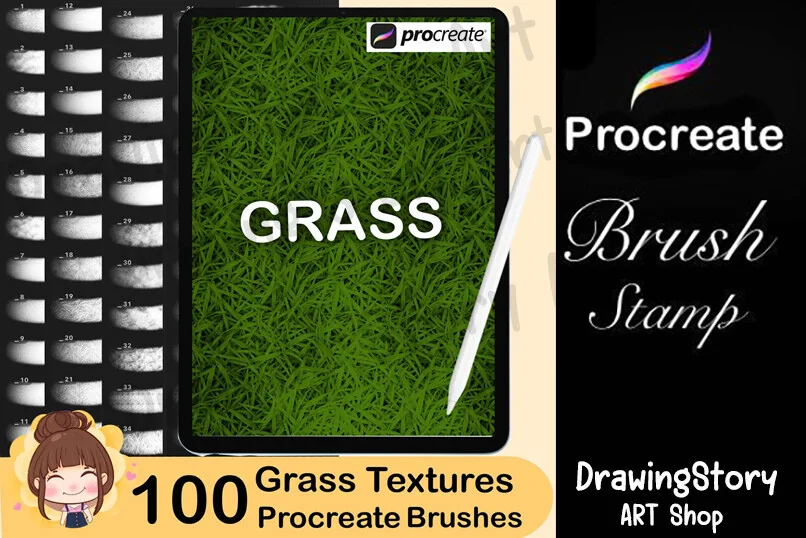
Best for a wide texture library
10. 100 Procreate Grass Texture Brushes
Sections: 100 texturesFormat: Procreate on iPad
Best for: comparing short lawn and meadow surface treatments. Designed by DrawingStoryArt.
- 100 grass texture brushes for Procreate on iPad
- Seamless green grass, meadow and short-cut lawn themes
- PDF brush-import guide included
- Gallery shows texture-layer and filled-result examples
This is a surface-texture collection, with a different purpose from Sko4's twelve blade brushes. The circular samples make differences in density and direction easier to judge. Pick it when choosing the ground's texture is a recurring part of your work; a single lawn brush may be enough for one small scene. The PDF is an import guide, not a printable grass asset or a set of finished paintings.
Plant silhouettes and broader scene kits
Best for silhouette borders
11. Grass Procreate Brushes
Sections: Grass and foliage stampsFormat: .brushset; Procreate only
Best for: placing grass and foliage shapes around an illustration. Designed by SvgOcean.
- Procreate-only .brushset file
- Apple Pencil specified by the seller
- Color and opacity can be changed
- Preview sheets include grasses, foliage strips and hanging plants
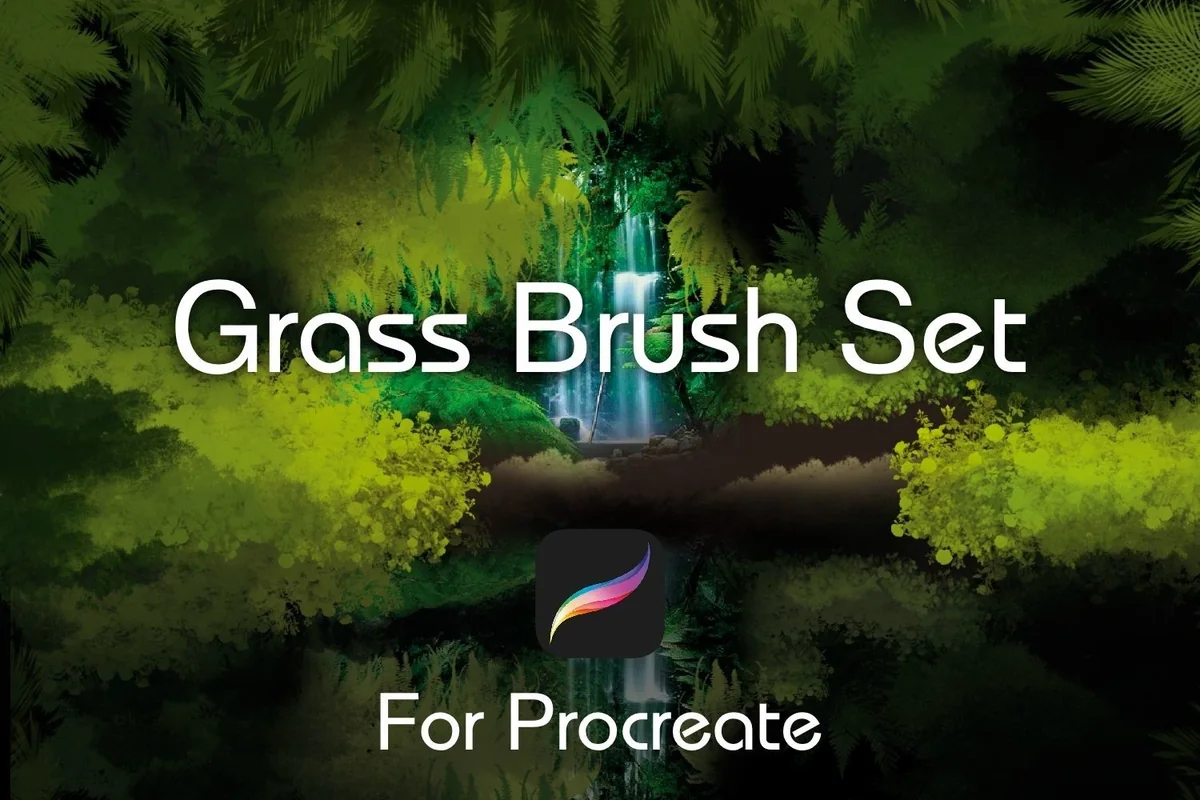
SvgOcean's gallery is broader than the short product name suggests. There are grass bands, rounded foliage masses and hanging plant forms. Use the grass strips to ground an illustration and the taller silhouettes to frame it. A total brush count is not specified. An Apple Pencil is part of the seller's stated setup.
Best for a flowering meadow accent
12. FLOWER GRASS FIELD Procreate Brush Stamp
Sections: 40 individual stampsFormat: Procreate brush set
Best for: placing individual flowering grasses and stems. Designed by TANVARA DIGITAL ART.
- 40 individual stamps in one Procreate brush set
- Resize, color and opacity adjustments
- Procreate on iPad only; not Photoshop
- Gallery combines grass tufts with flower and seed-head silhouettes
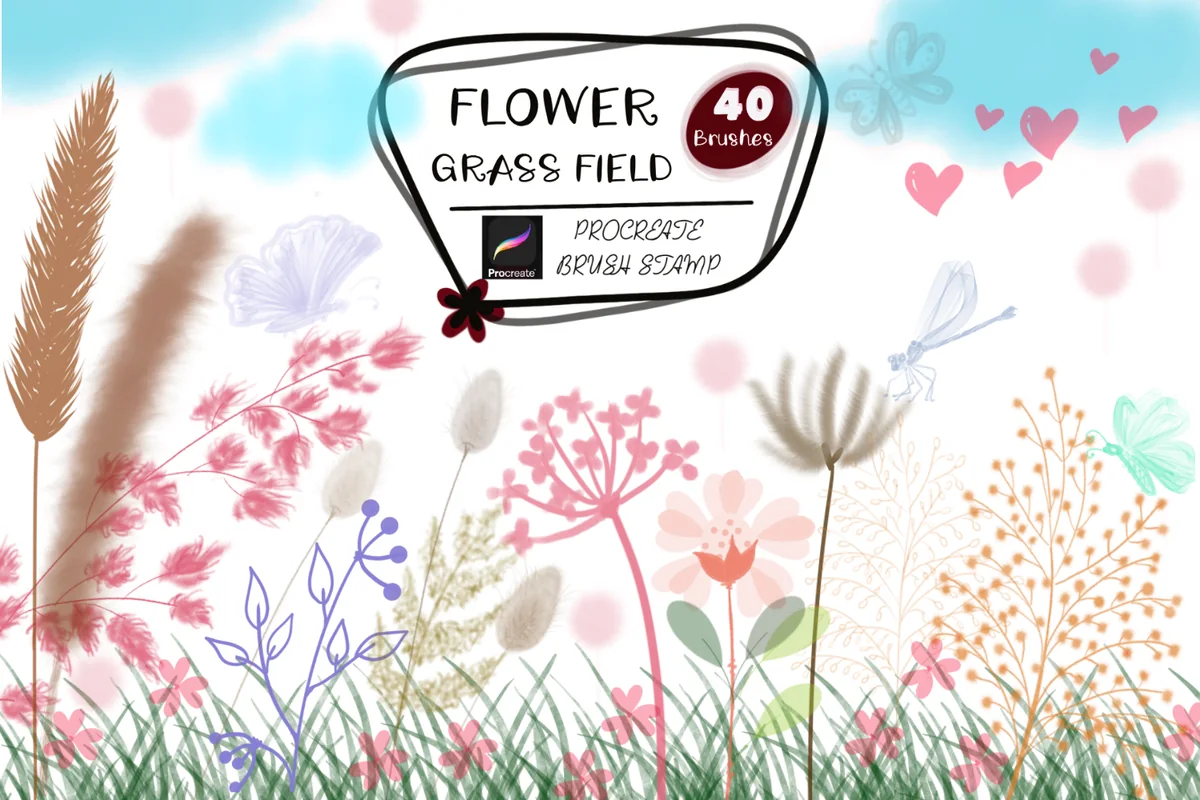
Forty stamps do not mean forty continuous grass brushes. This pack is for tapping in a plant shape and arranging it with the rest of a composition. The flowering stems make it an appealing accent beside a simpler grassy edge. Some gallery images are example designs for cards or branding; they do not turn the brush file into a ready-made stationery pack. A few selected silhouettes can keep the horizon from becoming crowded.
Best for grass within a larger forest kit
13. 200 Forest Nature Procreate Brushes
Sections: 20 trees + 180 mixed plantsFormat: Procreate on iPad
Best for: joining ground marks to trees, leaves and flowers. Designed by DrawingStoryShop.
- 200 forest brush stamps for Procreate on iPad
- 20 tree brushes and 180 flowers, leaves and grass brushes
- PDF brush-import guide
- Gallery shows grass marks alongside broader forest elements
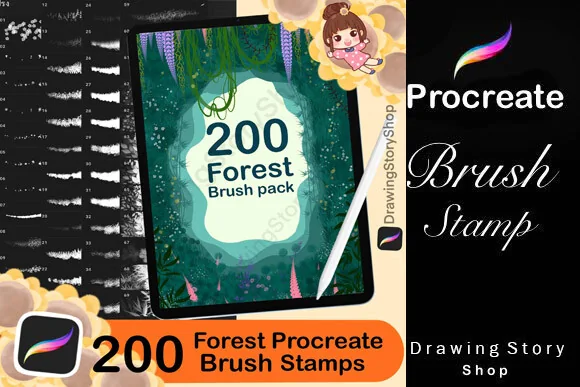
This is the broadest scene kit here, not two hundred grass brushes. The grass examples are visible on a dedicated preview, while the other sheets move into trees, ferns and flowers. It earns a place if the ground must connect to those elements in one forest illustration. For grass alone, a focused pack above is a closer match. Existing owners should check their library before adding another broad nature set.
Quick Comparison
| Brush pack | Best use | Included | Distinction |
|---|---|---|---|
| 1. Grass Procreate Brushes | Blade strokes | 12 brushes | Pressure-sensitive |
| 2. 60 Foliage & Grass Brushes for Procreate | Forest-floor transitions | 60 total; 8 grass | Pressure + tilt examples |
| 3. Grass & Foliage Brushes – Procreate | Mixed scene building | 14 + 25 + 13 tools | Separate plant stamps |
| 4. Grass Brush for Procreate,Basic Brush | Illustrated borders | 30 brushes | Plants and base marks |
| 5. Procreate Dynamic Color Grass Brush | Grass edges | 1 brush | Jagged stroke preview |
| 6. Turf Lawn Procreate Brush | Lawn coverage | 1 brush | Fine dense texture |
| 7. Procreate Chopped Grass Single Brush | Compact surface texture | 1 brush | Chopped-grass sample |
| 8. Grass Procreate Brush | Busy grass coverage | Single brush | Overlapping strand texture |
| 9. Procreate Clovers Grass Single Brush | Leafy ground patches | 1 brush | Clover texture sample |
| 10. 100 Procreate Grass Texture Brushes | Texture exploration | 100 textures | Lawn and meadow surfaces |
| 11. Grass Procreate Brushes | Silhouette arrangements | Count not specified | Apple Pencil specified |
| 12. FLOWER GRASS FIELD Procreate Brush Stamp | Flowering accents | 40 stamps | Tap to place plants |
| 13. 200 Forest Nature Procreate Brushes | Complete forest context | 200 total stamps | Grass is a subset |
Decide Whether You Need a Surface, an Edge or a Plant
A grass texture brush answers “what covers this patch of ground?” A blade brush answers “what breaks its outline?” A grass stamp answers “which plant belongs here?” These are useful ways to compare the best Procreate grass brushes for a particular drawing, even when sellers use similar names for different tools.
| Drawing problem | Tool to compare | What to inspect |
|---|---|---|
| A large lawn feels empty | Fine surface texture | Scale of the grain and how busy it looks at the finished viewing size |
| The hill has a smooth cut-out edge | Blade or tuft brush | Shape of the grass tips and variation along a stroke |
| The foreground lacks a focal plant | Individual plant stamp | Silhouette, size and whether repeated shapes will be conspicuous |
| Grass meets a wooded floor | Mixed foliage pack | Actual grass subset, plus moss or ground foliage you will use |
For a small garden illustration, a few selected tools may cover all three jobs. A large library becomes useful when you need to compare many surfaces across different scenes. It does not remove the need to choose one consistent scale for each part of the ground.
Give the Grass Three Distances to Work With
Before detailing a landscape, divide the ground into distant, middle and near areas. In this drawing exercise, keep the same subject in place while changing the amount of grass detail around it.
Distant ground
- 1Keep the mass readable. Begin with a quiet area of color so that the slope still reads as one shape. Leave detailed blades out of this first pass.
- 2Try a fine texture sparingly. Compare it at the size the whole picture will be viewed. If the distant field looks like a close-up lawn, reduce the texture’s visual weight.
- 3Protect the horizon. Avoid a row of equally tall, equally sharp tufts. Leave some of the edge plain so your eye can rest.
Middle and foreground
- 1Let a few edges show blades. Put a strip of grass beside a path or around a rock. Compare an upright style with a leaning one before filling every border.
- 2Reserve large shapes for the front. Use a small number of distinct plants where their silhouettes can be read. A flower stamp can act as an accent rather than background noise.
- 3Leave openings. Keep gaps around a footpath or the base of a subject. Ground cover should describe the space, not conceal the reason for the illustration.
The useful question is not how many blades fit on the canvas. It is whether the ground still leads toward your subject. For a wider composition exercise, the Procreate landscape ideas article takes depth and light beyond this grass-specific choice.
Check Pencil Behavior Before Editing the Brush
Pressure sensitivity and tilt are separate behaviors. Sko4 explicitly lists pressure sensitivity, while Ldarro demonstrates pressure and tilt techniques in the gallery. The other cards do not inherit those features simply because their names contain “grass” or “dynamic.”
- Pressure: compare light and firmer strokes with the same brush. Keep the brush size and selected color fixed for this comparison, so you can see which part of the mark responds.
- Tilt: compare an upright and angled Pencil position separately. For the Ldarro set, inspect the seller’s highlighting examples before expecting the same response from a different tool.
- Stamp placement: tap once on an empty area first. A recognizable plant silhouette may need deliberate placement more than a long painted stroke.
- Texture size: inspect the texture at the final picture size. Change one setting or brush choice at a time rather than trying to correct scale, color and density together.
Procreate’s Brush Studio documentation explains that pressure and tilt can affect brush behavior, depending on its settings. That is a capability of the brush engine, not proof that every purchased pack uses both. A pressure-dependent effect also needs suitable pressure input; the handbook notes that finger painting cannot use pressure settings.
Build a Grass Study Without Burying the Path
Use a simple curved path through a patch of ground for this study. The aim is to give each tool a limited job, so that a texture sample does not become the whole picture. Keep separate layers where you want to compare alternatives without repainting the subject.
A controlled ground-cover sequence
- 1Draw the open ground first. Block in the path and the surrounding grass area. Decide where the subject sits before adding individual plants. The route through the image should already be understandable.
- 2Compare one surface texture. Try Turf Lawn, a different single, or one texture from the hundred-brush library on the middle ground. Leave part of the base visible so you can judge whether the added detail is helping.
- 3Break selected edges with blades. Add a short strip of Sko4 grass, a brush from the mixed foliage packs, or the Dynamic Color Grass single. Keep some edges smooth instead of tracing the complete path with the same mark.
- 4Place a few foreground accents. Try a flowering stem or plant stamp where its silhouette has room to be seen. Compare its height with nearby grass before repeating it. A large flower should have a reason to be prominent.
- 5Review the full picture. Hide the detail layers, then show them again. Keep the marks that clarify the path or distance, and remove those that compete with the subject. Judge the result at its intended display size as well as close up.
If the grass still looks like a flat strip, try changing the distribution of marks before searching for another pack. Move a few larger plants toward the foreground, leave a quieter middle patch and compare the result. For the next stage of a wooded scene, tree brushes for Procreate address the larger silhouettes above the ground.
Import the Brush File, Then Keep a Useful Test Sheet
Check the individual card’s format and requirements before buying. Several offers specify .brushset files, but other listings leave the extension unspecified. A PDF import guide is an instruction document, not the brush itself.
- Open the received archive if necessary. Find the actual brush file inside instead of trying to treat a preview image or PDF as a brush.
- Import the supported file. Procreate’s Import and Share guide describes importing .brush, .brushset and .brushlibrary files by tapping the file.
- Make a reference sheet. Give each chosen tool a short stroke or single tap beside its name. Include one small and one larger mark when size changes matter to your project.
- Keep the purchase scope clear. A promotional picture of a larger grass collection does not add that collection to a single-brush offer.
A reference sheet is also useful when two offers have the same title. Here, Grass Procreate Brushes by Sko4 and Grass Procreate Brushes by SvgOcean are different listings from different designers. Compare their roles and preview sheets rather than relying on the product name alone.
FAQ: Grass Brush Choices and Setup
What is the best brush in Procreate for grass?
Choose by the mark you need. For a painted blade edge, compare Sko4’s pressure-sensitive set. For a quiet lawn surface, compare a texture single. For flowering stems, use a stamp pack. None of those roles is a universal replacement for the others.
Are grass stamps the same as grass painting brushes?
A plant stamp places a recognizable silhouette; a blade or surface brush is chosen for the mark it makes as you paint. Some packs combine several tool types. TANVARA’s listing explicitly describes forty individual stamps, while the Sko4 set emphasizes pressure-sensitive grass drawing.
Will these packs work in Photoshop or GoodNotes?
These offers are selected for Procreate on iPad. Several listings explicitly exclude Photoshop or other applications, and the Ldarro seller has separate application versions. Do not assume a brush set will import into a planning app or that a Photoshop edition is included.
Which packs specify Pencil input?
SvgOcean explicitly specifies an Apple Pencil. Pressure and tilt demonstrations also depend on appropriate stylus input. The sparse single-brush listings do not all state the same hardware requirement, so check the relevant seller’s conditions and your iPad setup rather than treating finger painting as equivalent to Pencil controls.
Can I make my own grass brush instead?
Procreate provides Brush Studio controls for creating and adjusting brushes. That is a separate route if you want to build the mark yourself. This shortlist compares ready-made offers; it does not provide a custom grass-brush recipe or claim that one set of settings recreates a purchased tool.
Let the Ground Stay Quieter Than the Subject
Before choosing procreate grass brushes, name the missing job in one sentence: a finer lawn, a broken edge or a foreground plant. That decision narrows this list more effectively than choosing the largest count. For a meadow with flowers, compare the flower brush and stamp options only after the ground itself reads clearly.
You May Also Like
This article contains affiliate links. If you purchase through them, I may earn a commission at no extra cost to you. See the affiliate disclosure.