Small Worlds: 15 Procreate Isometric Drawing Ideas + 17 Best Stamp Packs
Build a reading nook, a tiny shop or an invented neighborhood with fifteen bounded scene prompts. Compare seventeen optional Procreate stamp packs by what you actually arrange.

Simple guides for digital planning on iPad: how to import a planner into GoodNotes or Notability, use hyperlinked tabs, add digital stickers, pick pen colors and color palettes, and set up a planner you’ll keep using. Short, practical tips for getting more out of every iPad planner.
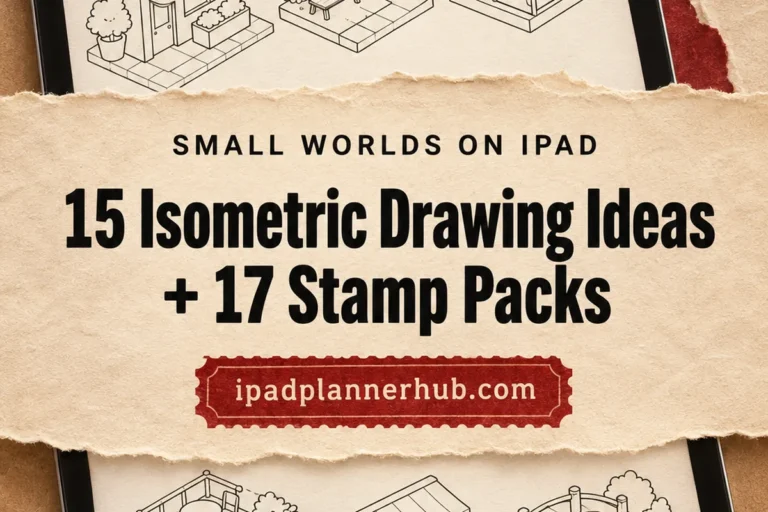
Build a reading nook, a tiny shop or an invented neighborhood with fifteen bounded scene prompts. Compare seventeen optional Procreate stamp packs by what you actually arrange.
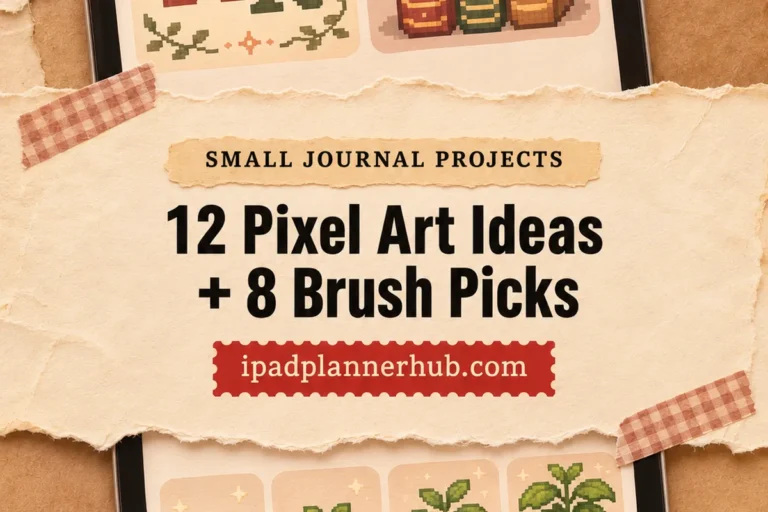
Twelve small drawing challenges for journal dividers, reading logs and personal badges, with grid limits, palette choices and eight optional brush offers.
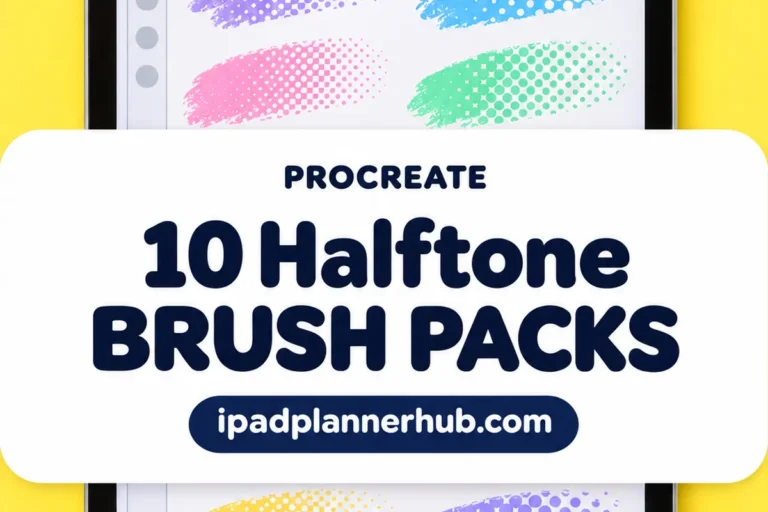
Compare clean dot screens, worn ink textures and manga tones across ten Procreate brush packs, plus one free fill brush.
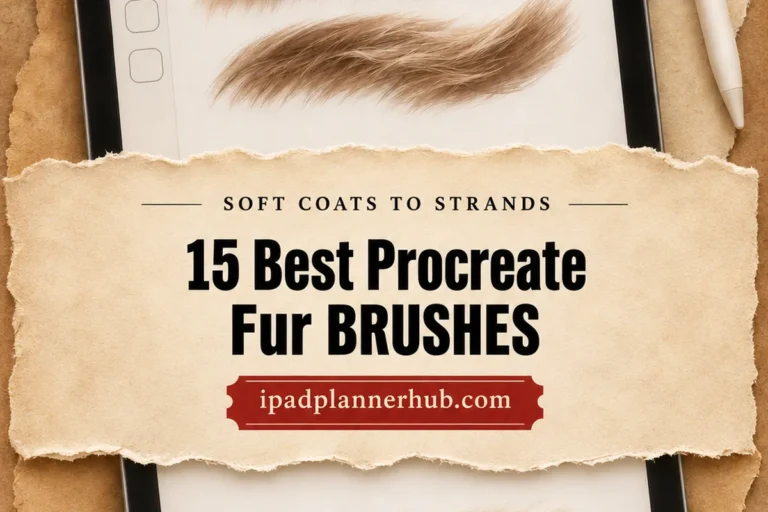
Compare 15 fur brush packs and focused tools for animal portraits, fuzzy creatures, sketchy coats and patterned surfaces.
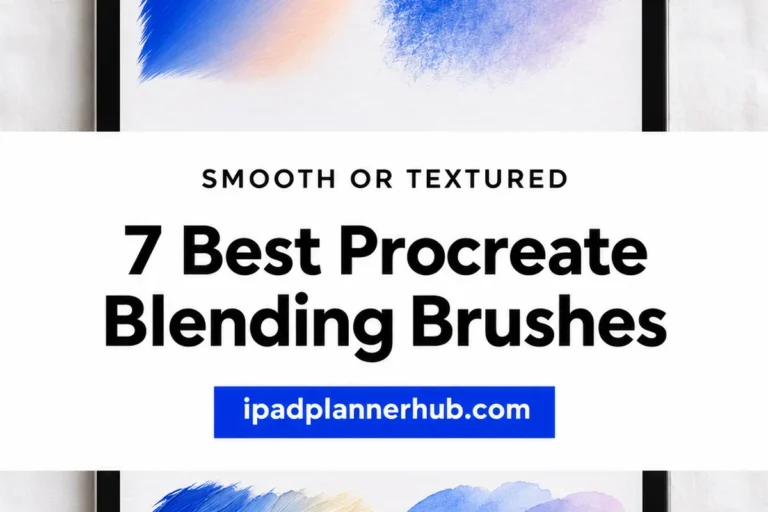
Seven dedicated brush packs for soft transitions, textured smudging and painterly edge work, with clear distinctions between smooth, rubbed, oil-style and wash-like finishes.
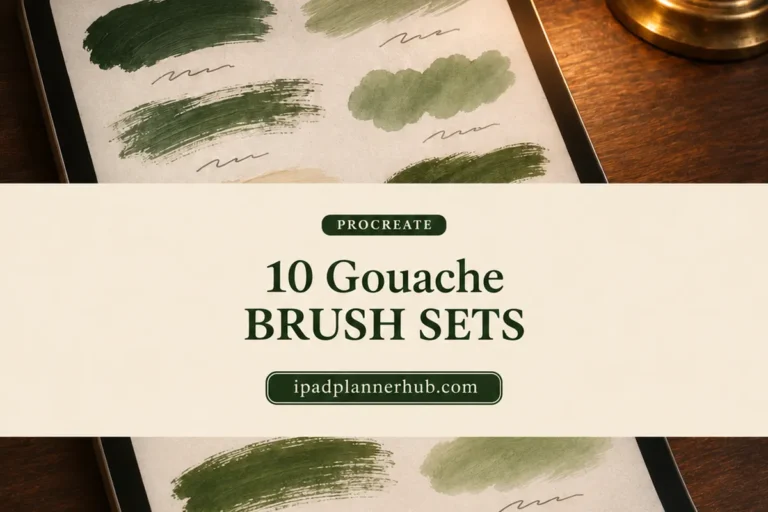
Ten gouache brush sets compared by paint behavior, blending, paper extras and specialist marks, with a short practice routine for choosing one.
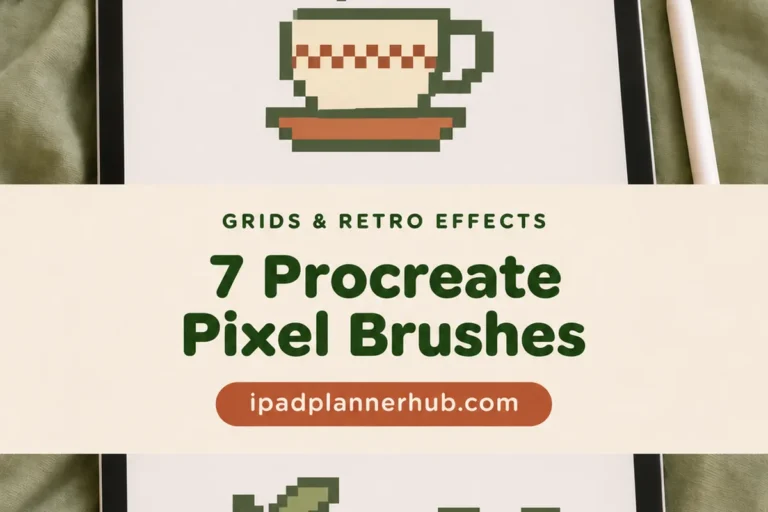
Compare seven brush and stamp options for pixel drawing on iPad, with clear limits on grid precision, texture and ready-made motifs.
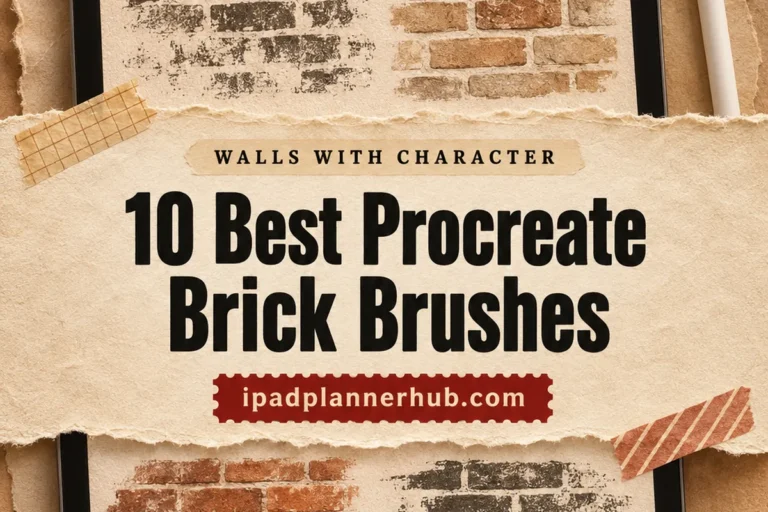
Compare ten brush packs for detailed brick walls, loose masonry sketches, bold outlines, weathered surfaces and watercolor buildings on iPad.
Compare seven stitch brush packs for illustrated seams, embroidered borders, fabric effects and ready-shaped letters on iPad.
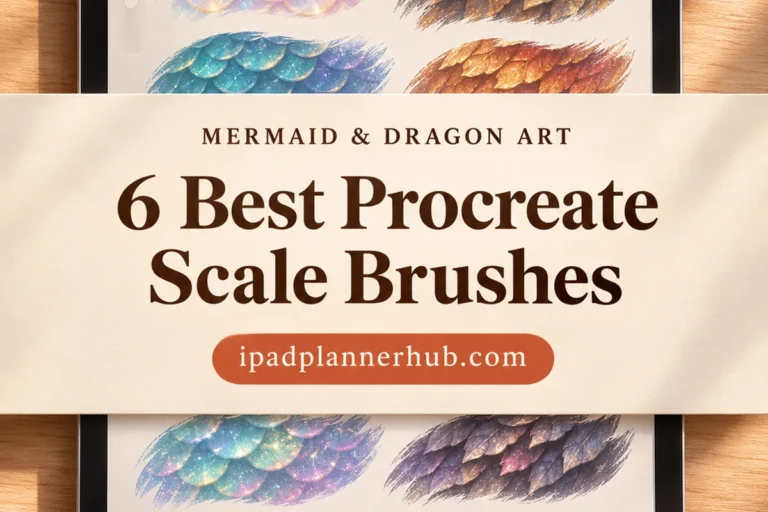
Find a scale texture that suits your drawing: simple scallops, textured mermaid scales or glimmering fantasy surfaces. Six brush packs compared.
Buying a planner is the easy part; the questions come once it is open on the iPad. This section collects my GoodNotes tips and practical guides: what the app costs, how it compares with Notability and Notion, color palettes, covers, Apple Pencil habits and a few Procreate extras for planner pages.
Import the PDF from the Files app, check that the hyperlinked tabs jump where they should, and save a blank page as a template for repeating days. My planning tips post covers more setup steps and Apple Pencil shortcuts.
GoodNotes and Notability both handle hyperlinked planners well. The differences show in pricing, page organization and audio recording, which the comparison guide covers in detail.
Color palettes with hex codes, covers and Procreate brushes help a planner look consistent without much effort each day.
Pricing has changed over the years, with subscription and one-time options. The cost guide lists the current plans and ways to pay less.
Yes. Planners are PDF files, and the hyperlinks work in Notability too.
Tap the pen tool, open the color picker and add a custom color with a hex code. My palettes post has ready sets to copy.