The dentist reminder lives in one app, the school trip in an email, the rent date on a sticky note on the fridge, and nobody can say which weekend is still free. A GoodNotes monthly calendar pulls all of it onto one page on your iPad: twelve month pages, tabs along the top that jump to any month, and enough boxes to see the whole month before it happens.
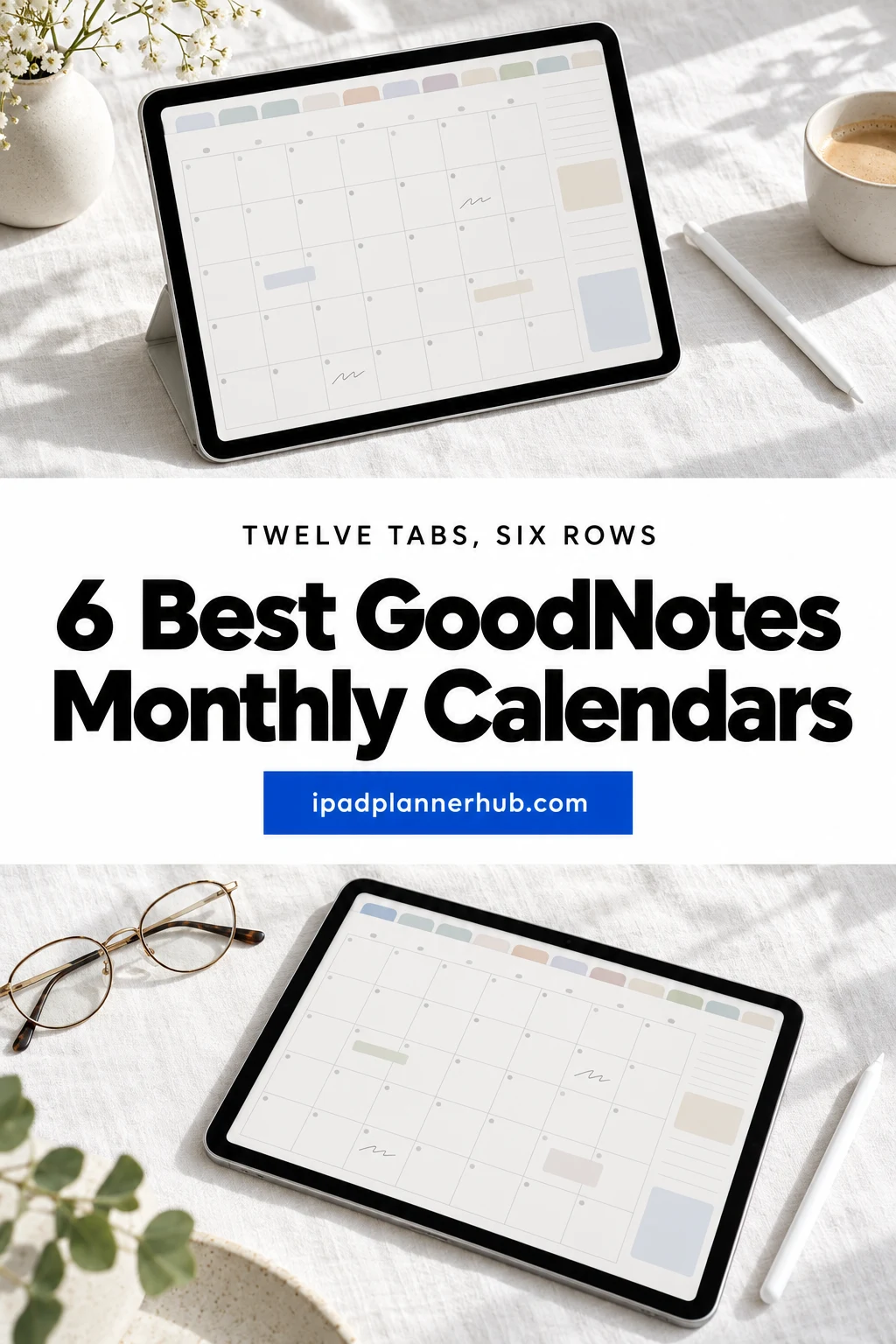
Every pick here is a calendar file and nothing more: no weekly pages, no daily pages, no dates that expire in December. Three are light, three are dark, and five of the six come with both Monday and Sunday start versions. Under the cards you’ll find how to tell a calendar from a full planner, how to set one up in GoodNotes and how to number an undated month without a mistake.
Six GoodNotes Monthly Calendars, from a Plain Grid to Dark Stripes
I left out letter-size printables without links, Canva files and anything with a past year on its pages. All six come from one designer, Zara Roza Designs, and share the same grid: 12 linked months, six week rows each. So the choice here is about background and ink, three light pages and three dark ones, and each card says which pens read best on it.
TL;DR: 6 undated GoodNotes monthly calendars: 12 hyperlinked month pages with six week rows each, in landscape. Three light designs and three dark ones; five include Monday and Sunday start versions.
Quick Picks
- Best for minimalist: Minimalist Monthly Goodnotes Calendar
- Best for dark mode: Noir Shimmer Digital Monthly Calendar
- Best for soft pastel: Pink Green Goodnotes Monthly Planner
- Best for bold color: Iris Digital Monthly Calendar Planner
- Best for warm tones: Orange Pink Goodnotes Monthly Calendar
- Best for statement design: Preppy Gothic Digital Monthly Calendar
- Minimalist Monthly Goodnotes Calendar – Best minimalist
- Noir Shimmer Digital Monthly Calendar – Best dark mode
- Pink Green Goodnotes Monthly Planner – Best soft pastel
- Iris Digital Monthly Calendar Planner – Best bold color
- Orange Pink Goodnotes Monthly Calendar – Best warm tones
- Preppy Gothic Digital Monthly Calendar – Best statement design
Best minimalist
1. Minimalist Monthly Goodnotes Calendar
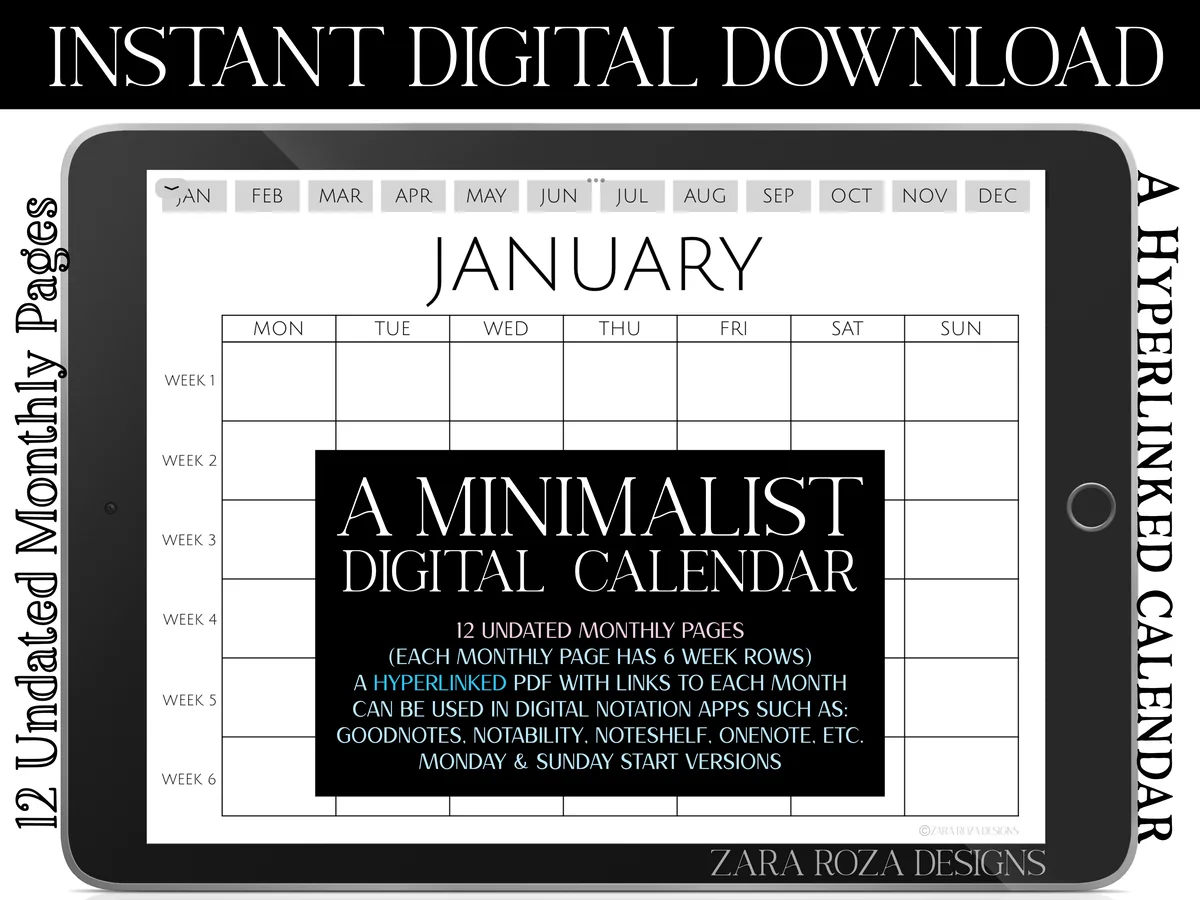
Orientation: LandscapeLayouts: Monthly calendar, 6 weeks per monthFormat: 2 hyperlinked PDFsDates: UndatedWeek start: Monday or Sunday
Best for: minimalists, color-coders, sticker lovers. Designed by ZaraRozaDesigns.
- 12 undated monthly pages with 6 week rows each
- Month name, weekday names and hyperlinked buttons to all 12 months along the top
- Two PDFs: Monday start and Sunday start
- Opens in GoodNotes, Notability, Noteshelf and OneNote
61 people have it in their Creative Fabrica favorites, the most in this list, and the reason is plain: white boxes, thin lines, nothing competing with your handwriting. Color-code by pen and the page still reads at a glance. Choose this one if you plan in color or add stickers, because a plain grid takes both well.
Best dark mode
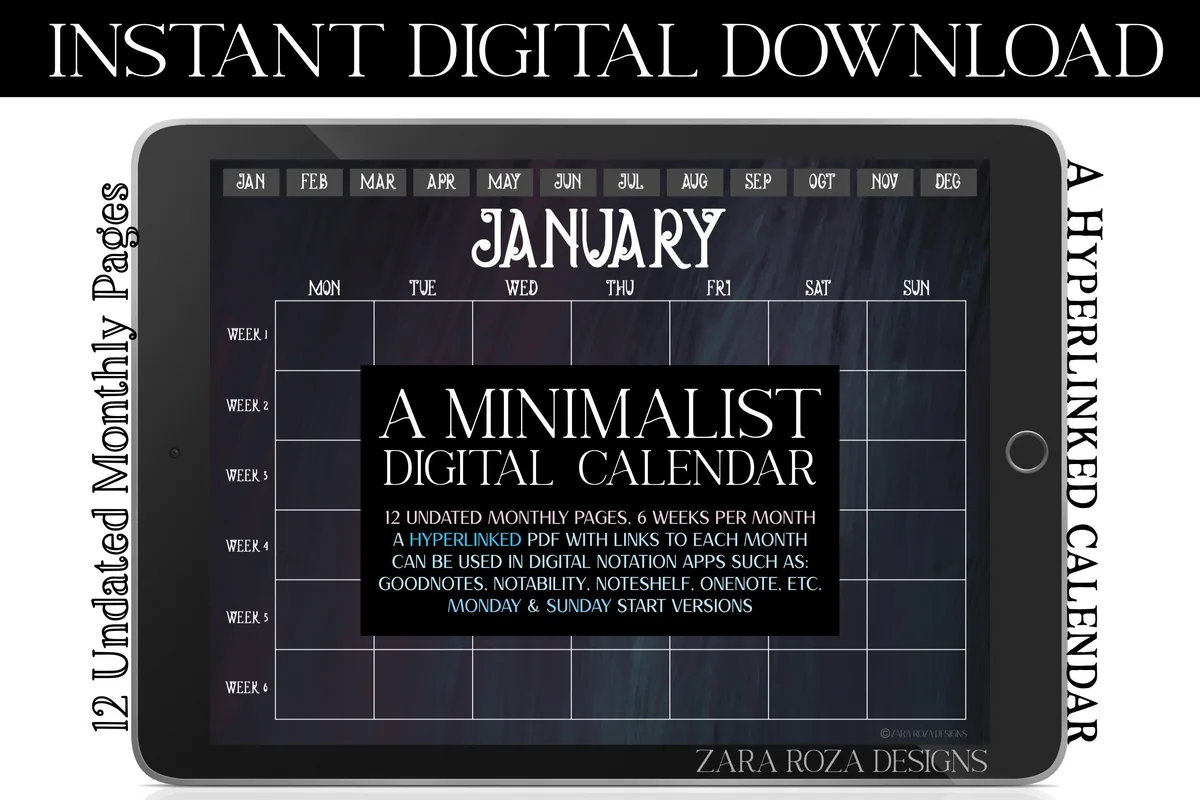
2. Noir Shimmer Digital Monthly Calendar
Orientation: LandscapeLayouts: Monthly calendar, 6 weeks per monthFormat: 2 hyperlinked PDFsDates: UndatedWeek start: Monday or Sunday
Best for: dark mode fans, evening planners, moody aesthetics. Designed by ZaraRozaDesigns.
- 12 undated monthly pages, 6 weeks per month, landscape
- Dark blue, purple and grey painted background with white text
- Hyperlinked month buttons along the top
- Monday start and Sunday start versions
- The preview images also show a "My Calendar" title page
If a white page glares at you at night, this is the softer option. Use white, pastel or neon ink: dark pens disappear on this background. The shimmer is subtle, so the grid stays readable.
Best soft pastel
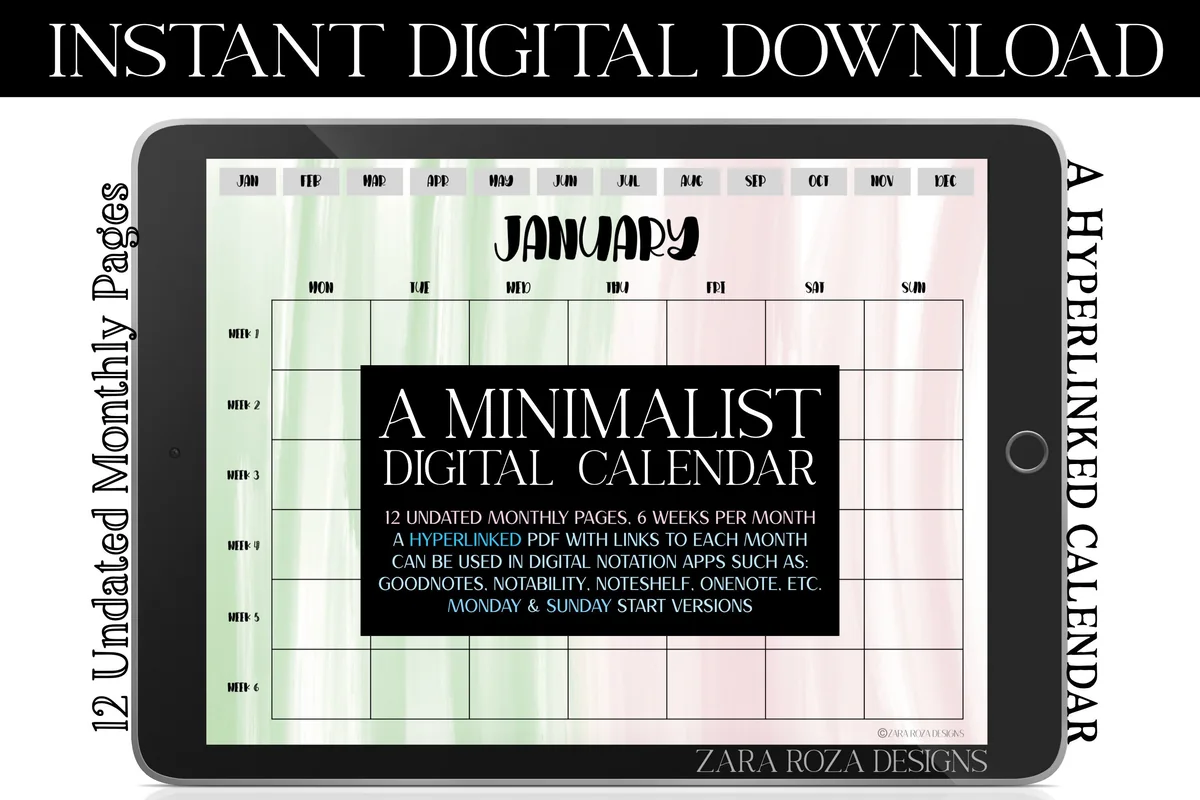
3. Pink Green Goodnotes Monthly Planner
Orientation: LandscapeLayouts: Monthly calendar, 6 weeks per monthFormat: 2 hyperlinked PDFsDates: UndatedWeek start: Monday or Sunday
Best for: pastel lovers, students, calm planners. Designed by ZaraRozaDesigns.
- 12 undated monthly calendar pages, 6 weeks per month
- Pink and green watercolor background with black text
- Hyperlinked month buttons, landscape orientation
- Monday start and Sunday start versions
Despite the word planner in the name, this is a pure month-at-a-glance calendar: one page per month and nothing else. The wash is pale enough that black and dark green ink stay easy to read.
Best bold color
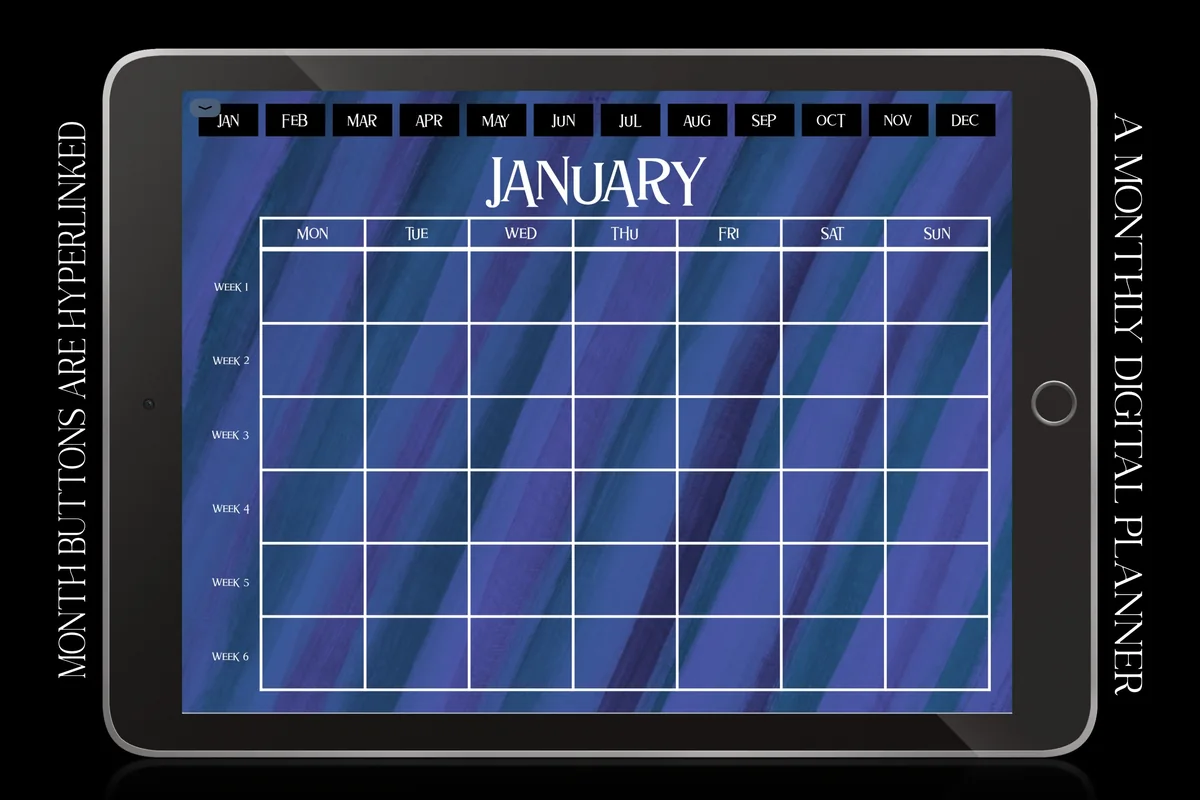
4. Iris Digital Monthly Calendar Planner
Orientation: LandscapeLayouts: Monthly calendar, 6 weeks per monthFormat: Hyperlinked PDFDates: UndatedWeek start: Monday
Best for: bold color fans, dark mode fans, Monday-first planners. Designed by ZaraRozaDesigns.
- 12 undated monthly pages, 6 weeks per month
- Iris blue and purple brushstroke background with white text
- Hyperlinked month buttons along the top, landscape
- Monday start only
- The preview images also show a "My Planner" title page
The boldest page here. The brushstrokes are strong, so it works best with white or yellow ink and short entries per box. Note the limit first: it only comes in a Monday start version, so skip it if your week begins on Sunday.
Best warm tones
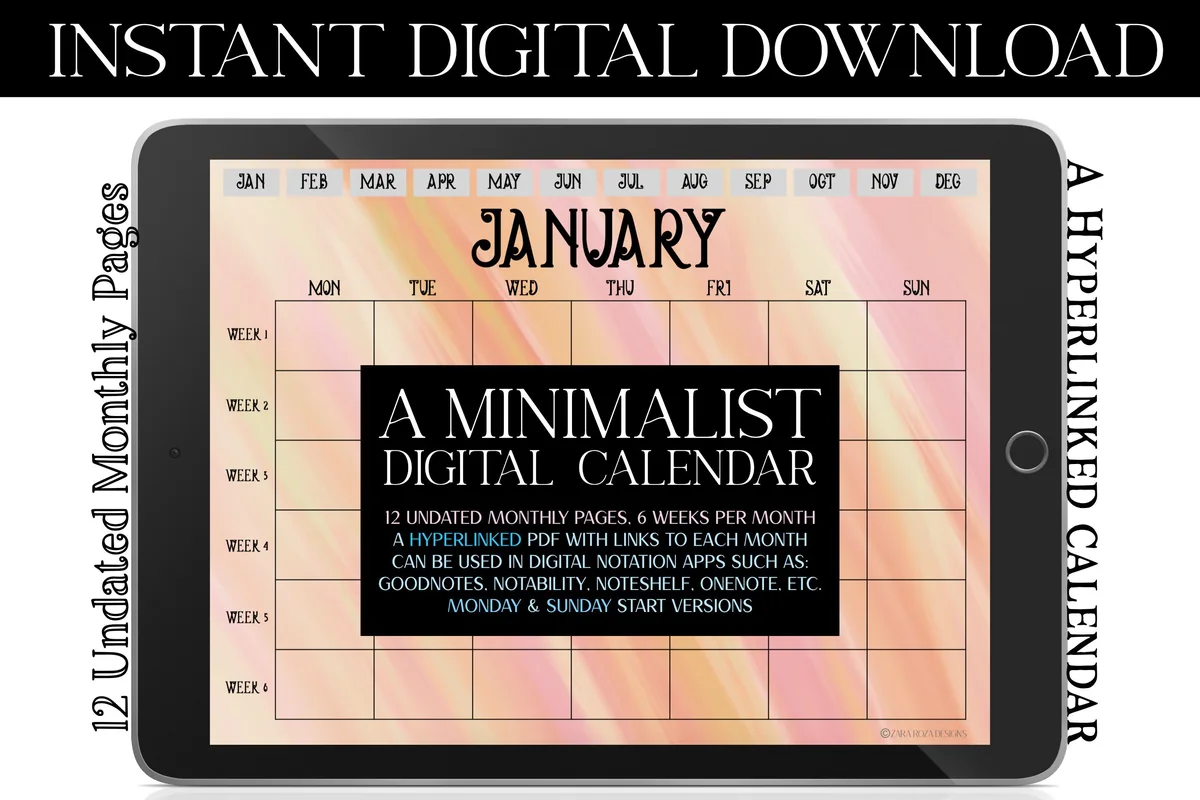
5. Orange Pink Goodnotes Monthly Calendar
Orientation: LandscapeLayouts: Monthly calendar, 6 weeks per monthFormat: 2 hyperlinked PDFsDates: UndatedWeek start: Monday or Sunday
Best for: warm color fans, cheerful planners, students. Designed by ZaraRozaDesigns.
- 12 undated monthly pages, 6 weeks per month
- Soft orange and pink painted background
- Hyperlinked month buttons, landscape orientation
- Monday start and Sunday start versions
A cheerful middle ground between the plain grid and the dark designs. It suits spring and summer months, or anyone who wants a calendar that feels warm without going dark. Dark ink reads best on it.
Best statement design
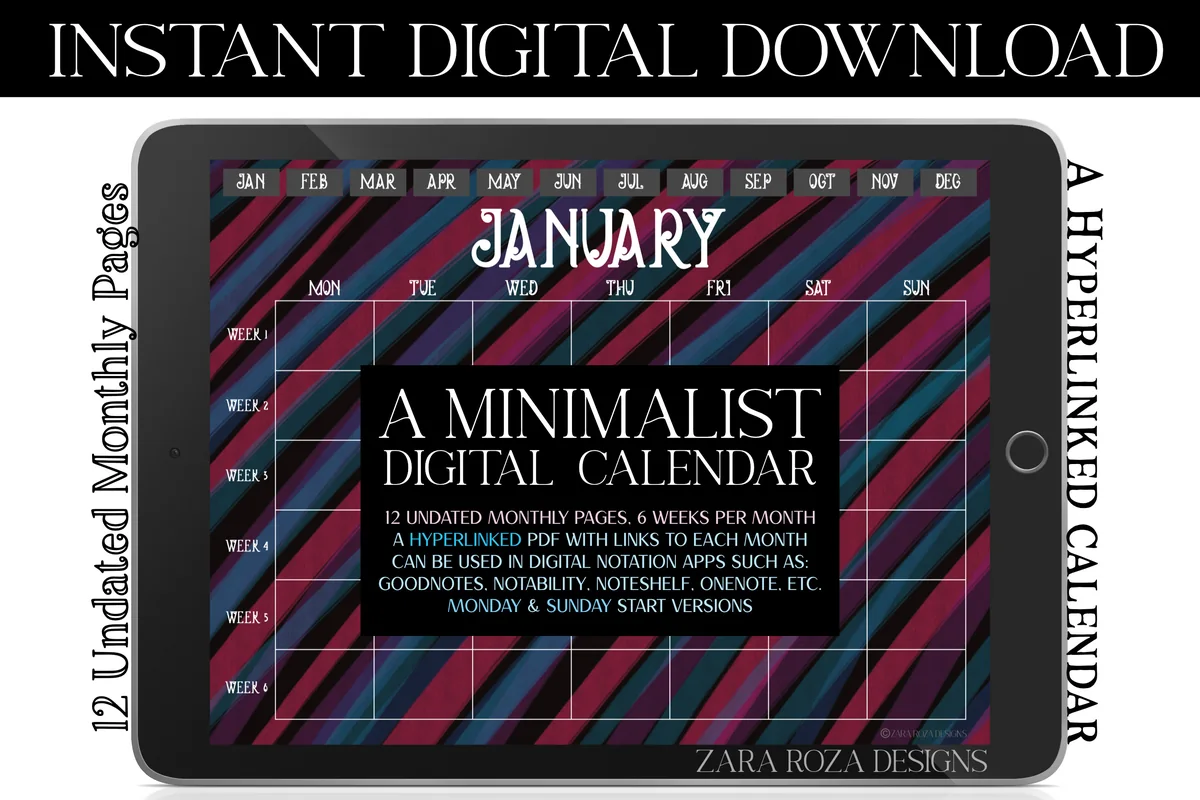
6. Preppy Gothic Digital Monthly Calendar
Orientation: LandscapeLayouts: Monthly calendar, 6 weeks per monthFormat: 2 hyperlinked PDFsDates: UndatedWeek start: Monday or Sunday
Best for: preppy goth fans, statement designs, dark mode fans. Designed by ZaraRozaDesigns.
- 12 undated monthly pages, 6 weeks per month
- Blue, black and red candy stripe background
- Hyperlinked month buttons, landscape orientation
- Monday start and Sunday start versions
The most graphic page in the set: diagonal stripes in blue, black and red behind a white grid. It is busy, so I'd keep entries short and use one light ink color. Choose this one if you want your calendar to look like nobody else's.
Quick Comparison
| Calendar | Best for | Week start | Look |
|---|---|---|---|
| 1. Minimalist Monthly Goodnotes Calendar | Color-coding by pen | Monday or Sunday | Black and white |
| 2. Noir Shimmer Digital Monthly Calendar | Night owls, dark mode | Monday or Sunday | Dark navy shimmer |
| 3. Pink Green Goodnotes Monthly Planner | A calm pastel month | Monday or Sunday | Pink and green wash |
| 4. Iris Digital Monthly Calendar Planner | A bold, colorful month | Monday only | Iris blue brushstrokes |
| 5. Orange Pink Goodnotes Monthly Calendar | A warm, cheerful month | Monday or Sunday | Orange and pink |
| 6. Preppy Gothic Digital Monthly Calendar | A statement month | Monday or Sunday | Dark candy stripes |
Calendar Only or a Full Monthly Planner?
Search for a GoodNotes monthly planner template and you get two different things under one name. A calendar file, like every pick above, is 12 month grids linked to each other. A monthly planner adds goal pages, trackers, notes and often weekly or daily spreads behind each month.
- Take a calendar if you already keep a weekly or daily planner and only miss the overview, or if all you need is deadlines, birthdays and bill dates in one place.
- Take a planner if you want goals, budget pages or habit trackers attached to every month. My digital monthly planners roundup covers those.
A calendar is also light to carry: one small PDF that opens fast and sits next to any other notebook. You can keep it as its own document or add the pages to the planner you already have.
Give a birthday its own small visual marker on that month view. These birthday digital stickers compare celebratory accents to place beside the written date, without requiring a full party-planning spread.
Getting a Monthly Calendar PDF into GoodNotes
- Pick one version. Most files here come as two PDFs, Monday start and Sunday start. Import only the one that matches the way you read a week.
- Import the PDF. In GoodNotes, tap the plus button and choose Import, or open the file in the Files app and share it to GoodNotes. Notability and Noteshelf import PDFs the same way.
- Test the month tabs. Tap a month name along the top. If nothing happens, switch to read-only mode, where links respond to a tap, and switch back to write.
- Number the month you are in. Write with your Apple Pencil or a finger; the section below shows how to place the 1st in the right box.
- Keep a blank copy. Duplicate the untouched document before you write on it. Next year you start from the clean copy, so one file covers many years.
Numbering an Undated Month Without Mistakes
An undated GoodNotes calendar template is a grid with weekday names and no numbers, so the only real decision is where the 1st goes. Check what weekday the month starts on, write 1 in that column of the first row, and count forward. Six week rows matter here: a month that starts late in the week can stretch over six rows, and a five-row grid would squeeze the last days into one box.
- November 2026 starts on a Sunday. In a Monday start calendar the 1st sits in the last box of row one and the 30th lands in row six. In a Sunday start calendar the same month fits in five rows.
- December 2026 starts on a Tuesday and fits in five rows either way.
- In 2027, which starts on a Friday, May and August need the sixth row in a Monday start calendar. With a Sunday start, January, May and October do.
Write the numbers small in a top corner of each box and leave the rest for plans.
What Fits on a Month-at-a-Glance Page
A box on an iPad screen holds about two short lines of handwriting, so a month page works best for things with a date and a one-word label. Good candidates:
- deadlines, exams and due dates, with a dot two days earlier as a warning;
- birthdays and anniversaries, copied once from last year’s file;
- bill and subscription dates next to paydays, so the tight week is visible;
- a content calendar: one post or one newsletter per box, with the topic in a word or two;
- travel, school breaks and days off, shaded with a highlighter across the row.
Keep the details elsewhere. Meeting notes, lists and long plans belong in a notebook or a weekly page; the calendar only tells you which day they happen. A small color key in a corner (work, home, money, fun) keeps the page readable when it fills up.
Light or Dark Background: Choose by Your Ink
The background decides which pens you can use. On the black and white grid and the pale washes (#1, #3 and #5), dark ink and bright highlighters both read well. On the dark designs (#2, #4 and #6), black ink nearly disappears: plan on white, pastel or neon pens, and keep highlighters for the light pages. If you plan in the evening, a dark page is easier on the eyes; if you color-code heavily, a light one shows more colors.
GoodNotes Calendar Questions
Can I get a GoodNotes monthly calendar template for free?
Free monthly calendars exist, but most are a single month grid without links between months. My monthly planners roundup starts with a free undated one if you want to try the format first. The six calendars above are paid files with hyperlinked month tabs and two week start versions in most of them.
Will a monthly calendar PDF sync with Google Calendar or Apple Calendar?
No. A PDF is a page you write on, so it can’t receive events or send reminders. Keep alerts in your calendar app and use the iPad page for the overview: copying the month’s fixed dates once takes a few minutes.
Can I use these calendars in Notability or on an Android tablet?
The listings name GoodNotes, Notability, Noteshelf and OneNote, and the Iris calendar also mentions Xodo on Android tablets. Any app that opens PDFs and follows links inside them will work; check that the month tabs respond after import.
Monday or Sunday start: which should I pick?
Pick the one your wall calendar or phone uses, so dates sit in the same column everywhere. Five of the six calendars include both versions; the Iris calendar is Monday start only.
Can I reuse an undated calendar next year?
Yes. Keep one blank copy of the file and duplicate it every January, or whenever you start. Because there are no printed dates, the same file works for 2027, 2028 and beyond, or for an academic year that starts in August.
Which GoodNotes Monthly Calendar to Start With
Start from your pens, not from the picture. If you write in many colors, the minimalist grid is the safe first choice; if you plan at night with light ink, take Noir Shimmer; if your week starts on Sunday, skip Iris. Then number this month only and give your GoodNotes monthly calendar a few weeks before filling the whole year. For a calendar inside a bigger system, see my undated digital planners, or browse all monthly and yearly planners.
You May Also Like
This post contains affiliate links. If you buy through them, I may earn a small commission at no extra cost to you. Learn more.