6 Best Procreate Lightning Brushes for Strikes and Storms
Compare six lightning brush packs by shape, storm extras and file details, from compact stamp sets to branching backgrounds.

Simple guides for digital planning on iPad: how to import a planner into GoodNotes or Notability, use hyperlinked tabs, add digital stickers, pick pen colors and color palettes, and set up a planner you’ll keep using. Short, practical tips for getting more out of every iPad planner.
Compare six lightning brush packs by shape, storm extras and file details, from compact stamp sets to branching backgrounds.
Choose between fine smoke trails, soft background haze and dense painted plumes, with seven brush packs and clear file-format notes.
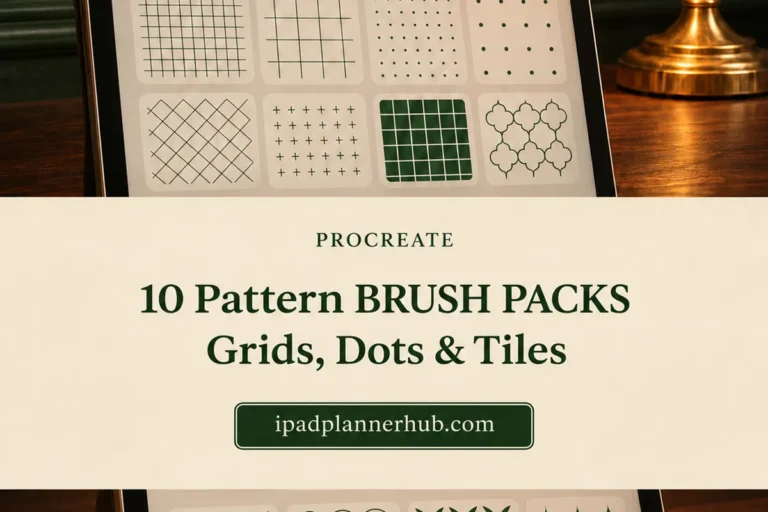
Compare repeat styles, pack contents and input requirements, then plan a fill that leaves your illustration readable.
Compare whole-tree stamps, forest strokes and detailed tree drawings, then choose a pack for the scene you want to build.
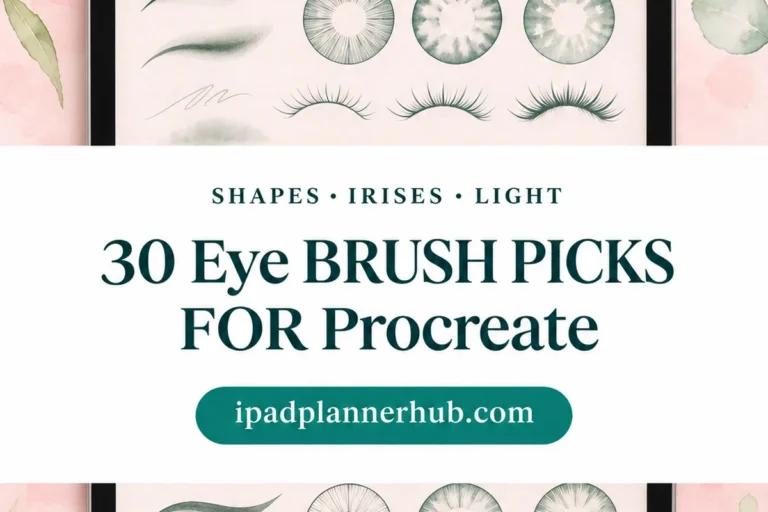
Compare eye-shape libraries, iris stamps, catchlights and single anime contours. See what each pack supplies before building a character’s gaze.
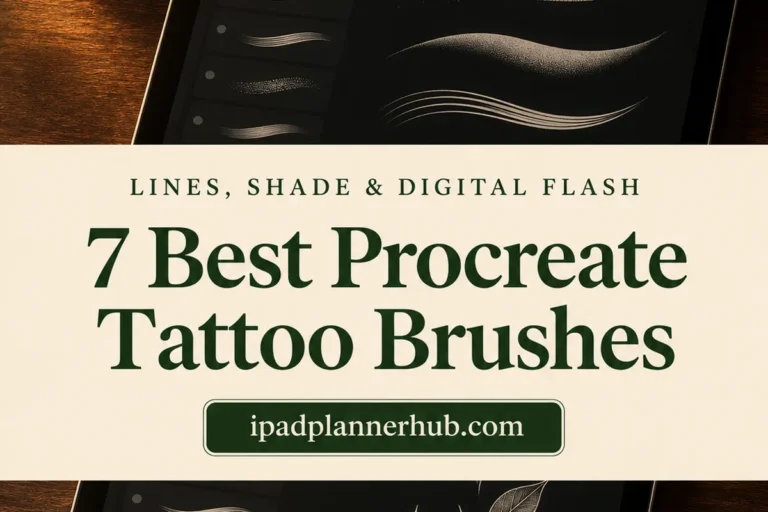
Compare seven Procreate tattoo brush sets by the marks they make: crisp outlines, textured shading, traditional fills and dotwork for digital flash sheets.
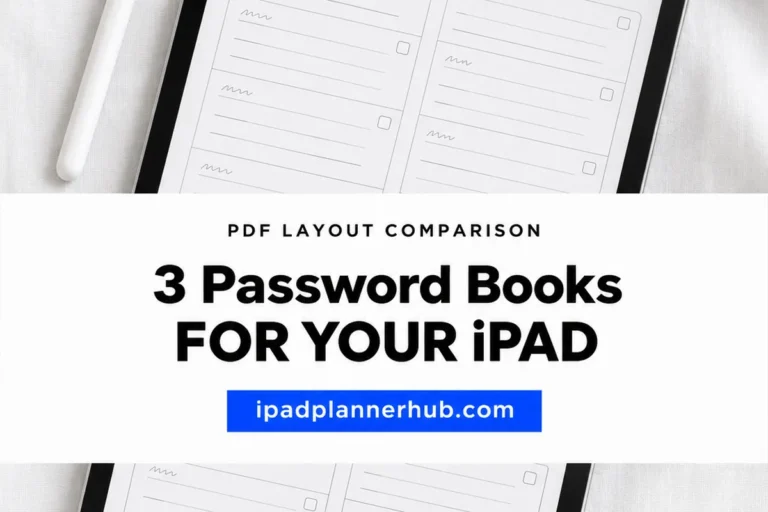
Compare an alphabet-tabbed password book, a coffee-themed account table and an twelve-box log for iPad, with a clear explanation of PDF privacy limits.

Compare three pastel brush packs by the marks they make: textured oil strokes, paper backgrounds and a small set with a dedicated smudger.
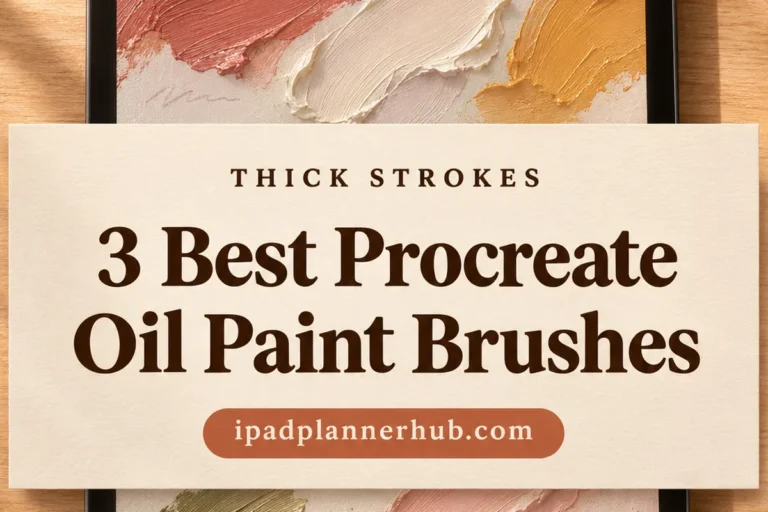
Compare three oil brush packs for raised-looking impasto, bristle marks and canvas texture, with a practical way to choose your first set.
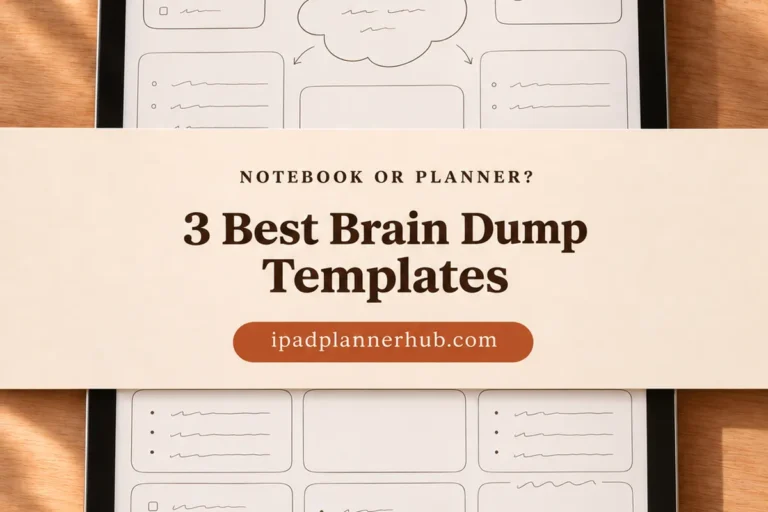
A dedicated notebook, an Art Deco journal and an undated planner offer three different homes for loose thoughts. Compare their PDF layouts and extra structure.