You add a curl above a painted mug, then one extra stroke turns the whole corner into gray fog. The useful question with Procreate smoke brushes is how much control you need: a trail you can draw, a plume you can place, or a texture that fills the background.
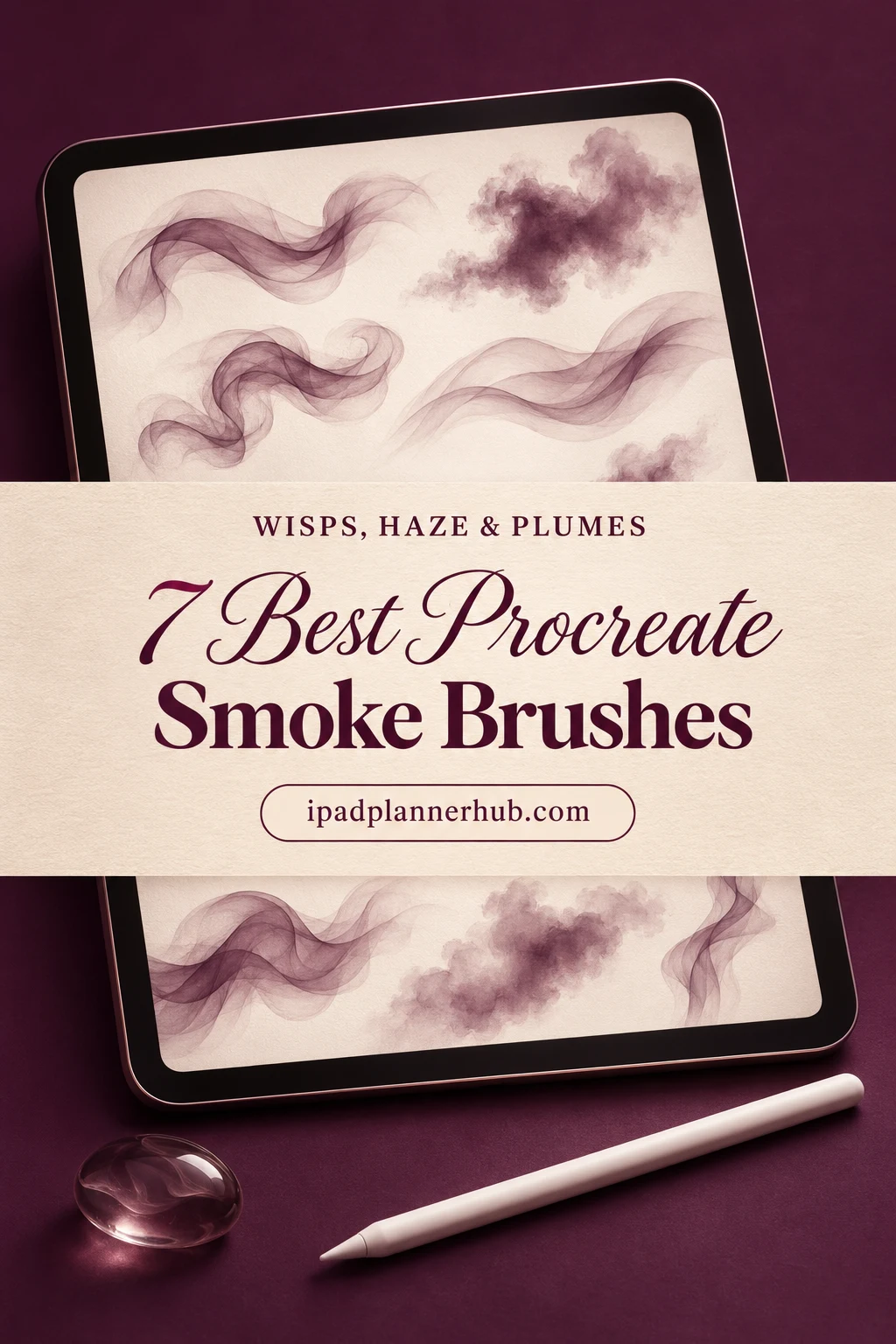
I compared the descriptions and every available preview for these brush packs, looking for differences you can actually use when choosing. I have not tested the brushes on an iPad; the choices below are based on the listed contents and visible samples.
Which Procreate Smoke Brushes Fit Your Scene?
For a small wisp beside lettering, prioritize control. For a background, look for broad, irregular texture and room to soften the edges. The seven packs below cover both roles, plus stamps for placing a prepared plume.
TL;DR: Start with Sko4 for painted wisps and background fills, or CCPreset for a compact ten-brush choice. Freezerondigital suits broad texture stamps; Zsolt Kosa Art adds gritty paintable smoke. DrawingStoryShop and Toziko Art offer larger libraries for choosing individual shapes. BlackKitten adds three labeled smoke effects within a broader Halloween brushset.
Quick Picks
- Best for painting wisps: Smoke Procreate Brushes
- Best for compact selection: 10 Smoke Brushes Procreate
- Best for broad atmosphere: Smoke Stamp Brushes
- Best for gritty scenes: Dirt and Smoke Brush Set
- Best for plume silhouettes: 220+ Procreate Smoke & Fire Brushes
- Best for a large shape library: Smoke Brushes Procreate
- Smoke Procreate Brushes – Best for painting wisps
- 10 Smoke Brushes Procreate – Best compact selection
- Smoke Stamp Brushes – Best for broad atmosphere
- Dirt and Smoke Brush Set – Best for gritty scenes
- 220+ Procreate Smoke & Fire Brushes – Best for plume silhouettes
- Smoke Brushes Procreate – Best for a large shape library
- Halloween Fun Brushset for Procreate – Best for eerie smoke scenes
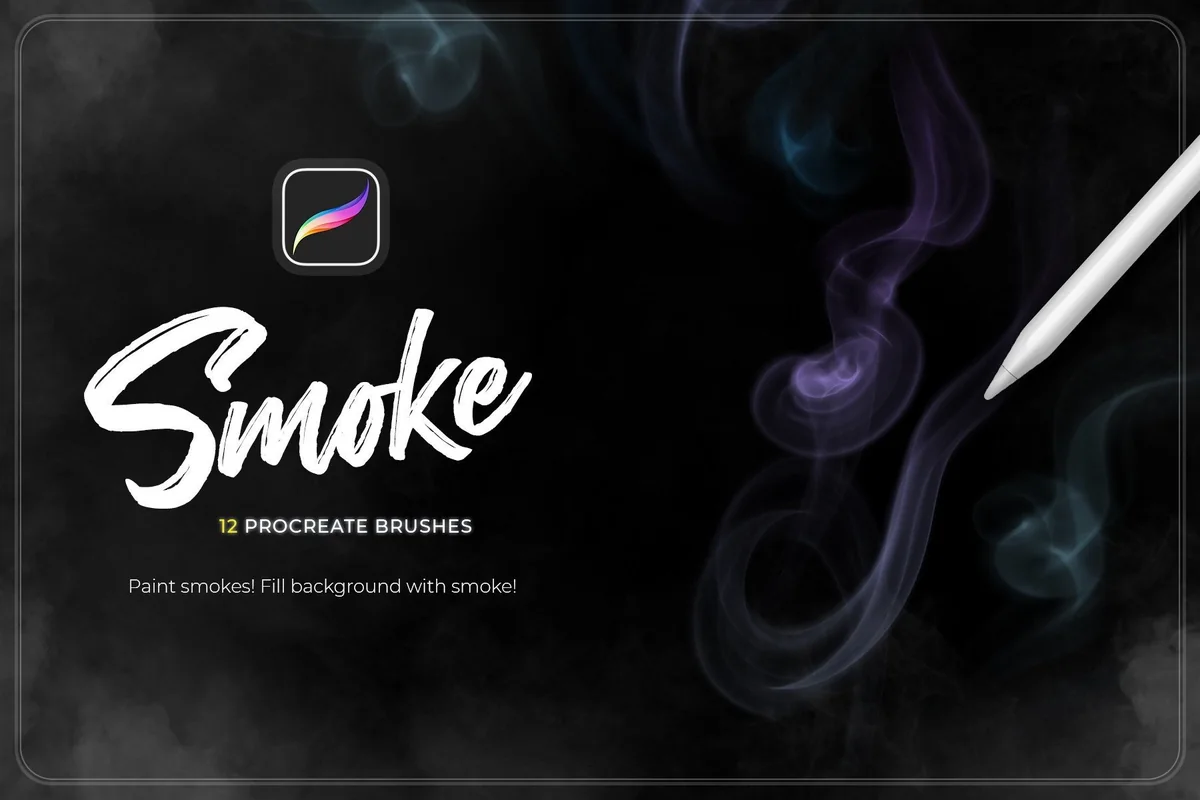
Best for painting wisps
1. Smoke Procreate Brushes
Layouts: 6 line + 5 fill + 1 paint brushFormat: .brushset; Procreate only
Best for: drawing narrow smoke trails with a separate set of background effects. Designed by Sko4.
- 12 Procreate brushes: the previews divide them into six Smoke Line, five Smoke Fill and one Smoke Paint tool
- The description specifies pressure and angle sensitivity
- A .brushset file for Procreate on Apple iPad only
- Examples show looping wisps, smoky backgrounds and textured lettering
The separation of line and fill brushes makes this my most practical starting point. You can choose a narrow curl for a small accent without reaching for the same brush that fills a background. The lettering example also shows a heavier, grainier mark, so this is more varied than the delicate cover suggests. Pressure and angle response are seller claims; I have not tested their feel on an iPad.
Best compact selection
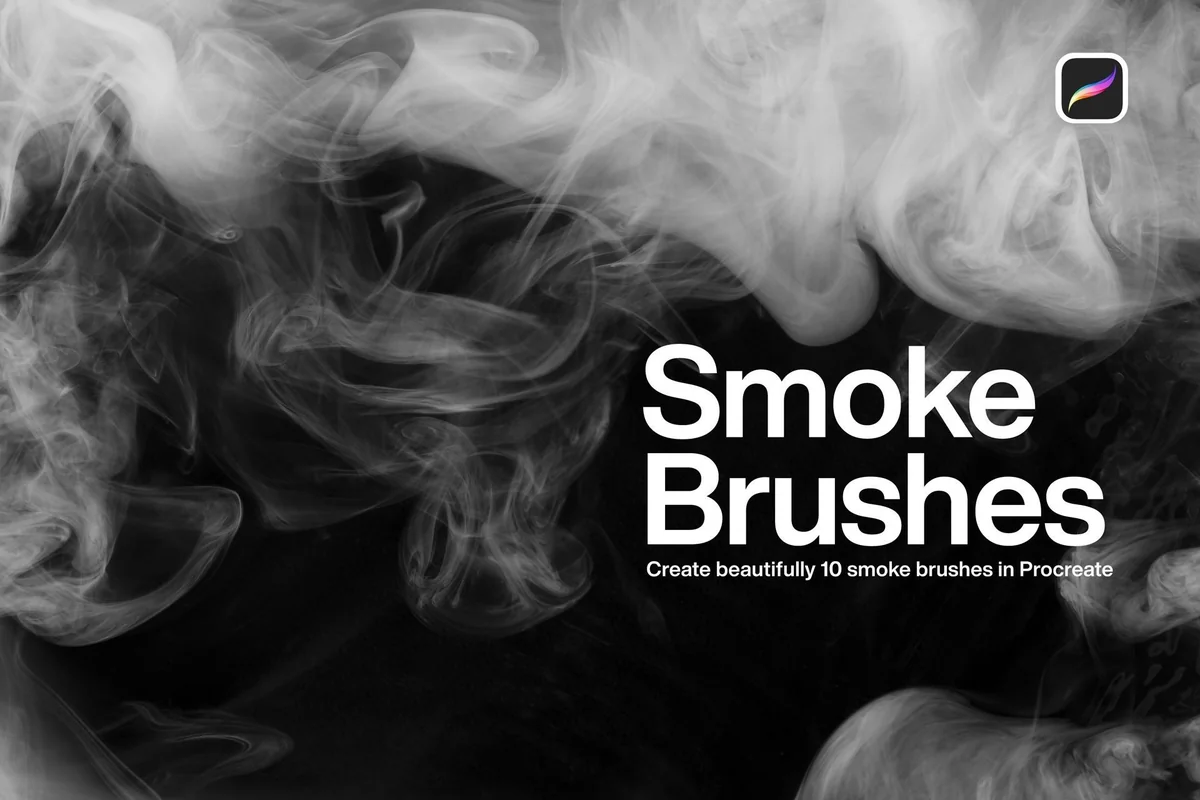
2. 10 Smoke Brushes Procreate
Layouts: Textured clouds and smooth ribbonsFormat: Procreate; suffix not stated
Best for: keeping the choice manageable while switching between grainy clouds and smoother ribbons. Designed by CCPreset.
- 10 smoke-effect brushes for Procreate on iPad
- The sample sheet labels Smoke 1 through Smoke 10
- Examples contrast textured, broken marks with smooth curved ribbons
- The description does not specify a file extension or pressure behavior
Ten visibly different marks feel like a useful limit if a huge brush library slows you down. I like the sample sheet because it shows both short marks and longer strokes, rather than only a finished composition. The cover uses Smoke 5 and Smoke 6 together, which gives a concrete starting combination to explore. Ask the seller about packaging if a native .brushset is essential to you.
Best for broad atmosphere
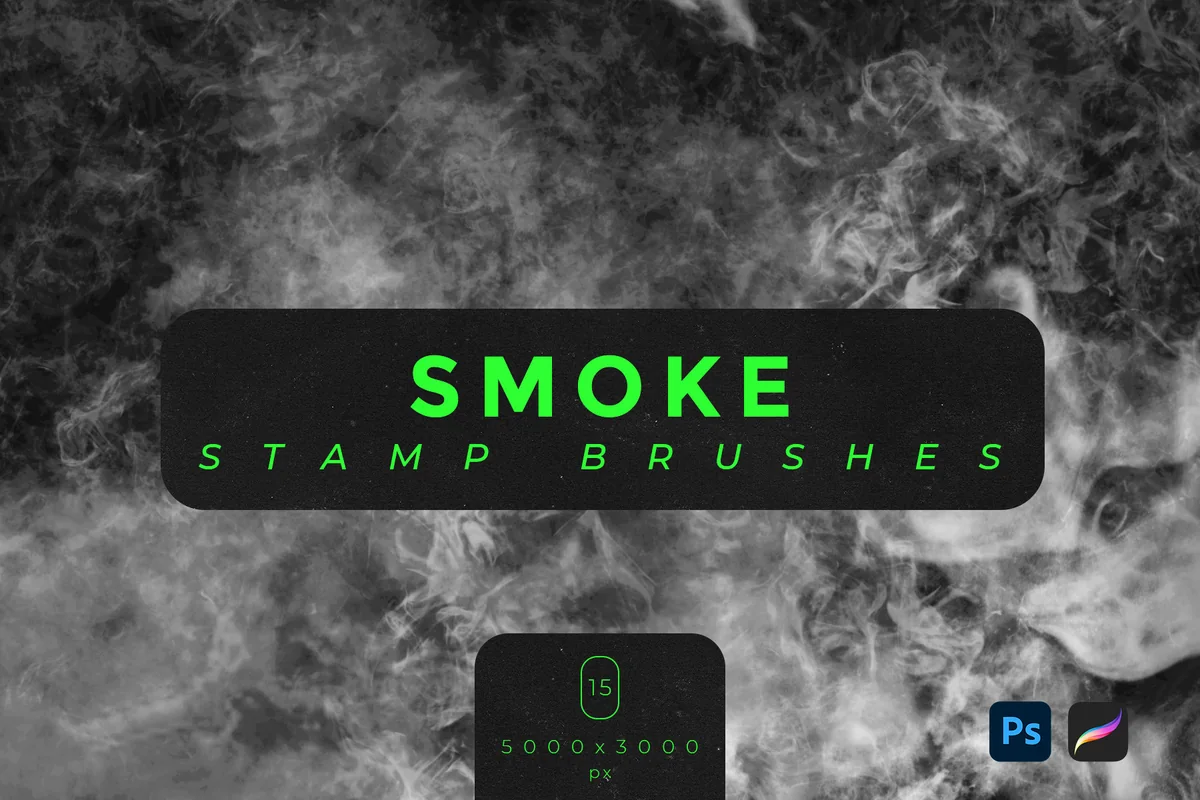
3. Smoke Stamp Brushes
Layouts: 15 broad irregular smoke texturesFormat: .ABR and .Brushset
Best for: placing larger smoke textures around a title or behind an illustration. Designed by freezerondigital.
- 15 smoke stamp brushes
- Both .ABR and .Brushset files are listed for Photoshop and Procreate
- The listing gives dimensions of 5000 × 3000 px
- All 15 samples are shown, followed by magenta and green background examples
These broad, irregular textures make more sense to me as atmosphere than as a single thread of steam. The contact sheet gives you a direct look at the variety, while the colored examples suggest a more graphic direction. I would leave a calm area for text instead of covering the whole page with equal detail. The stated dimensions describe the assets; they do not guarantee a sharp result at any enlargement.
Best for gritty scenes
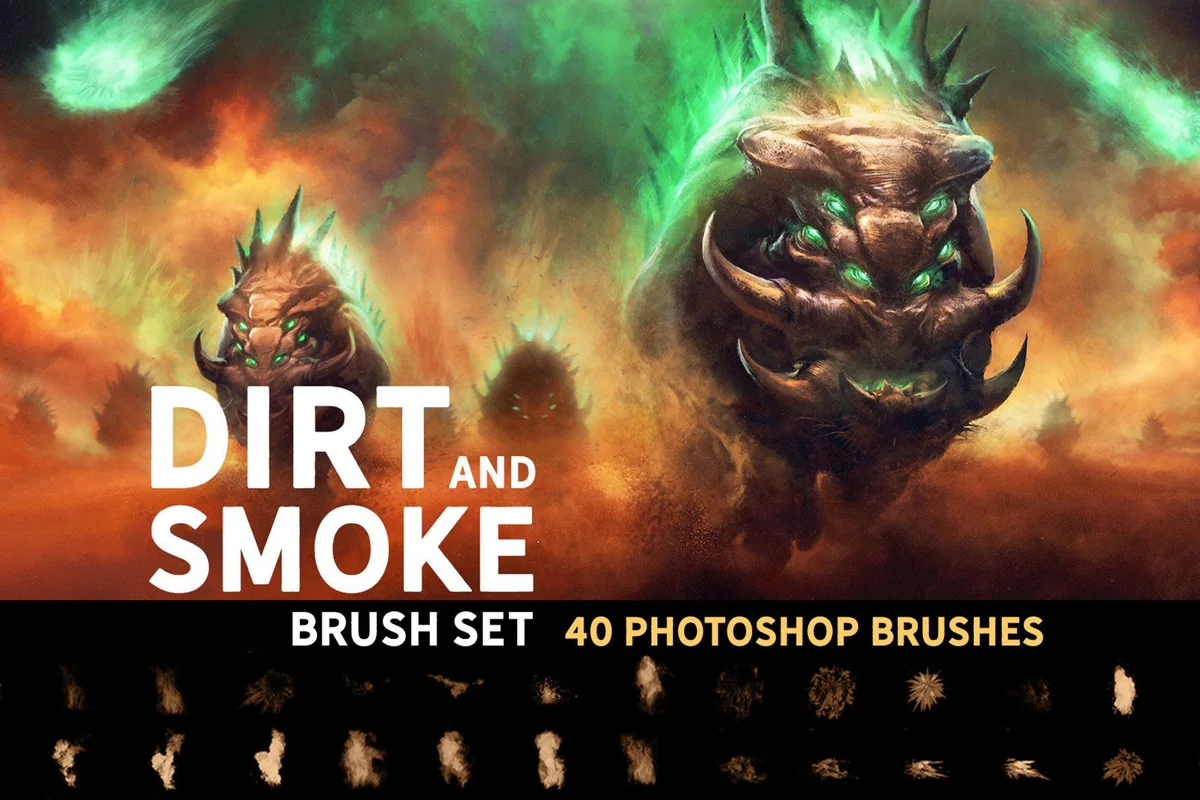
4. Dirt and Smoke Brush Set
Layouts: Dirt marks, speckles and smoke strokesFormat: Photoshop brushes; Procreate 5.0 stated
Best for: building dusty, broken-edged smoke in concept art and illustrated environments. Designed by Zsolt Kosa Art.
- 40 brushes covering dirt and smoke
- The seller says they can be used to paint, beyond placing stamp overlays
- Compatibility explicitly includes Photoshop CC and Procreate 5.0
- Previews show rough, speckled and softer cloud-like strokes; the main image is a finished fantasy scene
The rough edges distinguish this set from the silky curls above. For a crumbling ruin or dusty foreground, those broken marks could be more useful than a clean plume. The 40-brush count covers dirt and smoke together, not 40 dedicated smoke designs. The dramatic creature on the cover illustrates an application; the listing offers brushes, not that finished painting.
Best for plume silhouettes
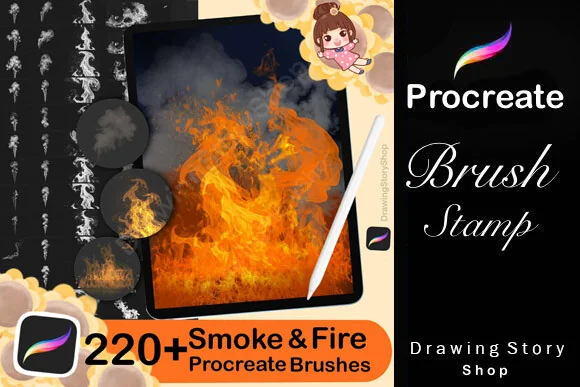
5. 220+ Procreate Smoke & Fire Brushes
Layouts: Fine curls and dense plumes; separate fire setFormat: Procreate stamps; PDF import guide
Best for: choosing a ready-shaped smoke curl or dense plume from a large stamp library. Designed by DrawingStoryShop.
- 155 smoke brushes and 70 fire brushes in the stated contents
- Designed for Procreate on iPad; a PDF import guide is included
- Smoke previews show fine upright curls, tangled wisps and dense billowing forms
- The separate fire selection is additional content, not the reason for this smoke pick
I am including this for the smoke section, especially the contrast between fine vertical curls and solid plumes. A ready-shaped stamp suits a composition where you know roughly where the smoke should rise. Its 220+ name is a broad label; the detailed listing separates 155 smoke tools from 70 fire tools. If you already own this pack for fire effects, explore its smoke library before buying another large collection.
Best for a large shape library
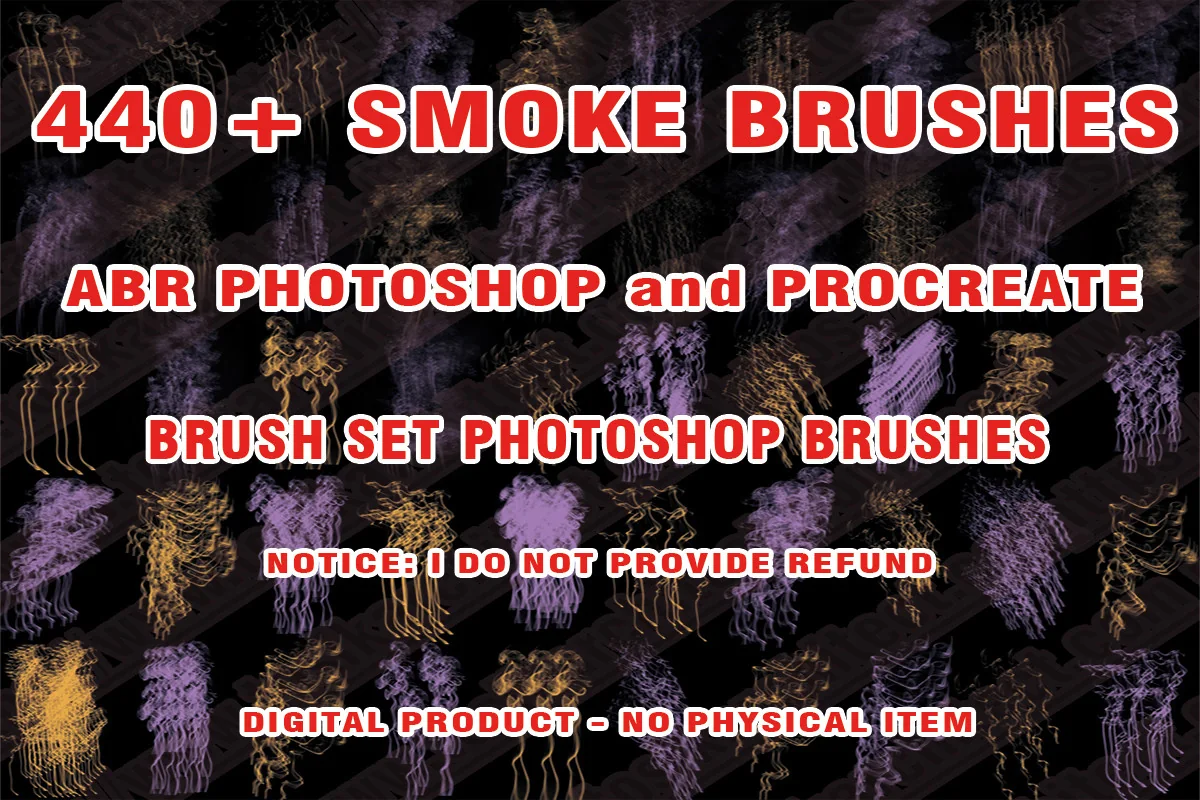
6. Smoke Brushes Procreate
Layouts: Trailing shapes, curls and dense tuftsFormat: ABR shown; Photoshop and Procreate
Best for: browsing many decorative smoke forms for stylized digital compositions. Designed by Toziko Art.
- 440+ smoke brushes advertised in the description and cover
- The cover identifies ABR brushes for Photoshop and Procreate
- Previews show thin trailing forms, branching curls and denser tufts
- The description says to extract the received archive; a separate native .brushset is not promised
This is the browsing-heavy option: the previews contain many small shapes rather than a short guided selection. The slender trailing silhouettes are its strongest reason to consider it for varied decorative wisps. The purple, gold and multicolored samples are examples of appearance, not evidence of a separate included palette. Check the ABR packaging first if you prefer working only with native Procreate sets.
Best for eerie smoke scenes
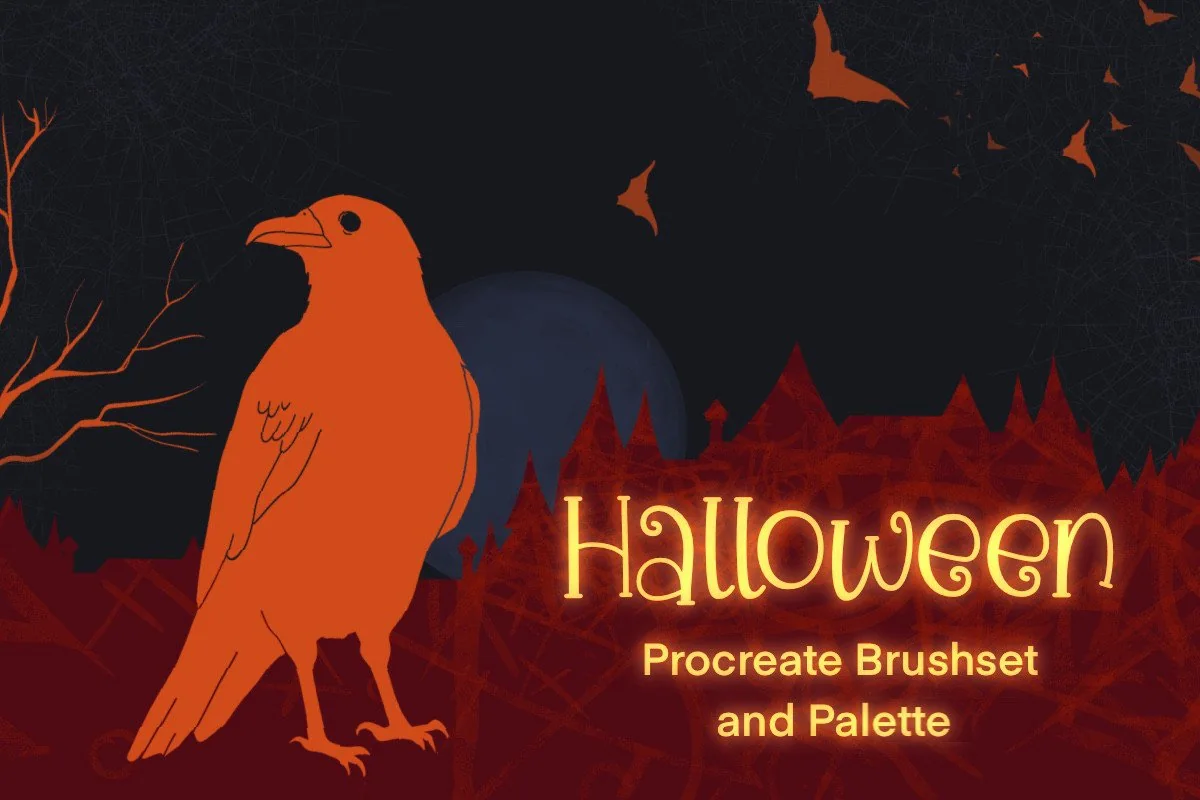
7. Halloween Fun Brushset for Procreate
Layouts: Smoke tendrils, tangled smoke and soft smoke; themed extrasFormat: Procreate brushset; exact suffix unstated
Best for: combining smoke tendrils with a deliberately spooky illustrated setting. Designed by BlackKitten.
- 37 brushes across Halloween stamps, textures, smoke and lights; not 37 smoke brushes
- The sample sheet labels Smoke Tendrils, Evil Smoke and Realistic Smoke
- A Halloween palette and example pictures are included
- Previews show a raven, moonlit village, cat and swirling smoke; the exact file suffix is not stated
This earns its place for the three clearly labeled smoke effects on the sample sheet, especially the long tendril and more tangled Evil Smoke. It is a themed companion rather than an everyday smoke-only set. It makes the most sense when the surrounding scene also needs a raven, village silhouette or eerie light. For a neutral portrait or quiet coffee illustration, one of the dedicated packs above is the more focused purchase.
Quick Comparison
| Brush pack | Main role | Contents | Files / compatibility |
|---|---|---|---|
| 1. Smoke Procreate Brushes | Painted trails and haze | 12 brushes | .brushset |
| 2. 10 Smoke Brushes Procreate | Small mixed set | 10 brushes | Suffix not stated |
| 3. Smoke Stamp Brushes | Broad texture stamps | 15 stamps | .ABR + .Brushset |
| 4. Dirt and Smoke Brush Set | Paintable dirt and smoke | 40 mixed brushes | Procreate 5.0 compatibility |
| 5. 220+ Procreate Smoke & Fire Brushes | Ready-shaped smoke stamps | 155 smoke + 70 fire | Procreate; PDF guide |
| 6. Smoke Brushes Procreate | Large shape library | 440+ advertised | ABR shown on cover |
| 7. Halloween Fun Brushset for Procreate | Themed smoke companion | 37 mixed brushes + palette | Procreate; suffix unstated |
Choose the Mark Before the Brush Count
Smoke can play three very different roles in a composition. Decide which one you need before comparing packs, or the largest bundle can look like the obvious answer even when you only want one thin curl.
- A drawn trail: narrow, directional wisps suit a candle, a mug or a small magical accent. Sko4 explicitly describes pressure and angle response; CCPreset shows a compact range of longer strokes.
- A placed silhouette: a stamp offers a recognizable shape to arrange. DrawingStoryShop shows upright curls and dense plumes, while Toziko Art offers a much larger collection of decorative forms.
- A field of atmosphere: broad texture fills space behind the subject. Freezerondigital shows 15 irregular stamps; Zsolt Kosa Art mixes rough dirt marks with smoke you can paint.
Look at the edge of each mark: is it a clean ribbon, a granular cloud, or a soft mass? Match that edge to your drawing and leave a quiet area around the focal point.
Read a Smoke Brush Preview Without Overbuying
- Compare the sample sheet with the hero image. The sheet shows individual marks; the hero image may combine several brushes, colors and a finished illustration. The creature in the Dirt and Smoke cover is an example of use, not an included scene.
- Separate smoke from extra effects. DrawingStoryShop lists 155 smoke brushes and 70 fire brushes. Zsolt Kosa Art lists 40 brushes across dirt and smoke. Neither total should be described as a count of smoke-only tools.
- Check packaging. Freezerondigital lists both .ABR and .Brushset. Sko4 names a .brushset. Toziko Art shows ABR on its cover. CCPreset does not state a suffix, so ask before buying if that detail matters.
- Keep color claims modest. A purple or gold smoke example does not prove that a color palette is included. Choose colors for your own scene; do not buy a pack solely for an effect that may come from the finished composition.
A Small Smoke Study Before Your Finished Artwork
Use a spare canvas to decide whether you need a painted trail or a stamp. The following is a suggested composition exercise, not a claim about performance in any of these packs. Keep the study simple enough that you can see what the brush itself contributes.
Plan, place, then reduce
- 1Choose one source. Sketch a mug, candle or small opening and decide where the smoke begins. Leave room above it for the trail to break apart. A clear origin makes a few marks easier to read than a page full of disconnected curls.
- 2Keep the smoke separate. Put the effect on its own layer so your experiment stays independent of the object. Start with one stroke or one stamp. Judge the silhouette against the whole picture before adding another layer of texture.
- 3Compare two marks. Try a narrow trail and a broader haze as separate alternatives. Keep the subject and background the same. This helps you choose the role you actually need instead of choosing whichever brush looked most dramatic on its sales cover.
- 4Remove what competes. If the smoke hides the focal point, simplify the arrangement or mask part of it. Keep a recognizable starting point and let the effect become less definite away from it. Stop while the subject still reads clearly.
For reversible cleanup, a layer mask can hide parts of a layer without erasing them. Procreate documents black as hiding and white as revealing on a layer mask. That makes it useful when a broad texture crosses a face, title or cup rim. The official masking guide explains the controls.
Three Ways to Keep Smoke From Flattening the Scene
- Give a wisp a direction. A series of equally strong curls pointing everywhere can look decorative rather than connected to the object. Choose a general path and leave gaps along it. For a quiet cup illustration, one narrow trail may be enough.
- Reserve contrast for the subject. A white plume against a dark background can become the brightest object in the image. If the portrait or title matters more, try a gentler tone or less coverage before adding more detail.
- Match texture to the drawing. The broken speckles in Dirt and Smoke suit rough illustrated environments. Smooth smoke ribbons suggest a cleaner visual direction. Neither is automatically more realistic; the surrounding artwork determines whether the mark feels at home.
For a misty landscape, the smoke should serve the scene rather than replace the sky. Our cloud brush comparison covers cloud-making and decorative shadow options when the main task is a sky. Here the focus stays on smoke trails, plumes and atmosphere close to a subject.
Files and Compatibility: What to Check First
Check the actual file format alongside the seller’s compatibility statement. The Procreate import guide lists native .brush and .brushset files as well as Photoshop .abr brushes among supported formats. That does not prove every seller’s brush behaves identically across apps.
- For the simplest packaging choice: choose a listing that explicitly names a native .brushset, such as Sko4 or freezerondigital.
- For an ABR-based pack: keep the seller’s Procreate compatibility note with the files. Zsolt Kosa Art explicitly names Procreate 5.0; Toziko Art shows Photoshop and Procreate on the ABR cover.
- For missing details: ask the seller which file types you receive and which iPad app/version they support. Do not assume that an unspecified archive includes both native and Photoshop formats.
If the received files are in an archive, extract them first. Then use the import option in Procreate’s brush library or open a supported brush file on the iPad. Menu wording can vary with the app version; follow the current handbook and any instructions included by the seller. A brush pack is not the Procreate app itself.
When a Bigger Library Is Worth It
I would move from a small set to a larger library when repeated silhouettes become noticeable across several pieces. That is a different problem from learning to control one brush. More choices can help you vary a stamp arrangement, but they also create more decisions before you start drawing.
- Choose CCPreset if a short sample sheet gives you enough variety for your next piece.
- Choose Sko4 when both drawn trails and separate background fills matter.
- Consider DrawingStoryShop for many prepared smoke silhouettes, particularly if you also want its separate fire section.
- Consider Toziko Art when browsing a large shape collection is part of your workflow and its ABR packaging suits you.
Before adding a pack, check whether you already own the same smoke tools inside a broader effects bundle. Buying the same library twice does not give you more variety. I would also avoid treating several differently colored views of a shape as proof of separate brush designs.
FAQ: Procreate Smoke Brush Questions
What is the difference between smoke brushes and smoke stamps?
A stamp places a prepared shape, while a paintable brush builds a mark along your stroke. Listings sometimes use “brushes” for both. Read the description and sample sheet: DrawingStoryShop calls its effects stamps, while Sko4 describes pressure and angle sensitivity and Zsolt Kosa Art explicitly says its brushes can be used to paint.
Which pack would you choose for a small smoke wisp?
Compare Sko4’s line-brush examples with CCPreset’s ten-mark sample sheet first. Both show narrow, directional marks. DrawingStoryShop is another option if you want to choose a ready-shaped upright curl instead of drawing the path yourself.
Can Photoshop smoke brushes work in Procreate?
Procreate supports importing .abr brushes, but that is a general format capability, not a hands-on guarantee for a particular product. Freezerondigital supplies a native .Brushset as well as .ABR; Zsolt Kosa Art and Toziko Art also state Procreate compatibility. Check each pack rather than applying one answer to every Photoshop listing.
Are these smoke brush packs free?
I have not verified a free Creative Fabrica offer for this selection. Check the current product page and its purchase or subscription terms. A free brush mentioned elsewhere in search results is not proof that one of these packs is free, and no price is promised here.
Can I use these brushes to make artwork for sale?
Check the current license attached to the specific item and how you intend to sell the finished work. DrawingStoryShop’s description allows finished art uses and prohibits redistributing the standalone stamps. Do not assume that permission to make artwork also permits selling or sharing the brush files.
Can a smoke pack replace a cloud brush set?
Some broad smoke marks may suit background atmosphere, but that does not make them a complete sky toolkit. Choose cloud tools for a sky-led composition and smoke tools for wisps, plumes or a localized effect. A thumbnail showing haze alone cannot prove both roles equally well.
Choose One Effect You Will Actually Use
Choose Procreate smoke brushes by how you want to place the effect: draw a trail when its path needs to follow the subject, place a stamp when a ready-made plume silhouette fits, or use a restrained texture for background atmosphere. Compare the edge and opacity at the final canvas size before building up the effect.
You May Also Like
Some product links support this site through a commission when you purchase. Your purchase price is unaffected. For the full explanation, see my affiliate disclosure.