You read a chapter on Tuesday and mark three verses. By Friday the question next to verse 12 is still legible, but you cannot tell when it first came up or why last month’s answer changed. These iPad Bible study journal page ideas help each session start where the previous one ended.
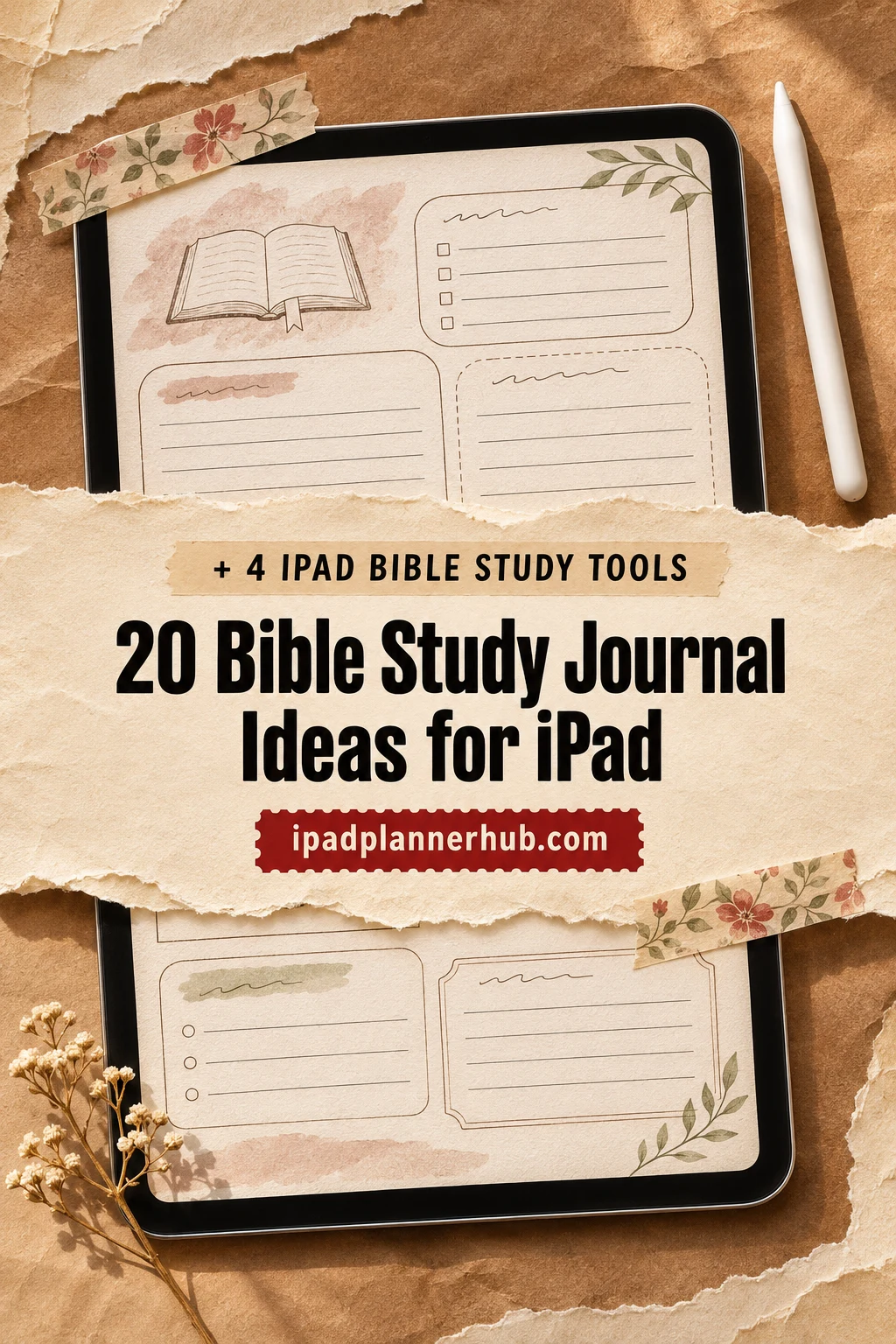
Build the record around the passage and the open question, not around filling the page. Start with a clean session line, keep observation, question and interpretation separate, and add a short response only after you can point to the text. The twenty ideas below are layouts you create yourself, followed by four digital tools that can hold them.
Set up an iPad Bible study journal around the passage
A useful study page does not have to summarize a whole chapter. It needs a reference, one honest observation, one unresolved question and a small next step. Keep those four parts in the same order for several sessions, and older entries will still make sense when you return.
20 Bible study journal page ideas for closer reading
You can start with two or three layouts. A session line plus an open-question queue already works better than a page full of empty boxes. Add a new section only when an older entry shows that a particular detail has no place.
Start with the passage you actually read
- 1.Session line. Write Date, Translation, Book, Chapter and Verses at the top. Add one sentence of context, such as who is speaking or what came just before. Leave the line blank when you cannot name the source instead of guessing.
- 2.Three-column note. Set up Observation, Question and Preliminary Interpretation on one page. Keep the columns in that order so a later session can follow the same path.
- 3.Open-questions queue. Give each question a number and a date for the next return. When a later passage answers it, write the cross-reference next to the original question.
- 4.Key term card. Use one card for a repeated word or phrase in several fragments. Write the reference for each use and the source of any definition. Do not invent a translation or assume the same English word always carries the same sense.
- 5.Previous conclusion check. Place an earlier conclusion beside the new passage. Note what the new reading confirms and what needs revision. Keep the older note visible so the change is dated rather than silently replaced.
Keep a chain across study sessions
- 6.Book map page. List chapters or larger sections and the pages where they appear in your journal. Add a short label for each session, not a complete outline every time.
- 7.Theme trail. When a phrase or idea repeats across chapters, start a trail page with references. Compare what each passage adds before writing a summary, and keep the trail open when later material may qualify it.
- 8.Return log. Record the first date of each question, the date you returned to it and the status: open, reworded, answered or parked. This keeps old questions from turning into forgotten clutter.
- 9.Margin cross-reference. Write related verse references next to a note, not full quotations. Use the reference to check the passage again in your Bible rather than trusting a copied line from memory.
- 10.Unresolved tension. Mark a note when two passages seem to point in different directions. State both references and leave the tension visible until the evidence allows a fair conclusion.
Separate observation, interpretation and response
- 11.Session summary strip. End with one line each: What did I observe? What question remains? What is the next step? This summary is a prompt, not an answer to every question.
- 12.Prayer or application box. Add a small separate area for a personal response after the observations. Label it clearly so a future reader can tell it is not a claim about the text.
- 13.Life-application anchor. When you write a practical response, include the verse reference and the specific situation. Keep the application dated and personal; do not turn one private note into a rule for everyone.
- 14.Weekly review page. Once a week, list open questions, completed readings and notes that need clarification. Use this page to point back to entries, not to repeat the whole week.
- 15.Memory reference page. Keep a list of passages you are learning, with the reference and a short reason for choosing each. The page records your study, not a performance score.
Maintain the notebook itself
- 16.Clean session template. Keep an untouched copy of your basic layout. Duplicate it for each new entry so spacing stays consistent and you can adjust headings without erasing old notes.
- 17.Contents index. List entries by book and chapter, with page numbers or section labels. Update the index as you go; it does not need to be fully linked to be useful.
- 18.Source key. Give a code to each source you use for definitions or background, such as a lexicon, commentary or teacher. Write the full source once and refer to the code in later notes.
- 19.Honest limits note. Reserve a space for what you could not verify or understand. Writing “I do not know yet” is more useful than filling the space with a confident guess.
- 20.Recoverable copy reminder. Use the export or backup options in your note-taking app and check that you can open the saved copy. Verify this separately from page links inside the journal.
Four digital tools for your own study pages
These four tools offer different starting points for iPad study pages. The first is a large study journal; the next two are transparent prompt cards; the last is a dated prayer journal. You can also use a notebook you already own, because the page ideas do not depend on buying a new file.
TL;DR: Start with the page structure you will actually use: a large hyperlinked journal for repeated sessions, two packs of movable PNG prompts, and a dated 2027 prayer journal for the response. The four tools complement your own layouts; none is a Bible software app or a complete course.
Quick Picks
- Best for a long-running study notebook: Bible Study Journal Hyperlinked PDF
- Best for quick questions beside a passage: Digital Sticky Note: Bible Study Pack
- Best for a prayer response after study: Digital Sticky Note: Faith Pack
- Best for a dated 2027 prayer record: 2027 Prayer Journal
- Bible Study Journal Hyperlinked PDF – Best for a long-running study notebook
- Digital Sticky Note: Bible Study Pack – Best for quick questions beside a passage
- Digital Sticky Note: Faith Pack – Best for a prayer response after study
- 2027 Prayer Journal – Best for a dated 2027 prayer record
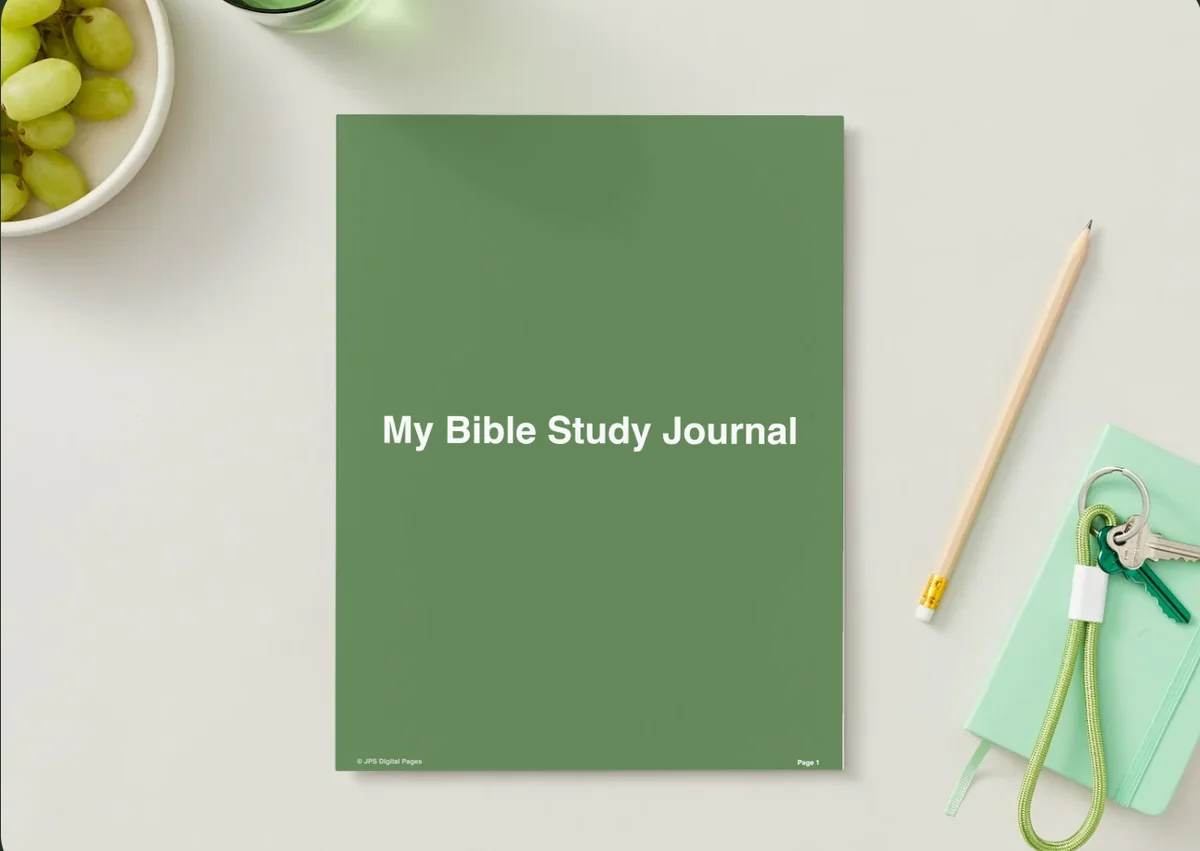
Best for a long-running study notebook
1. Bible Study Journal Hyperlinked PDF
Orientation: Not statedLayouts: Sermons index, daily devotions tracker, sermon study pages, daily devotion reflection sheetsDates: No printed calendar year shown; blank Day fields
Best for: filing repeated session notes and devotion reflections in one journal. Designed by DesignsbyDarowan.
- Hyperlinked PDF at 8.5 x 11 inches
- Over 400 pages, according to the seller
- Includes a sermons index, daily devotions tracker, sermon study pages and daily devotion reflection sheets
- Seller names GoodNotes and Notability as compatible apps; iPad and app are not included
Use this as the main container for entries you want to find again. Record a passage, date or title in the sermon index, and use the devotion tracker to log sessions. The page count does not mean 400 unique templates. Add your own question chain and three-column page rather than expecting those layouts to be included.
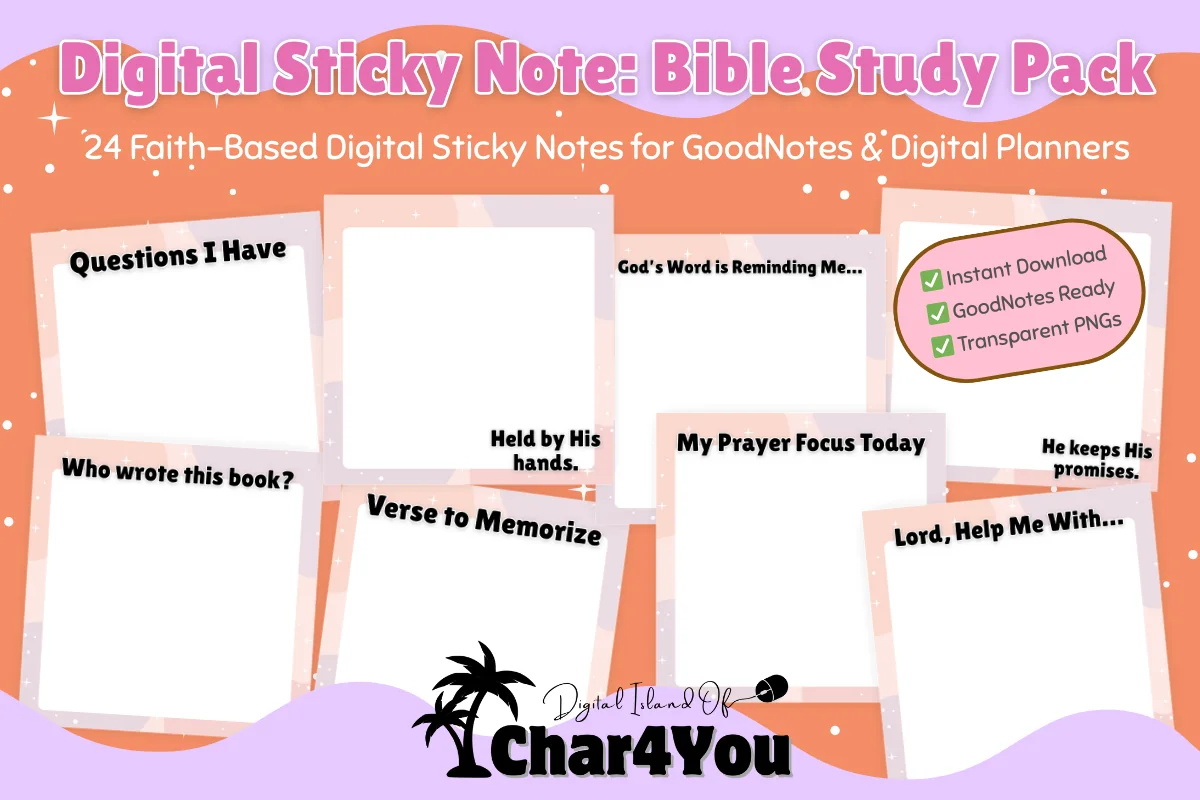
Best for quick questions beside a passage
2. Digital Sticky Note: Bible Study Pack
Orientation: Not applicable (transparent PNGs)Layouts: Individual prompt cards such as Questions I Have, Key Word Study and Today's TakeawayDates: No printed calendar year shown
Best for: adding movable question, keyword and takeaway notes to a page. Designed by Char4You.
- 24 transparent PNG sticky notes
- Named prompts on previews include Questions I Have, Who wrote this book?, Verse to Memorize, Today's Study Time, Bible Reading Plan, Key Word Study, Today's Takeaway and My Prayer Focus Today
- Seller names GoodNotes, Notability, Noteshelf and ZoomNotes for import and copy/paste; this is not a standalone app
- Import the PNG notes into your notebook; a prepared .goodnotes file is not listed
Copy a question or key-word card into the margin so the unresolved item stays next to the text. Use the Today's Takeaway card for one sentence after the session and the Bible Reading Plan card for the next passage. These notes point to your pages; they do not replace the larger journal.
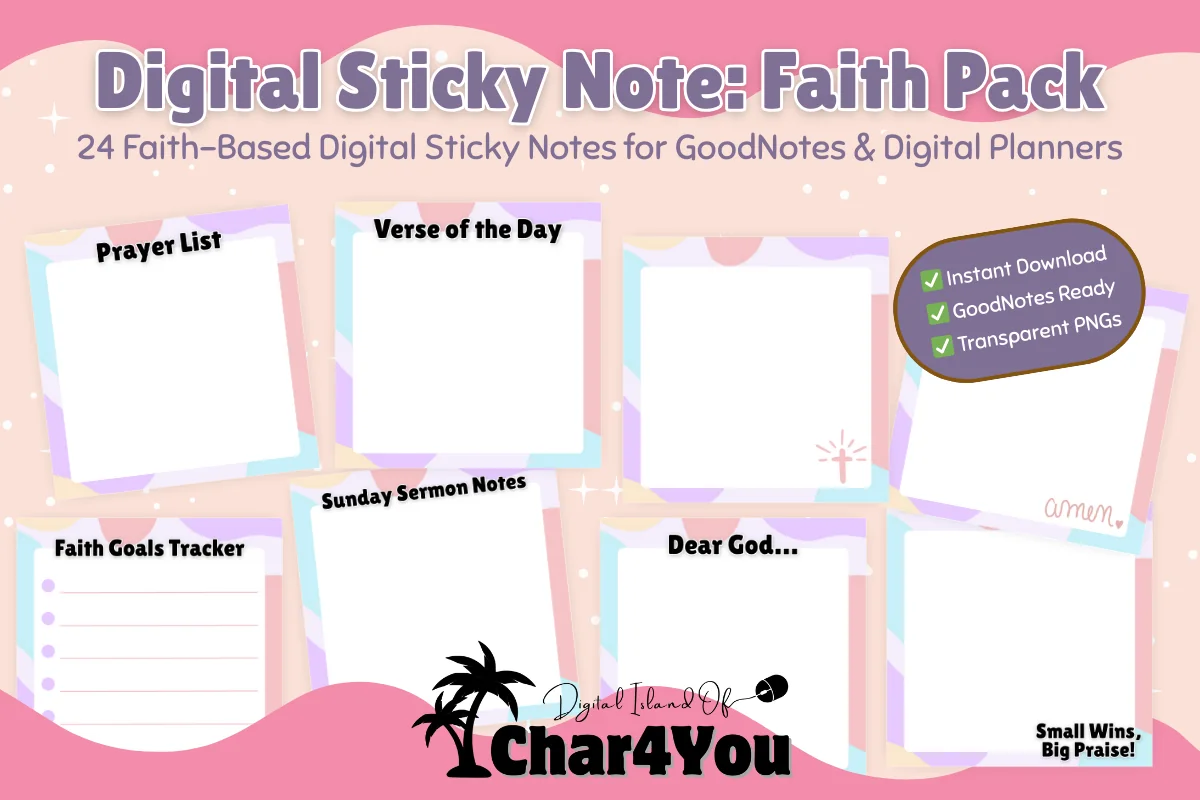
Best for a prayer response after study
3. Digital Sticky Note: Faith Pack
Orientation: Not applicable (transparent PNGs)Layouts: Prayer List, Verse of the Day, Sunday Sermon Notes, Faith Goals Tracker, Dear God, Speak LifeDates: No printed calendar year shown
Best for: keeping prayer lists and personal reflection notes separate from passage work. Designed by Char4You.
- 24 Faith-Based Digital Sticky Notes in PNG format
- Previews show Prayer List, Verse of the Day, Sunday Sermon Notes, Faith Goals Tracker, Dear God and Speak Life
- Seller names GoodNotes and planner apps that support PNGs, including Notability, Noteshelf and ZoomNotes
- Individual PNG notes rather than a linked journal
Use this pack after the observation and question work is written. A Prayer List card can sit beside a passage or a Sunday Sermon Notes card can open a new page. It is an adjacent set for response and reflection, not a source of historical context or interpretation.
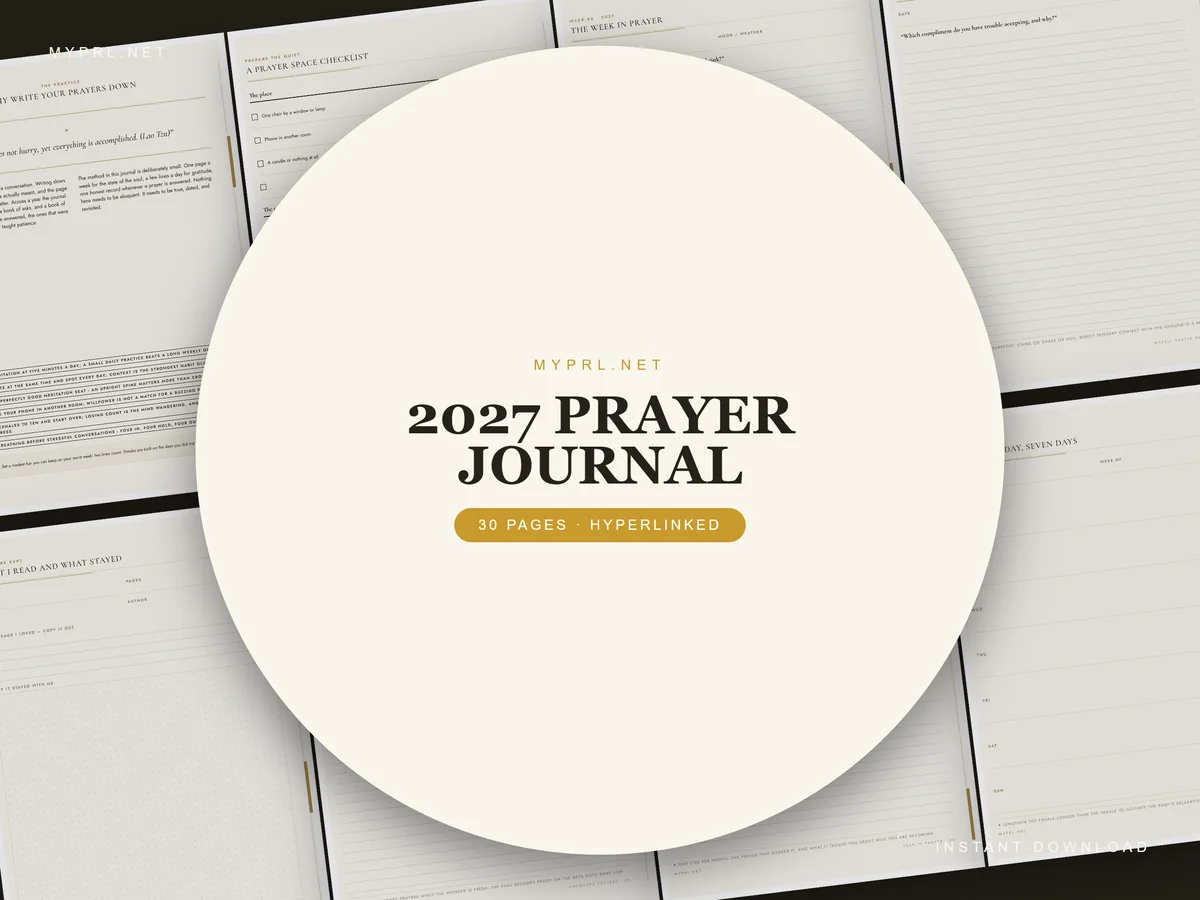
Best for a dated 2027 prayer record
4. 2027 Prayer Journal
Orientation: Not statedLayouts: Six sections: Begin Here, Prayer Patterns, Weekly Prayer Pages, Monthly Review, Answered Prayers, Year in PrayerDates: 2027 dated
Best for: keeping a weekly prayer response and returning to earlier requests in one journal. Designed by Healers Hub co.
- 30 pages, with 14 weekly prayer pages shown in the section index
- Hyperlinked PDF plus each page as PNG; side tabs connect the sections
- Previews show six sections: Begin Here, Prayer Patterns, Weekly Prayer Pages, Monthly Review, Answered Prayers and Year in Prayer
- Seller names GoodNotes, Notability and Xodo; US Letter size
This journal picks up after the study session. Use the weekly pages for a response, then revisit older requests in the monthly review and answered-prayer sections. It is dated 2027. The section index assigns 14 pages to weekly prayer, so do not assume a full year of weekly spreads. Keep detailed passage analysis in a separate study notebook.
Quick Comparison
| Tool | Bible study use | Page structure | Main distinction |
|---|---|---|---|
| 1. Bible Study Journal Hyperlinked PDF | Full study notebook | Over 400 pages | Hyperlinked sections |
| 2. Digital Sticky Note: Bible Study Pack | Question and takeaway notes | 24 transparent PNGs | Moveable study prompts |
| 3. Digital Sticky Note: Faith Pack | Prayer and reflection notes | 24 transparent PNGs | Moveable faith prompts |
| 4. 2027 Prayer Journal | Dated prayer record | 30 pages | Hyperlinked side tabs |
Set up the journal on iPad
Choose a layout from the ideas above, then test it in one short session. For broader app navigation, our GoodNotes planning tips cover the wider setup.
A small setup you can repeat
- 1.Create three destinations. Make a passage log, open questions and weekly review section. In a linked journal, use its existing sections; in a simple notebook, use clear page titles.
- 2.Write the source key once. Use the source key from idea 18, adding the Bible translation to the reference page.
- 3.Enter one real passage. Copy only what you observed in the text. Add a question and the next step. Check whether the note area is large enough at your usual writing size.
- 4.Review before expanding. At the end of the week, check open questions and completed readings. Remove fields that stay empty if they do not help.
- 5.Keep a recoverable copy. Follow the recoverable-copy check in idea 20 before adding more sessions.
Example: one entry with an open question
The following is an invented study structure, not a completed lesson. It shows how the pieces stay separate.
- Passage: Book, chapter and verse range.
- Observation: a repeated phrase, recorded in your own words with its verse reference.
- Question: does that phrase carry the same meaning in the next paragraph?
- Next step: read the next paragraph and note what supports or changes your first observation.
After the next reading, you can add a preliminary interpretation and a separate personal response. If a question remains open, move it to the open-questions queue rather than forcing an answer from one fragment.
Template or app: what these files can and cannot do
These products are PDF and PNG files for annotation apps such as GoodNotes, Notability, Noteshelf, ZoomNotes or Xodo where the seller names them. They are not an app, and none of the listings establishes automatic Bible-app or calendar sync. A hyperlinked journal moves between pages inside the file; it does not import a study library.
- Bible Study Journal Hyperlinked PDF: full study notebook with sermon and devotion sections.
- Bible Study Pack: question and takeaway cards near a passage.
- Faith Pack: prayer list and personal response after study.
- 2027 Prayer Journal: dated weekly prayer record and monthly review.
FAQ: Bible study journal ideas on iPad
What should go in a Bible study journal on iPad?
Start with a passage reference, one observation, one open question, a short response and a next step. Keep the source clear and leave unknown details blank. You can add weekly reviews later without turning every page into a new form.
Do these four tools include ready-made Bible study journal templates for every idea?
No. The large journal includes its own sections, the sticky note packs include named prompts, and the prayer journal includes its own weekly and monthly sections. You add the twenty page layouts yourself. A plain notebook can also work.
Are all four products compatible with GoodNotes?
Bible Study Journal Hyperlinked PDF is described as working with GoodNotes and Notability; 2027 Prayer Journal names GoodNotes, Notability and Xodo. The two sticky note packs are PNGs, and the seller names GoodNotes plus Notability, Noteshelf and ZoomNotes. Check each current listing for the main file type before purchase.
Will my iPad Bible study journal sync with a Bible app?
These listings do not establish automatic sync. Hyperlinks can move between pages inside a PDF, but they do not sync with a Bible app or calendar. Use the export or backup options in your annotation app for recoverable copies.
Can I use the 2027 Prayer Journal as a general undated journal?
No. It is dated 2027, with 30 pages; the preview index assigns 14 pages to weekly prayer. Use it as a dated prayer response, not as a verse-mapping or original-language study workbook.
Keep your iPad Bible study journal useful
The most useful iPad Bible study journal pages are the ones you can still interpret later. A clear reference, an honest observation and an open question beat a crowded page. Let the four tools support that habit rather than turning every page into another obligation.
You May Also Like
For more wellness journal ideas and related iPad tools, visit the wellness journals archive.
Purchases through selected links may earn this site a commission without changing your price. Our affiliate disclosure explains the arrangement.