You reach for the watering can, then notice yesterday’s note says only “watered” with no plant name beside it. These houseplant care journal ideas help you record which plant you cared for, what changed and what you actually did. Start with a profile, a dated observation log and a photo page on iPad; add detail when a real question comes up.
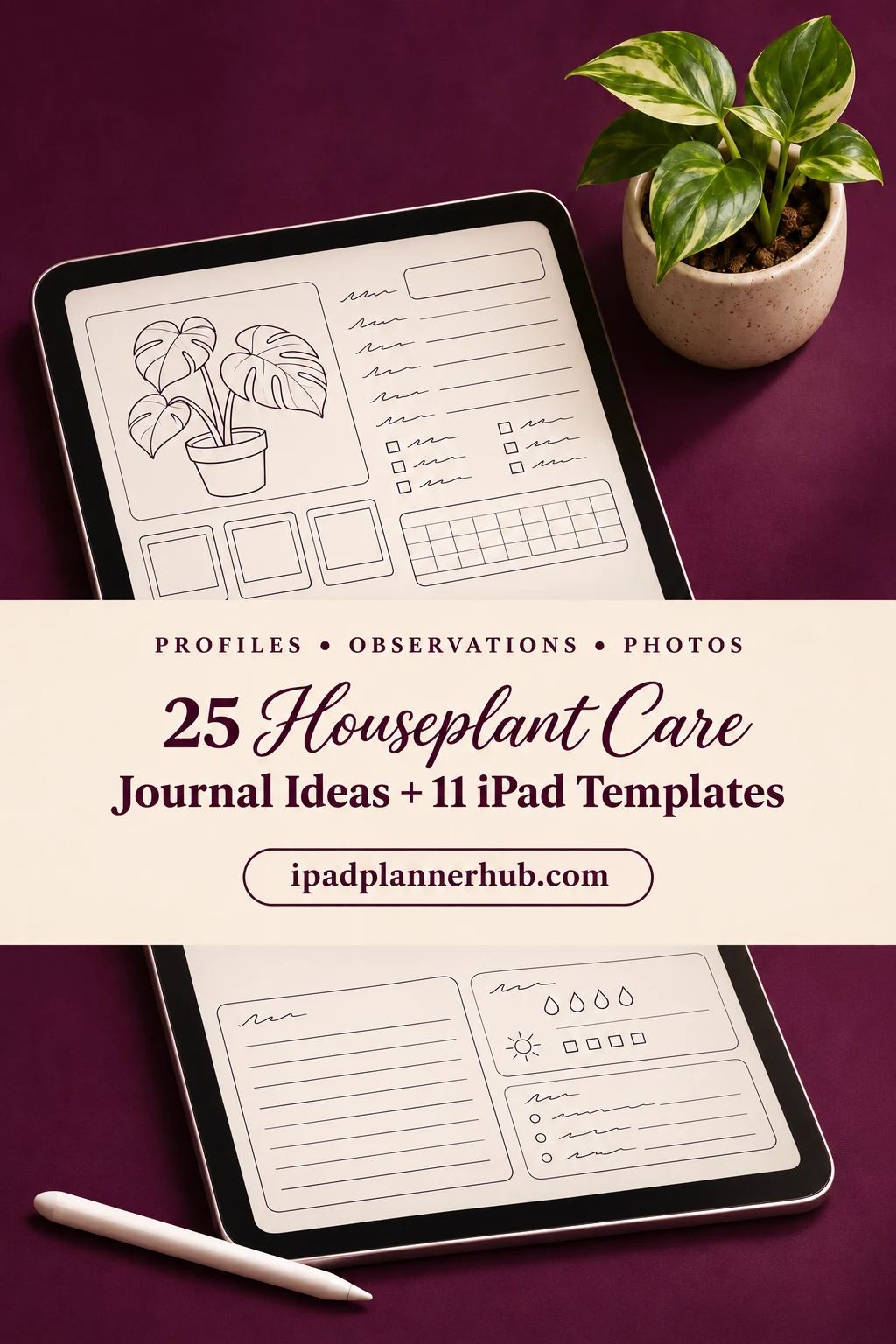
Below are 25 page ideas for recording your own plants, followed by 11 iPad templates you can adapt. The products are general journals, notebooks and paper sets. For this journal setup, add the plant-care headings and entries manually in an app compatible with the supplied file format, and set up any reminders separately.
Choose a record you can keep up with
- One or two plants: a profile followed by dated notes may be enough. Keep the plant name at the top of every page.
- Several plants: give each one a short ID and a section or index entry. Keep its photos and events under the same ID.
- A shared household: use one event log that records who checked the plant, what they observed and whether anything was done.
- An unanswered question: write the question separately from the observation. A journal records evidence; it does not diagnose the plant.
25 houseplant care journal ideas, grouped by purpose
These are pages to create yourself. You do not need all 25: choose one idea from the profile group, one from the observations group and one from the review group. Keep the original headings simple enough to reuse when you add another plant.
Give each plant a useful starting record
- 1A one-page plant profile Write the name you know, a short ID, where the plant came from and the date you brought it home. Add a photograph. If the identity is uncertain, say so instead of letting a guessed species name become the basis of every later note.
- 2An arrival snapshot Record the plant as it arrived: approximate size, the pot it came in and anything you noticed on the leaves. This is a starting picture, not a health score. Leave a space for the next dated observation so a later change has some context.
- 3A location history Give the current spot a plain name, such as living-room shelf. When you move the plant, add a date and the new spot without erasing the old one. Your future notes can then distinguish a change of location from a change you noticed before the move.
- 4A care-reference page Save the title, URL and access date of a species-specific care source you trust. Keep quoted advice separate from what you observed yourself. Mark anything that needs checking with a question mark, and keep conflicting recommendations separate.
- 5A pot and medium record Write down the pot label or size and the growing-medium information you actually know. A photo of the packaging can sit beside the notes. If the mix was unknown when you received the plant, keep that as unknown; an empty field is better than invented detail.
Record observations and actions separately
- 6A watering observation log Use columns for date, plant ID, what you checked, what you observed and action taken. A check with no watering is still an entry. This separates looking at the plant from doing something to it, without turning every marked calendar square into a command to water.
- 7A completed-care calendar Mark the dates of actions that actually happened and define a short symbol for each action. Put planned checks somewhere else. A completed event and a future intention should not share an unexplained dot, especially if someone else will read the page.
- 8A fertilizer event note Record the product name, the label directions you followed, the date and what you did. Keep the label photo or source beside the entry. The journal should preserve the event; it should not invent a universal feeding interval or rate for every plant.
- 9A repotting event page Record the date, the old and new container details you know, and what changed. Add photographs if useful. Leave room for later observations on separate dates, so the page does not imply that the immediate appearance proves the change was beneficial.
- 10A cleaning and maintenance note Use one short entry for routine tasks you actually completed, such as cleaning a leaf or changing a support. Name the plant and describe the action. There is no need to add an elaborate checklist if a dated sentence will tell you what happened.
Make changes easier to compare
- 11A dated photo pair Place two photos of the same plant side by side and label both dates. Try to repeat the viewpoint when practical, then note anything that makes the comparison imperfect. A different angle, crop or lighting can make a small visual difference hard to interpret.
- 12A new-growth observation page Sketch or photograph a feature you noticed and write where it appears on the plant. Add the next observation underneath. Keep the wording descriptive, such as a new leaf at the top, rather than deciding from one image that the entire care routine is correct.
- 13A leaf-change timeline Write the first date you noticed a change and describe its position and appearance in plain words. Add photos and subsequent dates without replacing the earlier description. Keep suspected causes in a separate question box; noticing a change and identifying its cause are different tasks.
- 14A room-observation page Record a move, a change to the room or a measurement you actually made. Include the method if you use a device, and leave unmeasured values blank. This page supplies context for your notes without pretending that a window name or a room label is a precise light measurement.
- 15A propagation observation record If you are already propagating a plant using appropriate guidance, assign the cutting its own ID and record dates and observations. Link it to the parent plant profile. This is a place to document your process, not a replacement for instructions specific to that plant.
Keep questions and handovers clear
- 16A questions-to-research page Write one specific question, the plant ID and what prompted it. Add the source you consulted and the date, then summarize what remains uncertain. A separate research list keeps a quick visual observation from becoming an untested conclusion buried in the care log.
- 17A concern-and-follow-up page Describe what you saw, when you first saw it and any action you took using appropriate guidance. Reserve a later line for the follow-up observation. Avoid naming a pest or disease unless that identification has a reliable basis; the dated record is useful even when the cause is unresolved.
- 18A plant-sitter handover Create a short page with plant IDs, locations, agreed instructions and a place for completed actions. Make the handover current before sharing it. A PDF notebook does not notify the sitter automatically, so arrange how you will exchange questions and updates separately.
- 19A shared-household action log Add a name or initials column when more than one person looks after the plants. Record an action once, with a date. I prefer a plain sentence such as checked, no action taken to an ambiguous tick that leaves the next person guessing what the first person did.
- 20A supplies reference List the supplies already associated with a particular plant and where you keep the relevant labels or receipts. Keep this linked to its profile. The aim is to recover the details of an earlier event, not to turn the journal into a shopping list or a recommendation to buy more.
Review the history without starting over
- 21A monthly plant summary Choose a few dated entries worth retaining: one visible change, one completed action and one open question. Add links or page numbers back to the full notes. A summary is a route into the history; it should not replace the original entries or compress uncertainty into a verdict.
- 22A seasonal comparison spread Compare observations from different parts of the year and label the dates clearly. Note location changes or gaps in the record. Use the spread to decide what to observe next, rather than turning a pattern from one plant into a rule for all houseplants.
- 23A change-and-review page Write the question you are exploring, the change you made and the observations that followed. Record other changes too. The layout can help you remember the sequence, but it does not prove that one action caused an improvement or that the same action will work elsewhere.
- 24A closed-profile archive When a plant leaves your collection, record the date and what you know about the outcome, then move the profile to an archive section. Keep the history intact. You can learn from an incomplete record without inventing a cause or turning the page into a judgment about your skills.
- 25A keep-or-simplify review Look at which fields you actually completed. Keep the ones that answer useful questions and remove decorative work that gets in the way. If you have stopped using the journal, restart with the plant ID, date, observation and action; you do not need to reconstruct every missing day.
11 iPad templates to build your plant journal
The sectioned notebooks below suit plant-by-plant records; the date-first journals suit a shared care history. The final group includes smaller journals and a separate paper set. Choose the structure you want to maintain before choosing the cover design.
TL;DR: Start with a plant profile, a dated observation log and a photo page. These 11 iPad journals, notebooks and paper sets provide general pages; you create the plant-care fields yourself.
Quick Picks
- Best for plant-by-plant sections: Watercolor Hyperlinked Notebook
- Best for landscape profiles: Purple 12-Section Digital Notebook
- Best for large collection archive: Digital Notebook 500 Pages Bundle 2
- Best for small collection starter: Five-Tab Digital Notebook
- Best for flexible page choices: Paper-Texture Five-Section Notebook
- Best for date-first care history: 365 Days Daily Digital Journal
- Watercolor Hyperlinked Notebook – Plant-by-plant sections
- Purple 12-Section Digital Notebook – Landscape profiles
- Digital Notebook 500 Pages Bundle 2 – Large collection archive
- Five-Tab Digital Notebook – Small collection starter
- Paper-Texture Five-Section Notebook – Flexible page choices
- 365 Days Daily Digital Journal – Date-first care history
- Art Deco Digital GoodNotes Journal – Monthly observations
- Digital Ruled Journal – Longer written histories
- Undated Orange Bullet Journal – Compact visual records
- Purple DaisyNotes Notebook – Simple lined plant diary
- Digital Notebook Papers for GoodNotes – Build-your-own record pages
Sectioned notebooks for individual plant records
Plant-by-plant sections
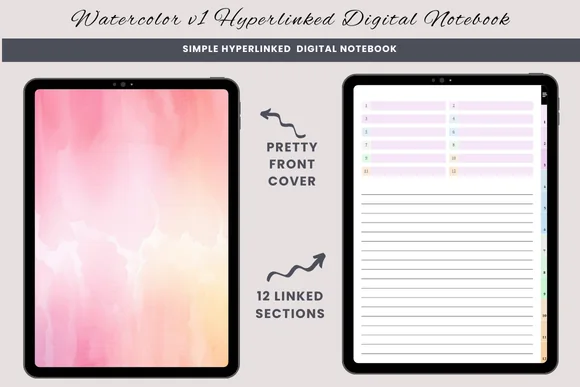
1. Watercolor Hyperlinked Notebook
Layouts: 12 linked sectionsFormat: PDF
Best for: free-form writers, sketch and write journalers, topic-by-topic journalers. Designed by daysfilledwithjoy.
- 12 linked sections
- Lined, blank and half-lined pages
Twelve sections give a small collection room to grow. I like the half-lined page for a dated photo above a few handwritten observations. The watercolor cover is decorative; you add every plant heading and care field yourself.
Landscape profiles
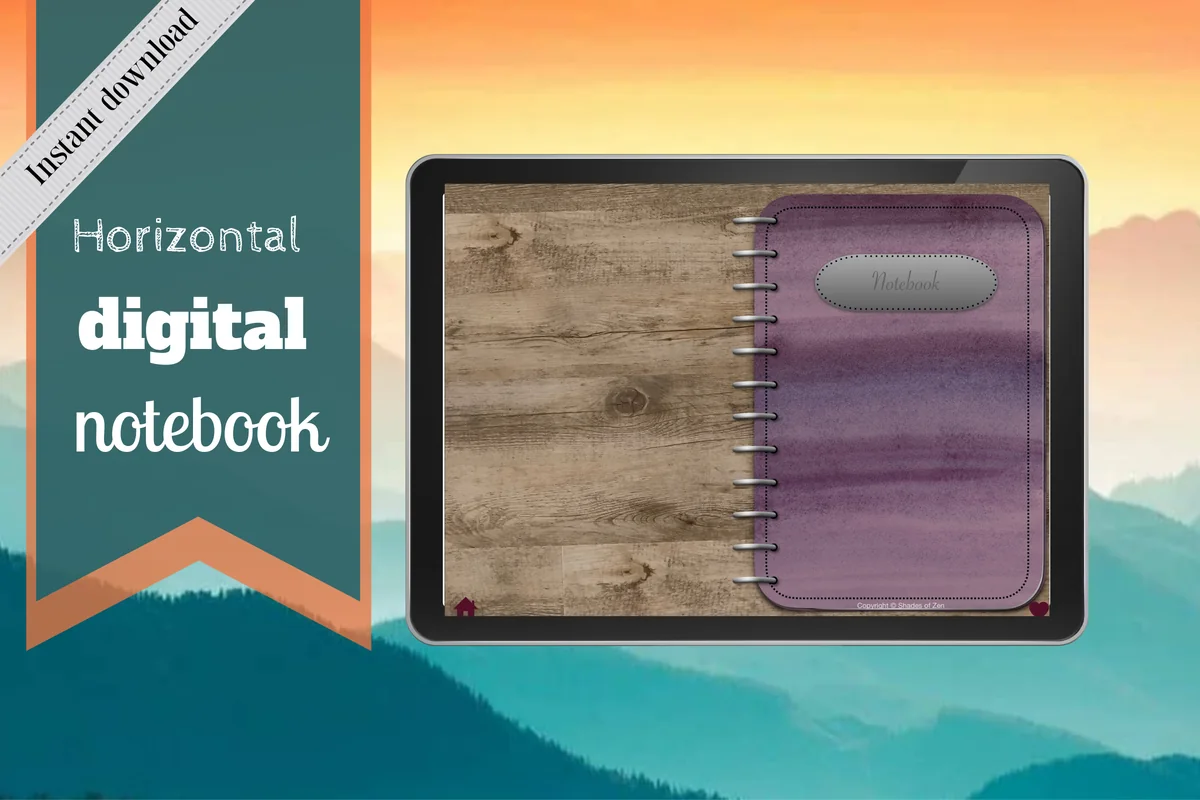
2. Purple 12-Section Digital Notebook
Layouts: 12 linked sectionsFormat: PDF
Best for: landscape note-takers, busy students, meeting notes. Designed by Shades of Zen.
- 12 linked sections
- 16 note templates, including graph and Cornell layouts
The landscape spread makes room for a photograph beside a short history. Graph paper is useful for drawing your own observation columns, while the section dividers keep individual plants apart. This is a general notebook, so it does not supply a plant database.
Large collection archive
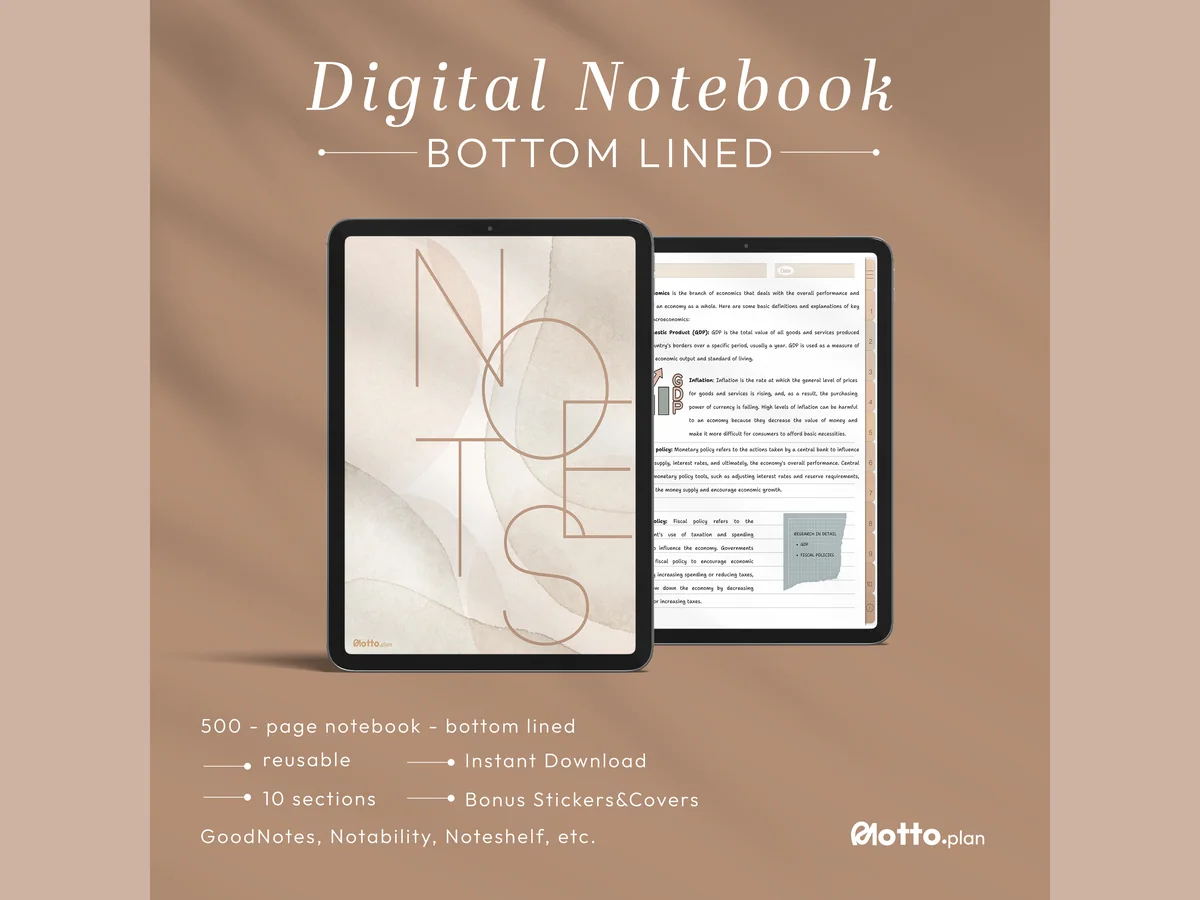
3. Digital Notebook 500 Pages Bundle 2
Layouts: 10 linked sectionsFormat: PDF
Best for: college students, lecture note-takers, Cornell method fans. Designed by Motto Plan.
- 10 linked sections
- 500 pages with lined, graph, dot-grid and Cornell options
With 500 pages, this has the largest stated page count in the selection. The ten sections can hold plant groups or different kinds of records, rather than forcing one section per plant. Its stickers and covers are extras; the useful part for this project is the choice of writing layouts.
Small collection starter
4. Five-Tab Digital Notebook
Layouts: 5 linked sectionsFormat: PDF
Best for: beginners, high school students, minimalists. Designed by aviswilliams.
- 5 linked sections
- Blank, lined, dotted, graph and Cornell pages
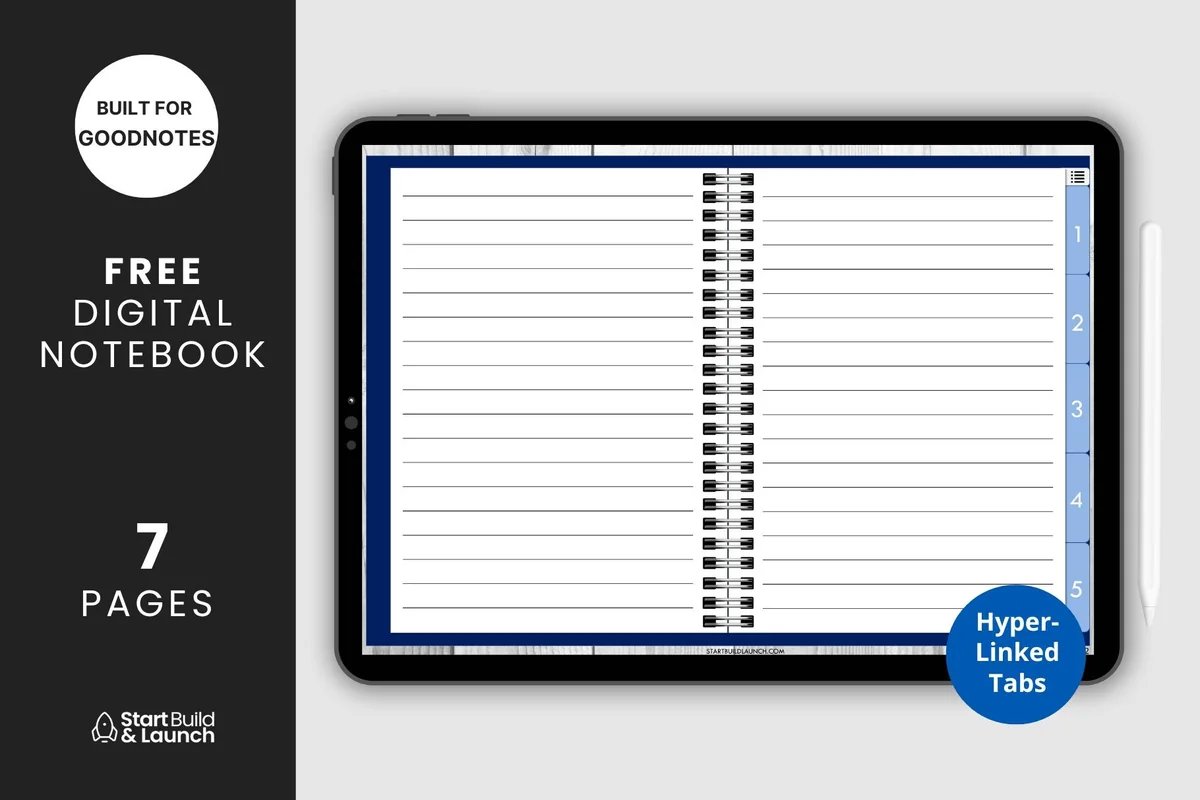
Five tabs are enough for a simple system without a long index. The blank cover and contents page let you label it for your plants. It starts with a small set of paper templates, not hundreds of completed plant-care pages.
Flexible page choices
5. Paper-Texture Five-Section Notebook
Layouts: 5 linked sectionsFormat: PDF
Best for: 5-subject students, sticker lovers, neutral aesthetic fans. Designed by studiopattern.
- 5 linked sections
- 30 paper templates and 250+ stickers
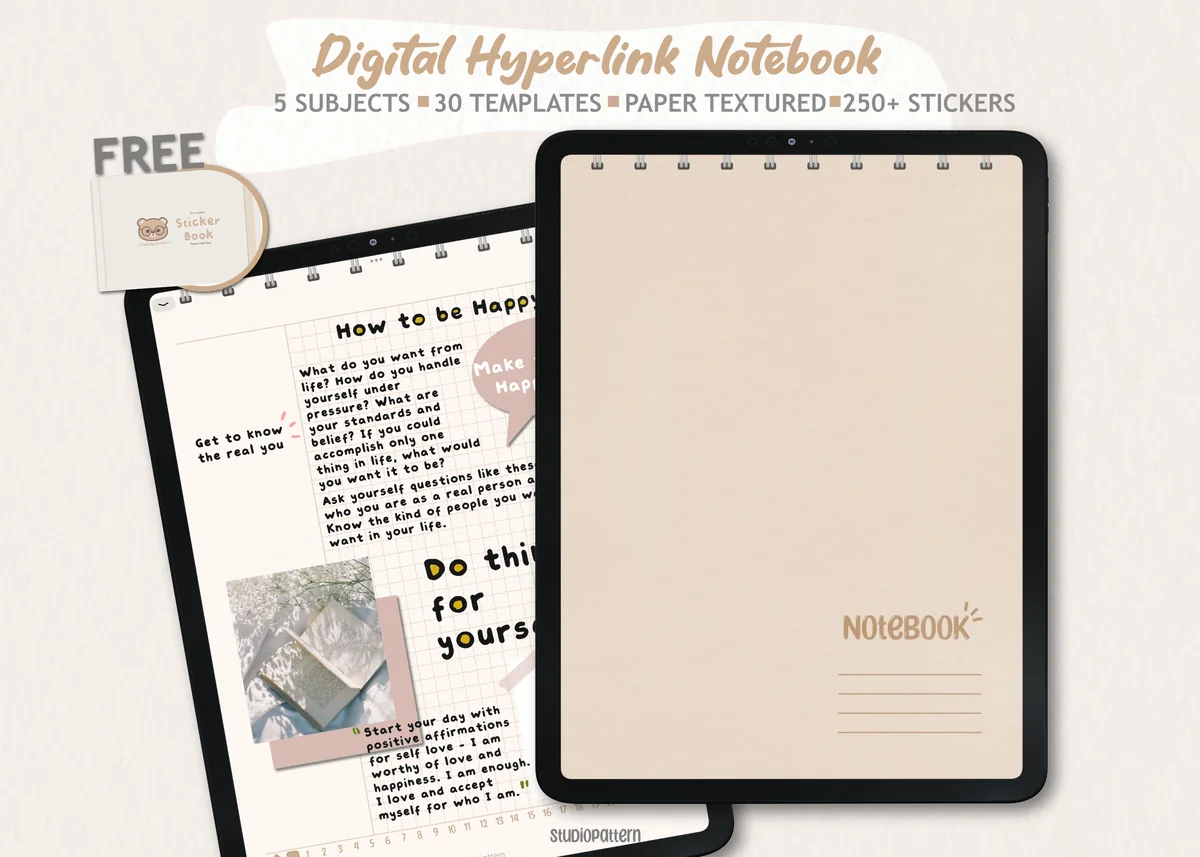
The thirty templates offer more variety than the other five-tab option. Plain or ruled pages suit care notes; the planner-style extras can stay optional. Its paper texture gives the pages a softer look, while you supply the plant headings.
Date-first journals for a shared care history

Date-first care history
6. 365 Days Daily Digital Journal
Layouts: 365 undated daily pagesFormat: PDF
Best for: daily writers, minimalists, first-time journalers. Designed by ThePlannersDelight.
- 365 undated daily pages
- Narrow- and wide-lined PDF versions; 16 page templates
A daily page works well when the question is what happened today, rather than everything about one plant. Use a plant ID at the start of each entry so the history stays readable. The ivory pages and botanical stickers suit the subject, but no specialist care log is included.
Monthly observations
7. Art Deco Digital GoodNotes Journal
Layouts: Linked monthly dividersFormat: PDF
Best for: Monthly notes with a separate list of unanswered questions. Designed by Sarah Doodles.
- Linked monthly dividers
- Five lined pages per month, plus brain-dump templates
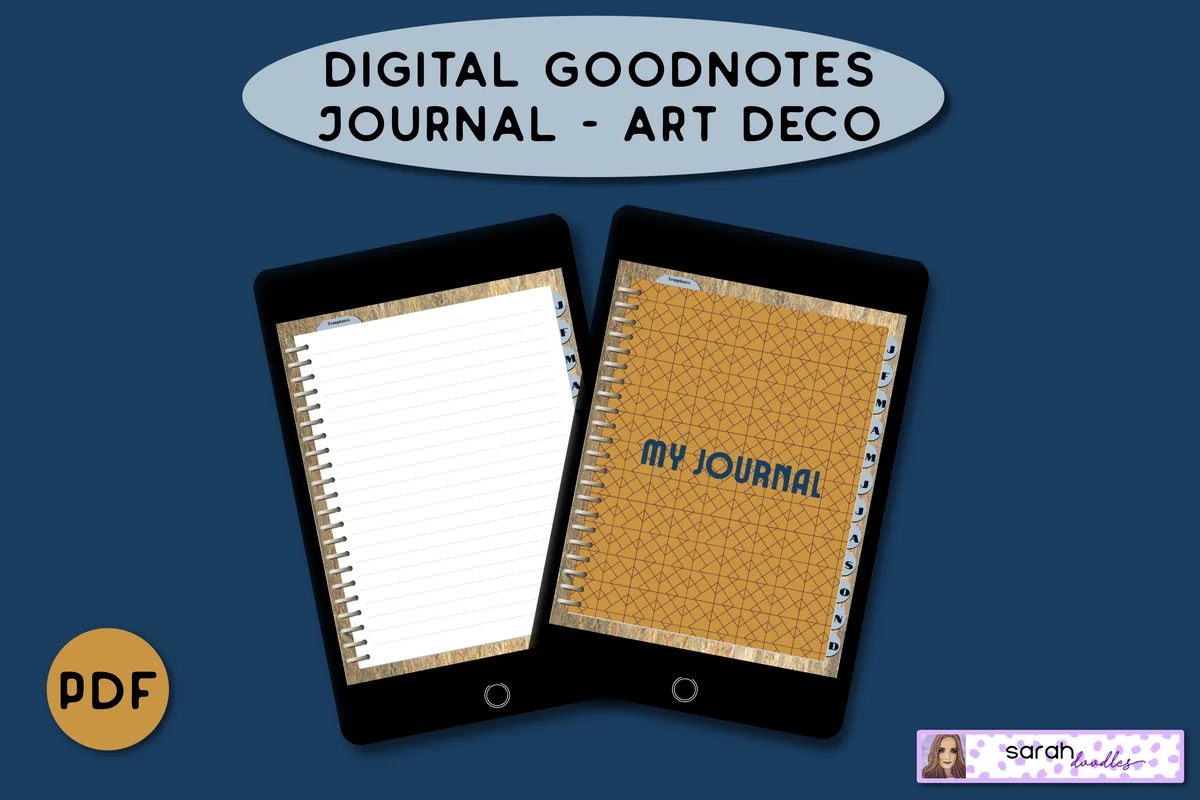
The monthly structure is useful for reviewing changes without filling a daily page. Its brain-dump pages can hold questions to research, clearly separated from actual observations. Extra pages can be duplicated in GoodNotes; the included pages are general journaling layouts.
Longer written histories
8. Digital Ruled Journal
Layouts: 366 ruled pages
Best for: Paragraph-style records of one plant over time. Designed by Island Tulip Designs Co.
- 366 ruled pages
- Three covers and 40 PNG/GoodNotes journal prompts
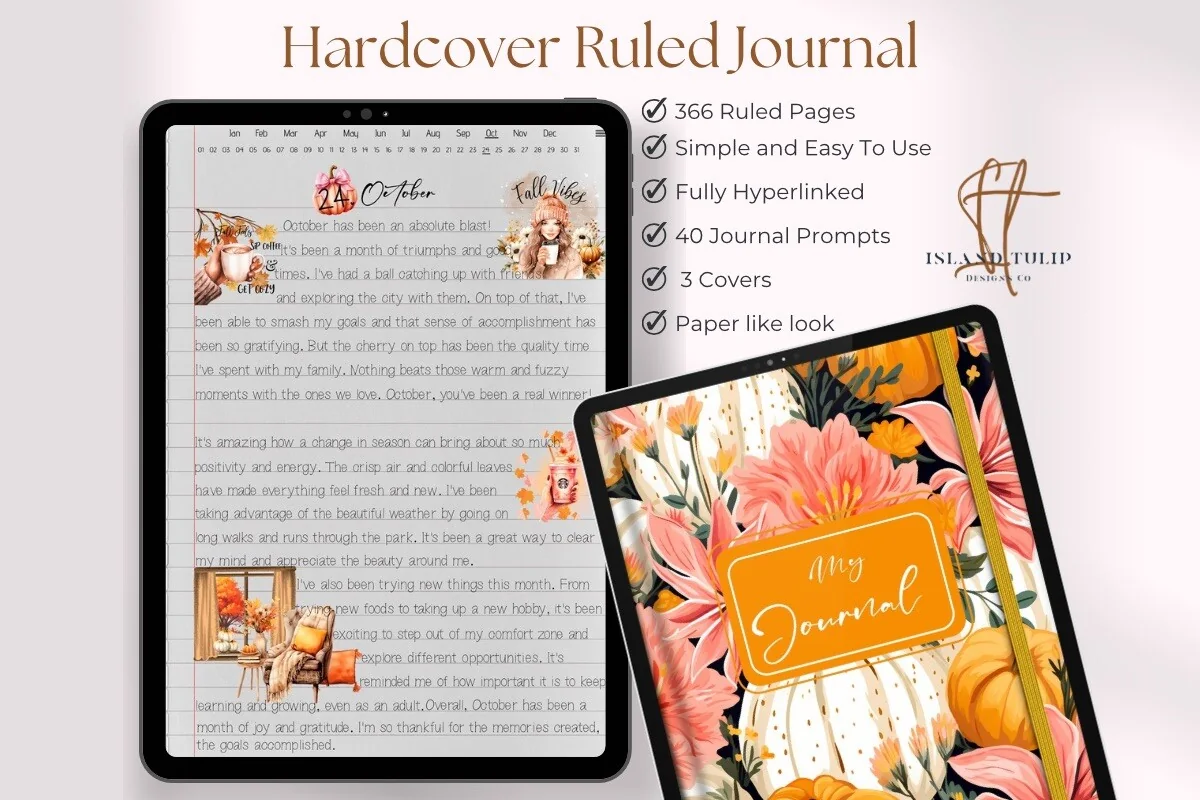
Ruled pages suit a narrative: a move, a repotting event, then a later observation. The general prompts are not plant-care advice and are not needed for this setup. Pick this if writing a few sentences feels more natural than filling a grid. The listing does not specify the journal file format; check the supplied format and app compatibility with the seller before choosing it.
Compact journals and separate paper sets
Compact visual records
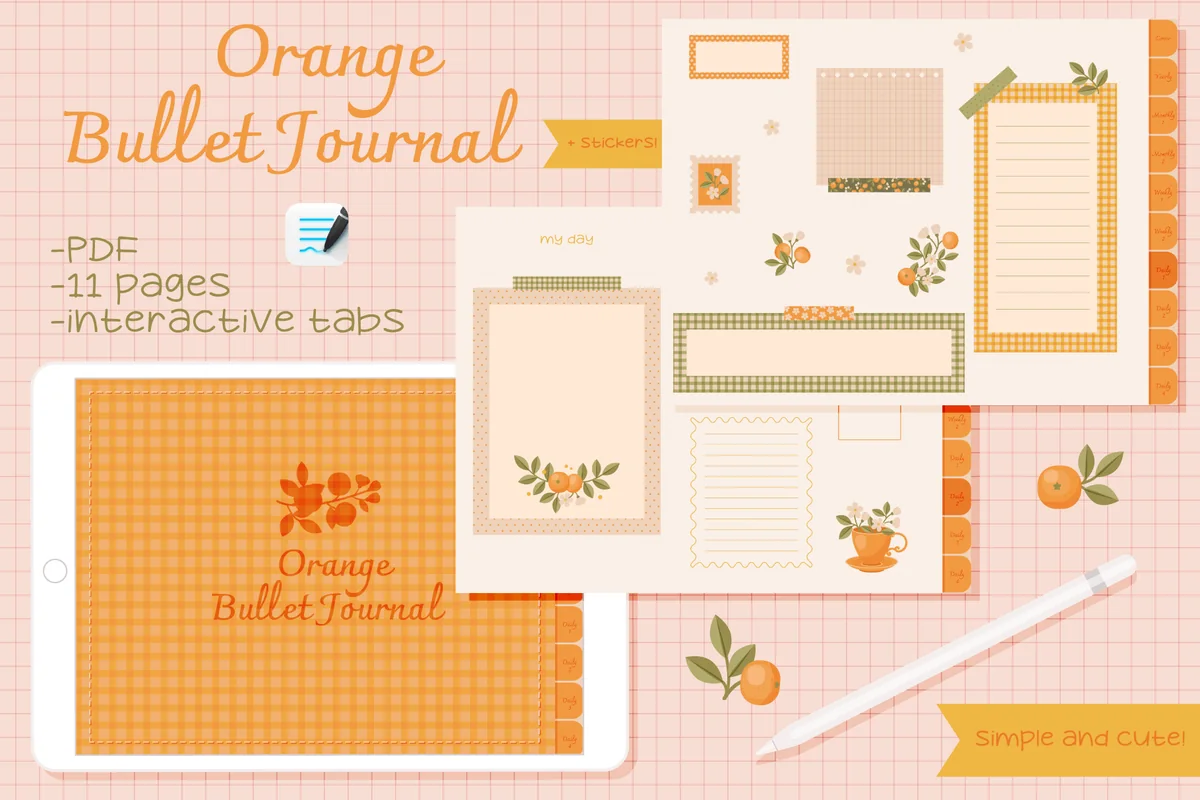
9. Undated Orange Bullet Journal
Layouts: 11 pages with clickable tabsFormat: PDF
Best for: bullet journal beginners, minimal planners, monthly resetters. Designed by digitaliya_studio.
- 11 pages with clickable tabs
- Fill-in layouts and a GoodNotes sticker file
The orange frames give a small journal a cheerful structure. Compact boxes suit short entries and photo captions; leave a separate page for a detailed history. Fill the calendar with events that happened, rather than treating it as a preset watering schedule.
Simple lined plant diary
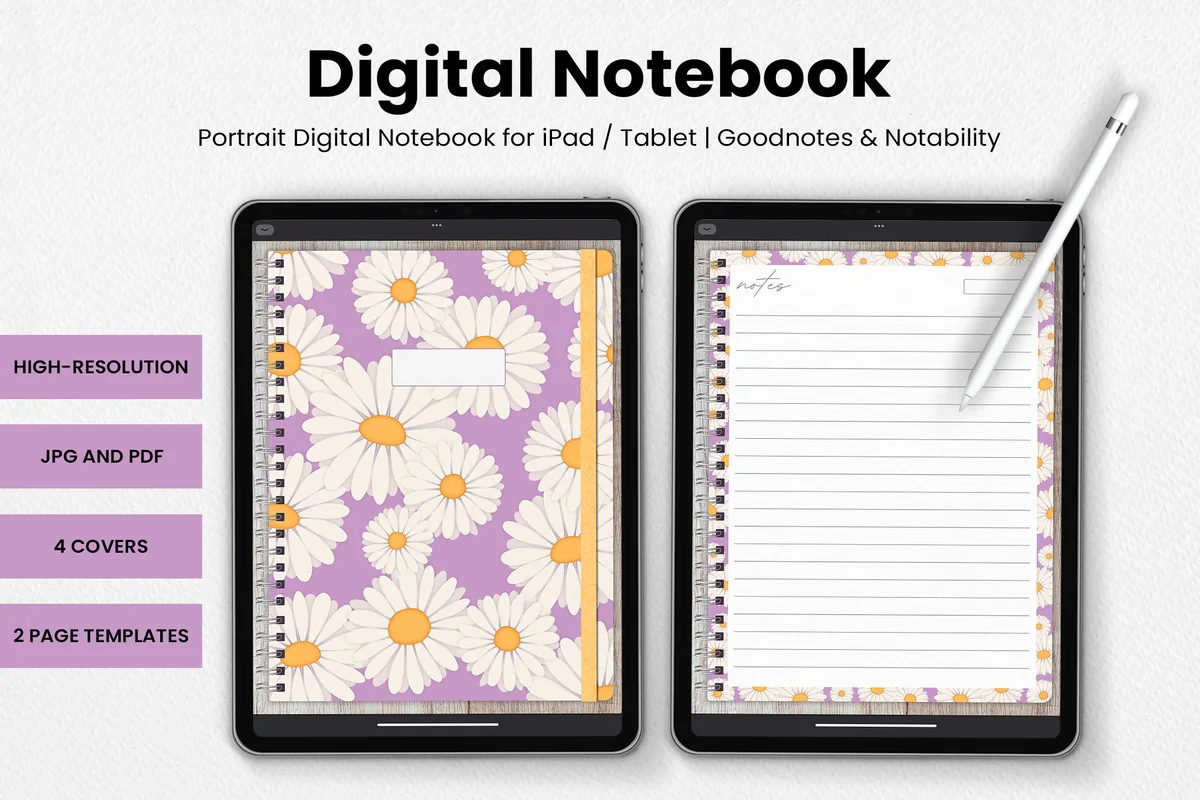
10. Purple DaisyNotes Notebook
Layouts: 2 page templatesFormat: JPG and PDF
Best for: A straightforward diary with a floral notebook appearance. Designed by catsquills.
- 2 page templates
- Four covers; JPG and PDF files
DaisyNotes keeps the page choice small. That is appealing if you want to write the date, plant name and a few lines without choosing among dozens of templates. Its wood-textured floral design is decorative, and linked plant sections are not promised.
Build-your-own record pages
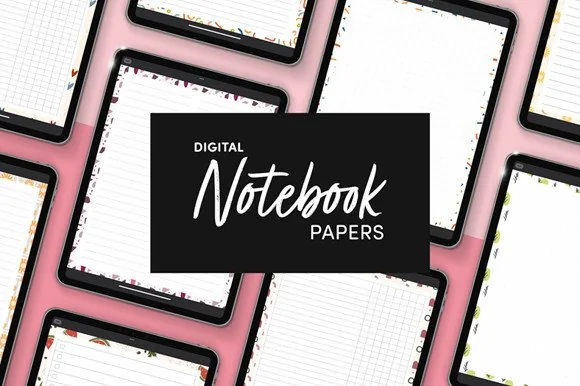
11. Digital Notebook Papers for GoodNotes
Layouts: 9 portrait paper designsFormat: PNG and PDF
Best for: list makers, decorative note-takers, planner add-ons. Designed by catsquills.
- 9 portrait paper designs
- Eight layouts per design; PNG and PDF files
This is a paper set rather than a complete hyperlinked journal. The columns, lists, dots and notes layouts make useful starting points for your own plant-care fields. Choose it when you already have a notebook structure and only need different page backgrounds.
Quick Comparison
| Template | Structure | Included pages | Suggested use |
|---|---|---|---|
| 1. Watercolor Hyperlinked Notebook | 12 linked sections | 12 sections; 3 page types | A separate profile and photo history for each plant |
| 2. Purple 12-Section Digital Notebook | 12 linked sections | Landscape; 16 templates | Wider handwritten profiles and observation grids |
| 3. Digital Notebook 500 Pages Bundle 2 | 10 linked sections | 500 pages; 10 sections | A longer archive with separate profile, photo and event sections |
| 4. Five-Tab Digital Notebook | 5 linked sections | 5 sections; 5 paper types | One compact notebook for profiles, checks, events, photos and review |
| 5. Paper-Texture Five-Section Notebook | 5 linked sections | 5 sections; 30 templates | Mixing plain profiles with structured handwritten records |
| 6. 365 Days Daily Digital Journal | 365 undated daily pages | 365 daily pages; 2 line widths | Short dated observations across several plants |
| 7. Art Deco Digital GoodNotes Journal | Linked monthly dividers | Monthly tabs; brain-dump pages | Monthly notes with a separate list of unanswered questions |
| 8. Digital Ruled Journal | 366 ruled pages | 366 ruled pages; 3 covers | Paragraph-style records of one plant over time |
| 9. Undated Orange Bullet Journal | 11 pages with clickable tabs | 11 pages; clickable tabs | Short notes, small photo captions and a handmade event calendar |
| 10. Purple DaisyNotes Notebook | 2 page templates | 2 templates; 4 covers | A straightforward diary with a floral notebook appearance |
| 11. Digital Notebook Papers for GoodNotes | 9 portrait paper designs | 9 designs; 8 layouts each | Adding columns or notes pages to a notebook you already use |
Turn DIY houseplant care journal ideas into an iPad page
Draw a profile box at the top of a blank page, then leave the lower half for dated journal entries. For a plant on the kitchen shelf, write its ID in the box and use each entry to record what you noticed, what you did and what you want to compare next time. Reuse the layout for another plant while keeping each plant’s history together.
Set up a plant care journal template on iPad
Make one small reusable page before adding decoration. The same fields can work in a lined journal, on a dot-grid page or in a notebook with separate tabs. These are manual layouts, so app tools and navigation can vary.
- 1Import one working file. Check the supplied file format and use the matching import method in a compatible app; for a PDF, use a PDF annotation app. The Digital Ruled Journal listing does not specify its journal format, so confirm that with the seller before choosing it. Keep an untouched copy of the original files. Start with one plant instead of making sections for the whole collection at once. A paper set may need pages assembled or inserted into your existing notebook.
- 2Create a profile master. Add the plant ID, name, location, arrival date and photo area. Label care advice as a reference with its source, rather than mixing it into the observations. Duplicate the page using the tools available in your app when you need another profile.
- 3Create one observation master. Add date, plant ID, observation, action and follow-up. Leave enough handwriting room. A page that fits five tiny columns on a large promotional image may be uncomfortable to write on when you hold your iPad in portrait orientation.
- 4Test the route back. Write one sample entry, move to another page and return to it. Use the notebook contents, tabs, page labels or app bookmarks as available. Duplicating a page does not mean every original PDF hyperlink will automatically point to the new page.
- 5Keep the record usable. After a few entries, simplify any field you keep skipping. Use a separate calendar or reminder app if you need alerts. Check your annotation app’s backup and export settings; a notebook PDF does not create a backup or shared workflow on its own.
A filled example: observation, action, follow-up
Here is a fictional entry to show the distinction between a check and a completed action. It is a writing example, not care advice for a particular species.
| Field | Entry |
|---|---|
| Plant ID | P-03; lounge shelf |
| Date | November 10 |
| Observation | Looked at the plant and took a photo; one marked leaf is visible in both images. |
| Action | No change made today. |
| Follow-up | Compare with the dated profile photo at the next check; research the open question separately. |
Notice what the entry does not decide: it gives no diagnosis and creates no watering interval. The photo and date make the note recoverable. If you later change something, add a new event rather than editing the earlier entry to fit the outcome.
Keep the journal distinct from a reminder app
- The journal holds the history: handwritten profiles, dated events, source notes and photos you add.
- The annotation app handles the file: writing tools, page management and any export or backup options it actually supports.
- A separate tool handles alerts: set up a reminder to check a named plant if needed. After the check, write your observation and any completed action in its journal entry.
FAQ: houseplant journal questions
What should I put in a houseplant journal?
Start with the plant name or ID, current location, a dated photo and short observations. Record actions separately from checks, and keep care references with their sources. Add detailed pages only when they help answer a question about that particular plant.
Can I make a plant journal in GoodNotes?
Yes. The listed GoodNotes-compatible files provide pages you can write on, and several include linked sections or monthly dividers. You add the plant headings, photos and records yourself. Check the individual product format: the paper set is not a complete linked notebook.
Should a watering log tell me when to water?
In this setup it records what you checked and what you did. It does not prescribe a fixed interval. Keep species-specific care guidance separate, with a source, and do not read a previous date as an automatic instruction to repeat an action.
Is there a free way to try these plant journal ideas?
You can draw the profile and observation fields on a page in a note app you already have, subject to that app’s features. The ideas do not require purchasing a themed template. No product here is being presented as a verified free offer.
What is the difference between a nature journal and a houseplant journal?
This houseplant workflow follows identified plants in your home and their individual histories. A nature journal can focus on observations during visits outdoors. If that is the page you want to make, see the nature journal ideas for repeat visits instead of copying care-log fields into every outdoor entry.
Do I need to fill in every day?
No. Add an entry when you observe something or complete an action worth recording. Leave gaps honest. A short record with clear dates is easier to use than a full-looking calendar whose marks do not distinguish plans, checks and completed care.
Start with one plant and one clear entry
Choose the houseplant care journal ideas that help you find a plant’s history again: a useful profile, a dated observation and a clear action note. Build those three pages first, then add a photo comparison or monthly summary when there is something to review. The notebook is a place for your records; the value comes from knowing what each entry means.
You May Also Like
This article contains affiliate links. If you buy through them, I may earn a commission at no extra cost to you. Read the affiliate disclosure.