You paint a soft green leaf, then add one darker stroke and suddenly it looks like a solid plastic sticker. Choosing Procreate watercolor brushes is easier when you separate the jobs: laying down color, shaping a damp-looking edge and adding a convincing paper surface.
I narrowed this list to three sets with different strengths: a coordinated painting kit, a stamp-heavy shortcut and a broader wet-texture collection. My choices come from the product descriptions and every preview, rather than hands-on testing of the paid files. Below the comparison, you can match the tools to a painting task and follow a small practice project.
The 3 Best Procreate Watercolor Brushes by Painting Task
TL;DR: Choose Realistic Watercolor for 20 brushes with four paper canvases and four named palettes, Sko4 for a 22-tool set that includes 12 watercolor stamps, or Wet Watercolor for 29 brushes and four canvases. All three are made for Procreate on iPad. They are alternatives, not a bundle you need to buy together.
Quick Picks
- Best for a coordinated starter kit: Realistic Watercolor Procreate Brushes
- Best for stamps and splatter: Watercolor Procreate Brushes
- Best for wet edges and texture: Wet Watercolor Procreate Brush Set
- Realistic Watercolor Procreate Brushes – Best for a coordinated starter kit
- Watercolor Procreate Brushes – Best for stamps and splatter
- Wet Watercolor Procreate Brush Set – Best for wet edges and texture
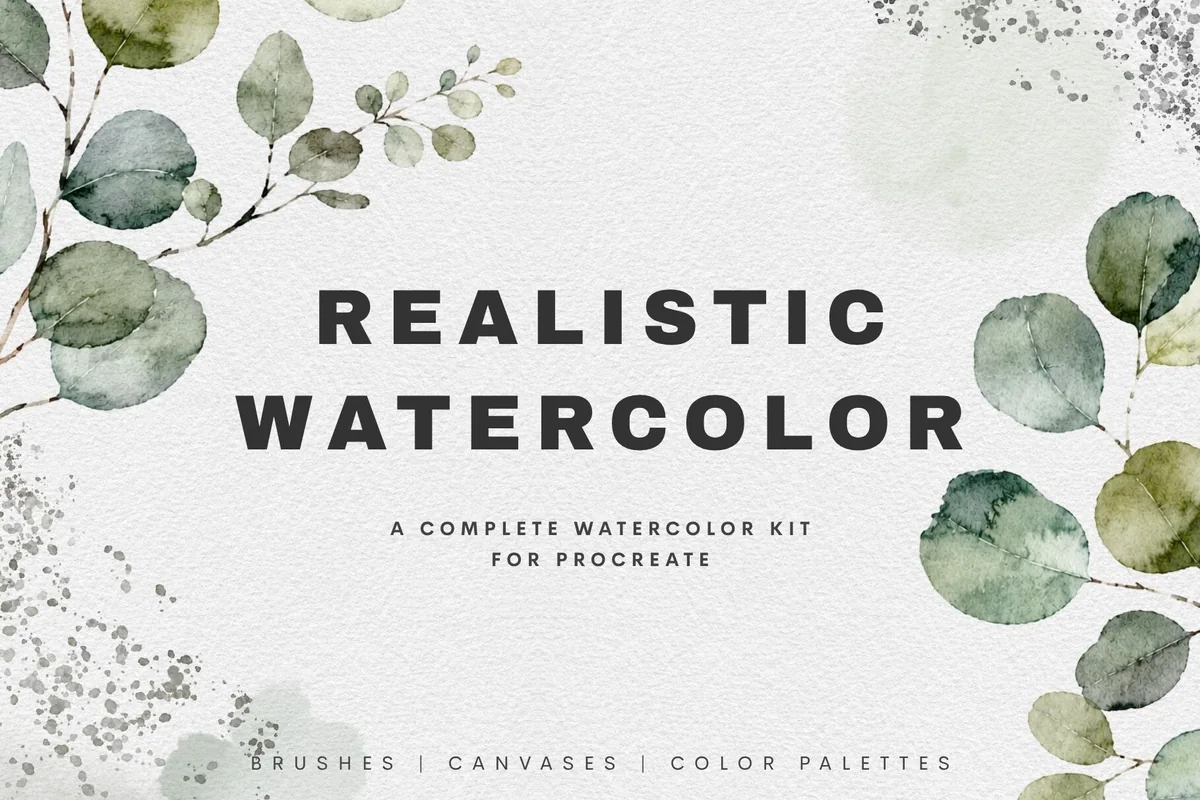
Best for a coordinated starter kit
1. Realistic Watercolor Procreate Brushes
Layouts: 20 brushes; 4 canvases; 4 palettesFormat: Procreate on iPad
Best for: botanical paintings with matching paper and muted palettes. Designed by FinsandFiction.
- 20 brushes: 10 paint/detail, 4 wash/bloom, 3 effects and 3 blenders
- 4 paper canvases: Linen Cold Press, Soft Cold Press, Watercolor Paper and Handmade Fiber Paper
- 4 palettes: Autumn Meadow, Ocean Blooms, Woodland Mist and Wildflowers
- PDF guide for importing and using the files
- Previews show dark leaf edges, pale washes, salt grain and splatter
The paper and muted palettes make this my first choice when deciding where to start feels harder than painting. Its leafy examples show dark edges against pale washes, while the separate detail, effect and blending tools give you clear roles to explore. Choose this kit for a coordinated botanical study; Wet Watercolor offers more brushes if texture variety matters more than named palettes.
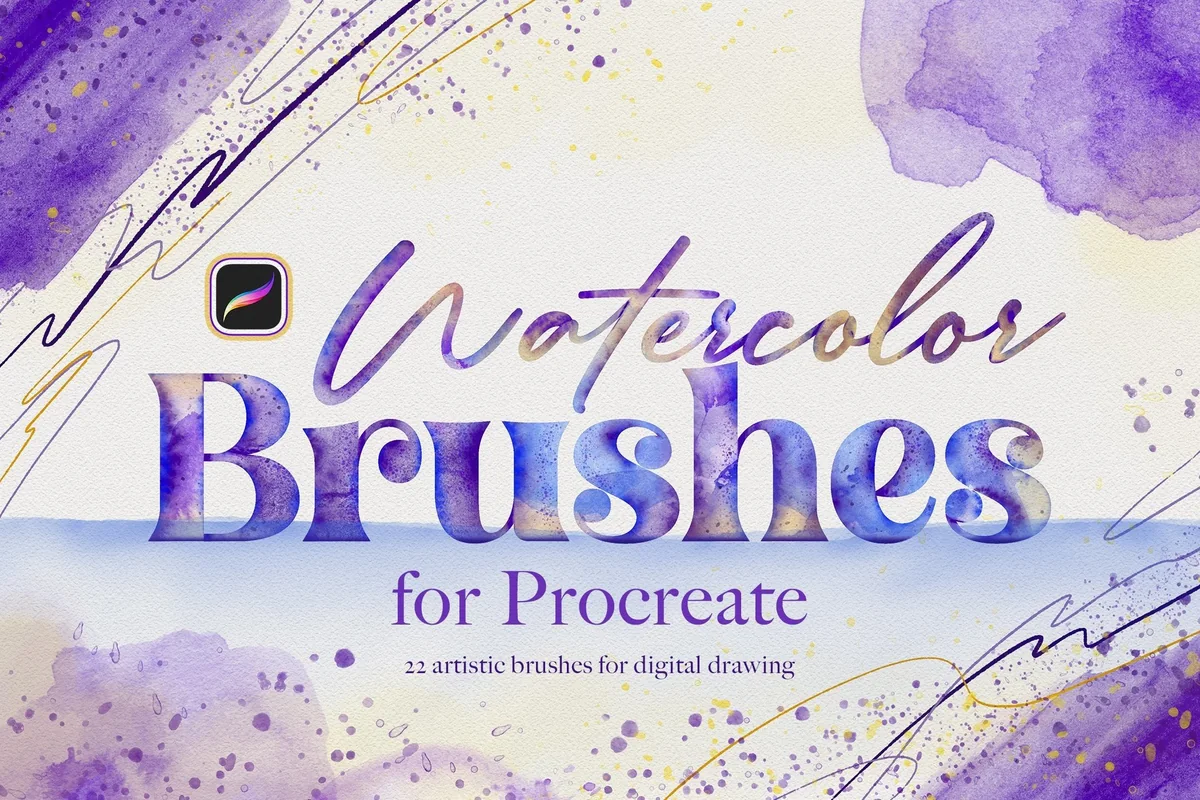
Best for stamps and splatter
2. Watercolor Procreate Brushes
Layouts: 5 painting; 4 splatter; 12 stamps; 1 blenderFormat: Procreate on iPad
Best for: quick watercolor shapes with a few hand-painted lines. Designed by Sko4.
- 22 tools total: 5 painting brushes, 4 splatter brushes, 12 watercolor stamps and 1 blending brush
- Paint Line, Wash Brush and three Water Line brushes make up the painting group
- Previews show round blooms, broader painted stamp marks and a leaf assembled with line, fill and splatter
- Pressure-sensitive marks illustrated with thin-to-thick strokes
- Procreate for iPad only; Photoshop and other graphics software are excluded
Sko4 takes a different route: 12 of its 22 tools place ready-made watercolor marks. Those abstract stamps can anchor a journal decoration, with Paint Line and splatter adding an outline and accents. The trade-off is a smaller continuous-painting selection and no listed paper-canvas pack. It is the clearest choice here for composing with stamps.
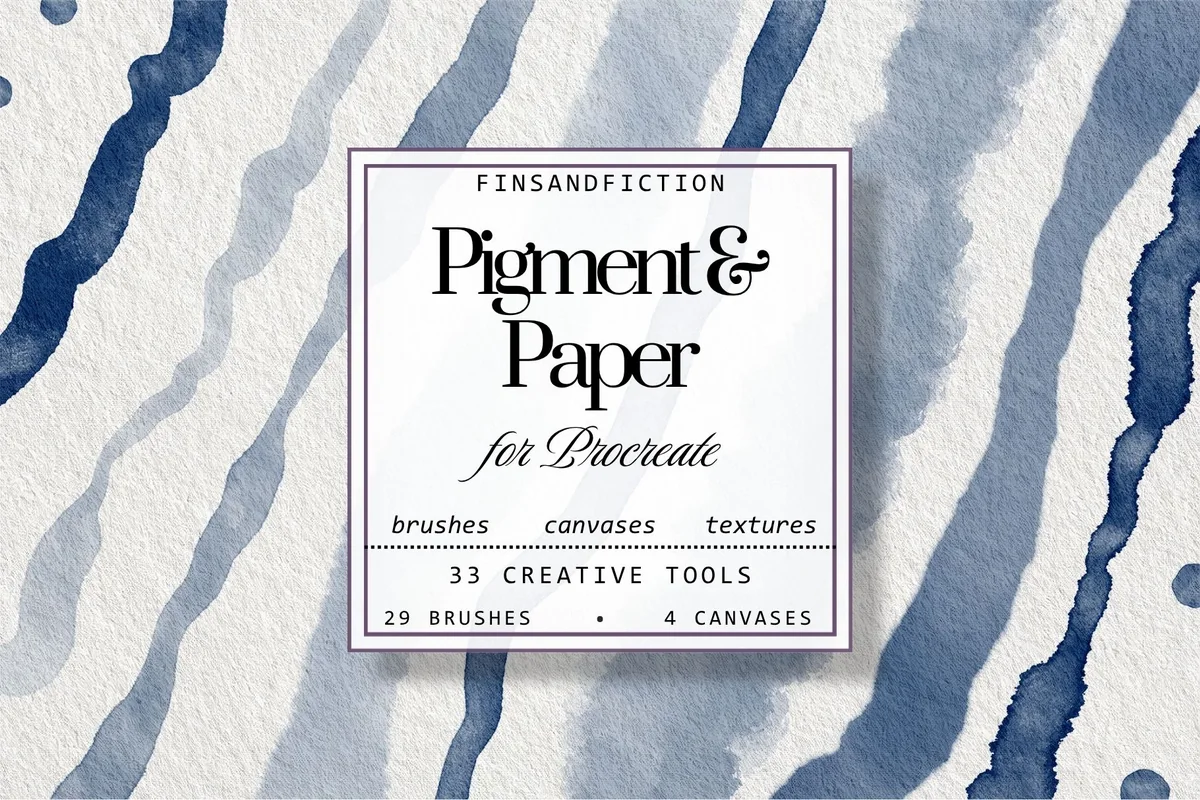
Best for wet edges and texture
3. Wet Watercolor Procreate Brush Set
Layouts: 29 brushes; 4 canvasesFormat: Procreate on iPad
Best for: exploring broad washes, rough edges and several blending marks. Designed by FinsandFiction.
- 29 watercolor brushes and 4 Procreate paper canvases
- Preview groups include everyday painting, washes/fills, edges/textures, bleeds/sponge and blenders
- Named examples include Wet Edge Brush, Dark Edge Wash, Wet Sponge and Rough Wet Blender
- Bonus color swatches and a PDF guide; the swatch count is not specified
- For Procreate on iPad; Apple Pencil recommended
Wet Watercolor has the widest brush selection here. Its blue swatch sheets separate washes, textured edges, sponge marks and blenders, making it a useful option for comparing different finishes on the same subject. The cover’s 33 creative tools means 29 brushes plus 4 canvases. The bonus swatches have no stated count, so choose Realistic Watercolor if four named palettes are your priority.
Quick Comparison
| Set | Brushes and stamps | Paper and extras | Main reason to choose |
|---|---|---|---|
| 1. Realistic Watercolor Procreate Brushes | 20 brushes | 4 canvases + 4 palettes | Botanicals and coordinated colors |
| 2. Watercolor Procreate Brushes | 22 tools, including 12 stamps | No paper canvases listed | Fast shapes, water lines and splatter |
| 3. Wet Watercolor Procreate Brush Set | 29 brushes | 4 canvases; bonus swatches listed | Wet edges, sponge and blending |
Choose the job before you count the brushes
A larger number on a cover can mean more stamp shapes, more ways to soften color, or simply more variations of a wash. Those are different benefits. Start with the kind of mark or surface your project needs, then compare the totals.
- You need a starting direction: Realistic Watercolor pairs its painting tools with four named palettes and four paper canvases. That is the clearest package here for choosing a surface and a color family together.
- You need a shape quickly: Sko4 combines ready watercolor marks with a smaller painting group. Its stamps are abstract paint textures rather than a promised library of finished flower illustrations.
- You need more surface variation: Wet Watercolor shows separate sheets for edges, sponge marks and blending tools. That is the stronger reason to choose its 29 brushes than the count alone.
The two FinsandFiction products both cover washes, blending and paper. Their counts and extras differ, but the listings do not establish whether the brush files overlap. Choose one before considering the other.
Read a watercolor preview in four passes
Beautiful finished artwork can hide what a set actually contains. The swatch sheets are more useful for comparing tools because they show the individual marks. Here is the distinction I use when looking at these three listings.
- Paint and detail: look for strokes you can draw along a path, such as Main Brush, Detail Brush or Paint Line. A stamp that places a finished patch is a different tool, even when both are counted as brushes.
- Wash and fill: compare broad, pale areas with denser ones. Realistic Watercolor names Classic Wash, Wet Wash and Light Wash; Wet Watercolor shows its own group of larger fills.
- Edges and effects: inspect the border as well as the middle of a swatch. Dark Edge, Water Bleed, salt grain and splatter are separate choices in these previews, so select the effect you want instead of expecting one universal watercolor stroke.
- Blending: look for dedicated tools rather than assuming every brush softens existing paint. Realistic Watercolor names three blenders; Sko4 lists one; Wet Watercolor shows a five-blender panel.
These images demonstrate the seller’s intended appearance, not a guarantee that your first stroke will match. Realistic Watercolor specifically notes that canvas size, pressure and Pencil settings can affect the result. Compare a few controlled marks on an included surface before changing several settings at once.
Try the blenders already included in your watercolor set before adding another pack. If a particular transition still needs a different edge, the dedicated Procreate blending brush comparison separates smooth, rubbed and textured finishes, with a small boundary study for judging what each pass changes.
Paper canvases and brush sets are separate decisions
Both FinsandFiction kits include four paper canvases. Sko4’s listed contents focus on brushes and stamps, with no paper-canvas pack stated. That matters if you want the texture shown in a botanical example as well as the brush that makes its outline.
- Realistic Watercolor: its four named surfaces make it possible to choose a paper character deliberately. The preview contrasts linen, cold-press and handmade-fiber looks rather than presenting paper as one interchangeable white background.
- Wet Watercolor: the paper panel shows the same watermelon motif across four textured surfaces. Its preview tells you to create your artwork on a new layer above the built-in paper texture layers.
- Sko4: choose this for the painting/stamping workflow, not an unstated canvas bonus. If you already have a favorite surface, the absence of another paper pack may be irrelevant.
Do not count the paper files as extra paint brushes. Wet Watercolor’s headline of 33 creative tools is consistent with 29 brushes plus four canvases. Realistic Watercolor separates 20 brushes, four paper canvases and four color palettes. Those totals describe different kinds of assets.
A practical setup check before your first painting
Keep the original files and the seller’s instructions together so you can identify what belongs to the brush library and what belongs in the Gallery. The exact packaging is not stated for every asset here, so follow the included guide for canvases and palettes rather than assuming every file uses the brush import route.
Get the tools into the right place
- 1Identify the file type. Separate the brush files from any canvas, palette and instruction files. A product preview is not an installable brush. Keep the original package intact while you work so a missing extra is easier to trace.
- 2Import the brushes. In the current Procreate brush interface, open Brushes, use the add control and choose Import from Files. Select the relevant brush file. Menu wording can differ with your installed version, so use the official instructions linked below if your interface looks different.
- 3Open an included paper canvas as instructed. For Wet Watercolor, the preview explicitly puts new artwork above the built-in texture layers. Begin with that arrangement instead of painting directly onto a paper layer. Keep an untouched copy of the canvas for the next project.
- 4Make a small reference strip. Try a painting stroke, a broad wash, an edge effect and a blender on the same page. Label the marks with their tool names. Keep the strip as a reference when choosing tools for a new painting.
Procreate’s brush import instructions and Import and Share handbook both cover bringing brush files into the app. Import support in Procreate does not mean these particular Procreate products work in Photoshop, Canva or GoodNotes; their listings specify Procreate on iPad.
Plan a small leaf-and-wash project
A single sprig gives you a manageable way to explore a brush set’s style. Use one pale color, one darker accent and plenty of blank space, then make a second version with a different edge treatment. The goal is to learn which tools contribute something useful, rather than use every brush in the pack.
For a second study with visible bristle streaks or thick-looking ridges, compare the marks in these Procreate oil paint brush sets. Keep the subject small so the difference from a pale wash remains easy to judge.
The same small sprig can also become a texture comparison. If you want broken, crayon-like marks instead of a wet-looking wash, these Procreate pastel brush sets distinguish painting textures, paper backgrounds and a dedicated smudger for that different finish.
From a loose shape to a finished study
- 1Choose a modest subject. Sketch a stem with three leaves or a simple rounded shape. Keep the silhouette readable before adding texture. This makes the comparison about the watercolor marks instead of how complicated an illustration you can finish.
- 2Choose one route to the base. With either FinsandFiction kit, begin with a painting or wash tool. With Sko4, decide whether you want to draw the shape or compose it around an abstract watercolor stamp. Do not compare a one-tap stamp with a hand-painted leaf as though they take the same approach.
- 3Add one contrasting detail. Try a darker edge, a water-line accent or a little splatter according to the tools in your chosen pack. Keep a copy before adding it so you can compare the quiet version with the more textured one.
- 4Stop and compare. Look at the work at its intended viewing size. If the edge disappears, simplify the shape; if the splatter dominates, reduce the amount of decoration. Save the version you prefer and note which few tools you actually used.
For a journal decoration, leave space around the artwork instead of filling the entire page with paint. For a greeting-card illustration, consider how a pale wash sits behind the focal subject. Keep these as composition goals while you try the tools.
For a painted subject that needs solid matte color rather than a pale wash, the Procreate gouache brush comparison focuses on coverage, dry edges and small details. Its simple shape study offers a different direction for the focal illustration.
When the look is too flat, too busy or too hard to control
More tools will not automatically fix an unclear result. Before switching kits, compare the same small subject with fewer effects. Keep this checklist beside the practice strip.
- The mark looks too solid: compare a lighter wash with a denser painting tool from the same kit. Judge them on the same surface and at a similar size instead of changing the canvas, color and brush simultaneously.
- The texture feels crowded: choose one main effect. A dark border, salt grain and splatter can each be useful, but the preview showing all three is not a rule that every leaf needs them.
- The stamp is too recognizable: use Sko4’s painting brushes for the focal shapes and reserve a stamp for an accent. If you dislike working from preformed marks altogether, its 12-stamp allocation is a reason to choose another set.
- The blender changes too much: work on a copy and compare a small area first. Each pack has its own blending tools, so compare their marks before applying them across the whole painting.
- The setup is confusing: return to the included instructions and check the file type. Both FinsandFiction kits include a PDF guide for importing and using their files.
Check the contents and compatibility before paying
The best value is the set whose contents fit the artwork you want to make this week. I have left out price rankings because promotions and subscriptions can change the amount you see. Check the current listing and license terms at the time you choose.
- Device and app: all three are Procreate-on-iPad products. The FinsandFiction descriptions recommend Apple Pencil. No listing here establishes compatibility with Procreate Pocket or a particular minimum app version.
- Included assets: do not assume Sko4 has a paper pack or that Wet Watercolor has four named palettes. The latter lists bonus swatches without a specific count.
- Overlap: Realistic Watercolor and Wet Watercolor share a designer and several purposes. Different totals do not prove non-overlapping files.
- License: making a finished illustration and redistributing the brushes are different uses. Read the current product and license terms for your intended project instead of treating “digital stickers” in a description as unrestricted resale permission.
FAQ About Watercolor Brushes on iPad
Which of these sets makes the most sense for a beginner?
Realistic Watercolor is my starting recommendation if you want brushes, named paper surfaces, palettes and a PDF guide together. Sko4 suits someone who likes starting with stamps; Wet Watercolor suits someone more interested in exploring different edges. Choose by the workflow you prefer: a coordinated kit, ready paint marks or a wider brush selection.
Are all 22 Sko4 tools painting brushes?
No. Its total combines five painting brushes, four splatter brushes, 12 watercolor stamps and one blending brush. You get a mix of ways to draw and place marks, not 22 continuous painting tools. That distinction is especially useful when comparing it with the two larger painting kits.
Do I need to buy a separate paper texture?
Each FinsandFiction kit already includes four paper canvases. Sko4 does not list a paper-canvas collection. Whether you want another surface is a style choice. Explore any included surfaces before adding a separate paper pack.
Will these watercolor sets work in GoodNotes or Canva?
These products are made for Procreate on iPad. They are not GoodNotes pens or Canva drawing tools. If your goal is journal decoration, create the artwork in the supported app first; importing a finished image elsewhere is a separate workflow from installing the brushes.
Are any of these sets free?
None of these sets is included here as a free option. Check the current offer rather than assuming a subscription or trial button means the standalone product is permanently free. If you want to explore the style before paying, start by looking through the tools already installed in your app; compare their wash and blending marks before deciding what is missing.
Should I get both FinsandFiction watercolor packs?
Start with one. Realistic Watercolor has the clearer named palette collection, while Wet Watercolor shows a broader selection of brush textures. Either kit has the painting tools and paper needed for the small practice project above.
Start with one surface and a few useful marks
For a coordinated first kit, my pick is Realistic Watercolor. For quick decorative shapes, Sko4 offers the clearest stamp-based route. For more wet-edge and blending variety, Wet Watercolor is the more extensive brush collection. The best Procreate watercolor brushes for your next project are the ones whose marks and included surfaces fit the way you want to work, rather than the biggest number on the cover.
If you need crisp outlines around the softer paint, see my Procreate lineart brush comparison. Choose the watercolor tools for the washes and texture, then add another type of brush only when the drawing needs it.
For a sky study, compare these Procreate cloud brushes before deciding how to add clouds to your painted background. If the missing piece is the surface rather than the paint mark, compare these Procreate paper texture brushes separately.
You May Also Like
This article contains affiliate links. If you purchase through them, I may earn a commission at no extra cost to you. Read the affiliate disclosure.