A digital planner without stickers works fine, but it looks like a spreadsheet. A few GoodNotes stickers change that: a sticky note for this week’s priorities, a flag on the dentist appointment, a washi strip across the top of the page, a little coffee cup next to “meet Anna”. And unlike paper stickers, they never run out.
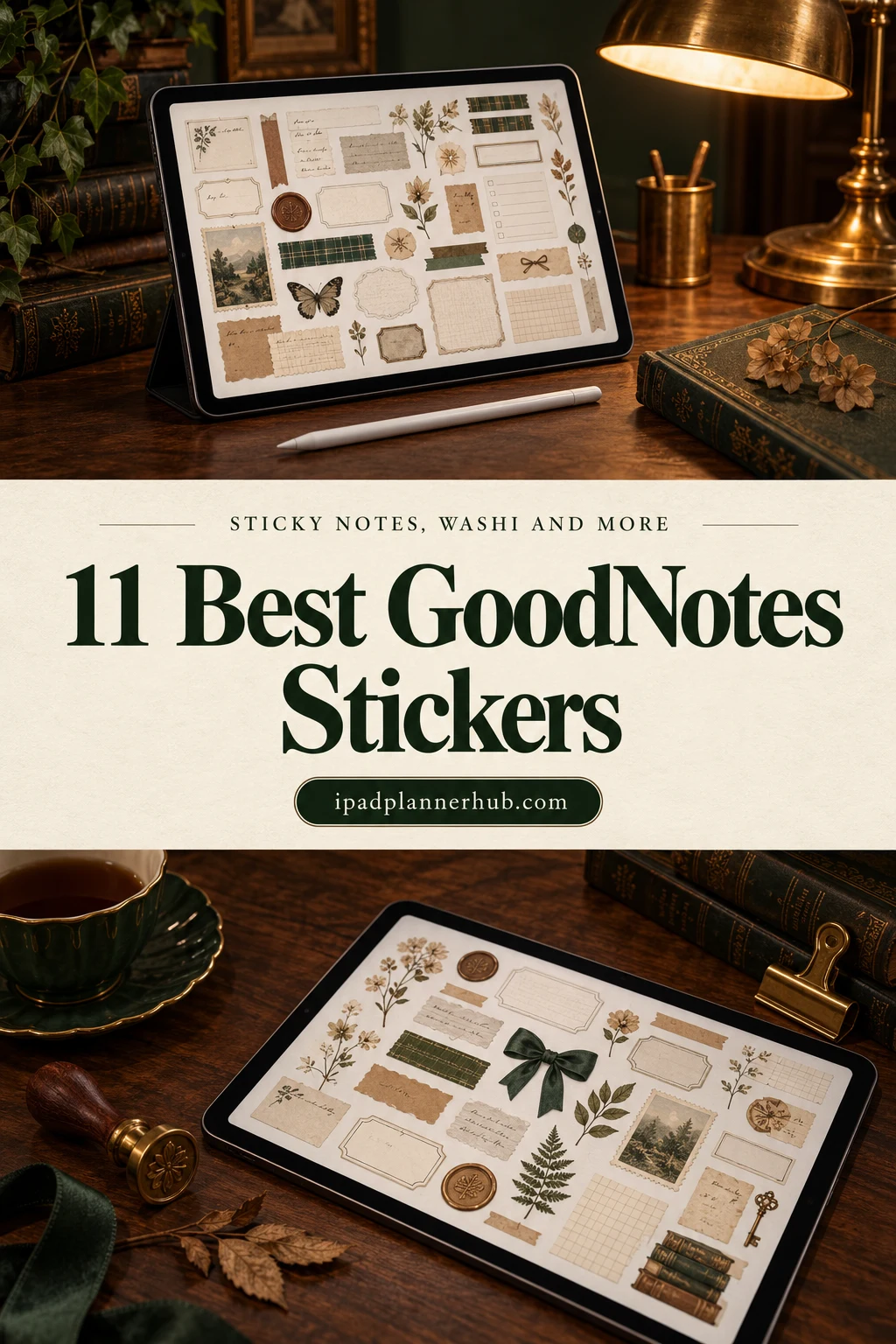
Below are 11 sticker packs from Creative Fabrica I’d use in a digital planner, from functional sticky notes and icons to florals, food and a cozy fall set. Most come as a pre-cropped GoodNotes sticker book plus PNG files for other apps. After the list: functional vs decorative stickers, how to add them in GoodNotes, where to find free ones and how to make your own. For green pages full of houseplants, there’s a separate list of plant stickers.
The 11 Best GoodNotes Stickers I Found
I only kept packs made for digital planning: transparent PNGs, and ideally a ready GoodNotes file so you don’t have to crop anything. Sets meant mostly for printing, T-shirts or Cricut are out. Functional packs first, decorative ones after.
TL;DR: 11 GoodNotes sticker packs for digital planners: 4 functional sets (sticky notes, shapes, bullet journal doodles, an everyday sticker book) and 7 decorative ones (neutral, torn paper and washi, coffee, food, florals, autumn and spring). Most include a pre-cropped GoodNotes file plus PNGs for other apps.
Quick Picks
- Best for everyday sticker book: Digital Stickers Book for Goodnotes
- Best for sticky notes: Cute Sticky Notes Digital Sticker
- Best for functional shapes: Digital Planner Stickers V1
- Best for minimal black doodles: Digital Planner Stickers – Bujo Inspired
- Best for neutral aesthetic: Minimalist Neutral Digital Sticker
- Best for washi and torn paper: Torn Paper Digital Sticker Clip Art
- Digital Stickers Book for Goodnotes – Best everyday sticker book
- Cute Sticky Notes Digital Sticker – Best sticky notes
- Digital Planner Stickers V1 – Best functional shapes
- Digital Planner Stickers – Bujo Inspired – Best minimal black doodles
- Minimalist Neutral Digital Sticker – Best neutral aesthetic
- Torn Paper Digital Sticker Clip Art – Best washi and torn paper
- Digital Planner Sticker Bundle Coffee – Biggest bundle
- Food and Drink Digital Stickers – Best for meal planning
- Florals – Digital Planner Stickers – Best florals
- Autumn Digital Planner Stickers Bundle – Best fall set
- Bright Spring Digital Planner Stickers – Best bright and colorful
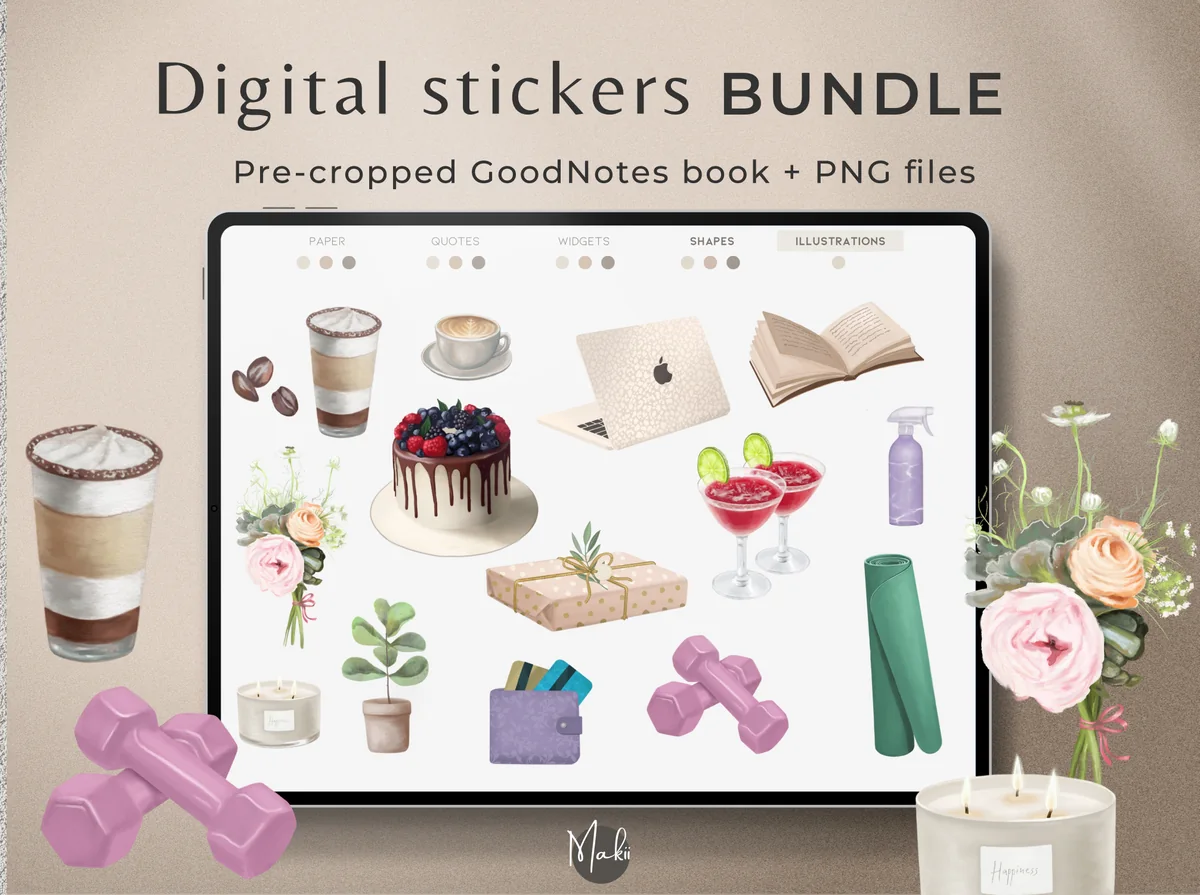
Best everyday sticker book
1. Digital Stickers Book for Goodnotes
Layouts: 250+ stickers, pre-cropped
Best for: beginners, everyday planners, neutral lovers. Designed by Makii.
- 250+ pre-cropped stickers for everyday use
- GoodNotes sticker book plus individual PNG files
- Quote stickers in 3 color variations, everyday objects
- Works in GoodNotes, Notability, Xodo, Noteshelf
If you buy only one pack, this is a good candidate: everyday objects, quotes and soft colors that fit most planners. The ready GoodNotes book means you can start copying stickers in a minute.
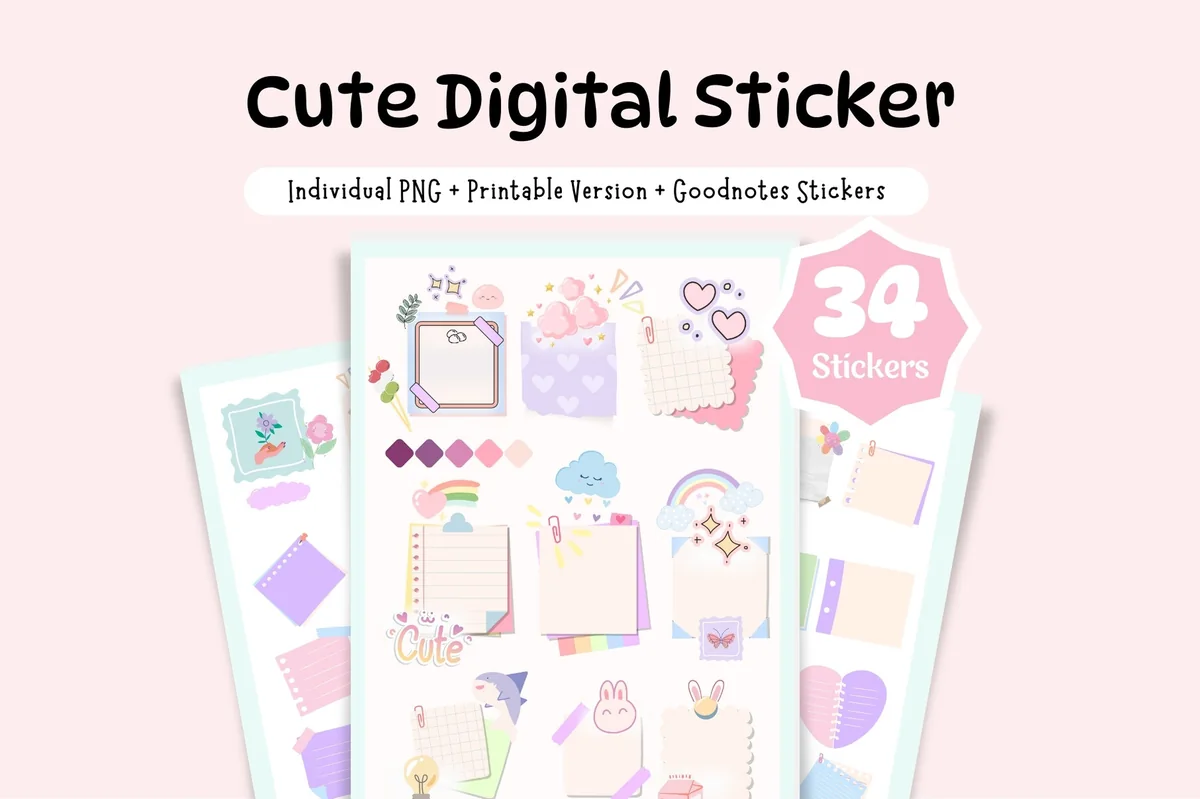
Best sticky notes
2. Cute Sticky Notes Digital Sticker
Layouts: 34 sticky notes and widgets
Best for: list makers, pastel lovers, kawaii fans. Designed by Tas Creative Studio.
- 34 stickers: logs, to-dos, post-it notes, flags
- Individual PNGs and 3 uncropped A5 sticker sheets
- Bonus: 5-page sticker book
- Pastel, kawaii style
Sticky notes are the most useful sticker there is: drop one on the week, write the three things that matter. These are cute without being childish, and the best reviewed functional pack here.
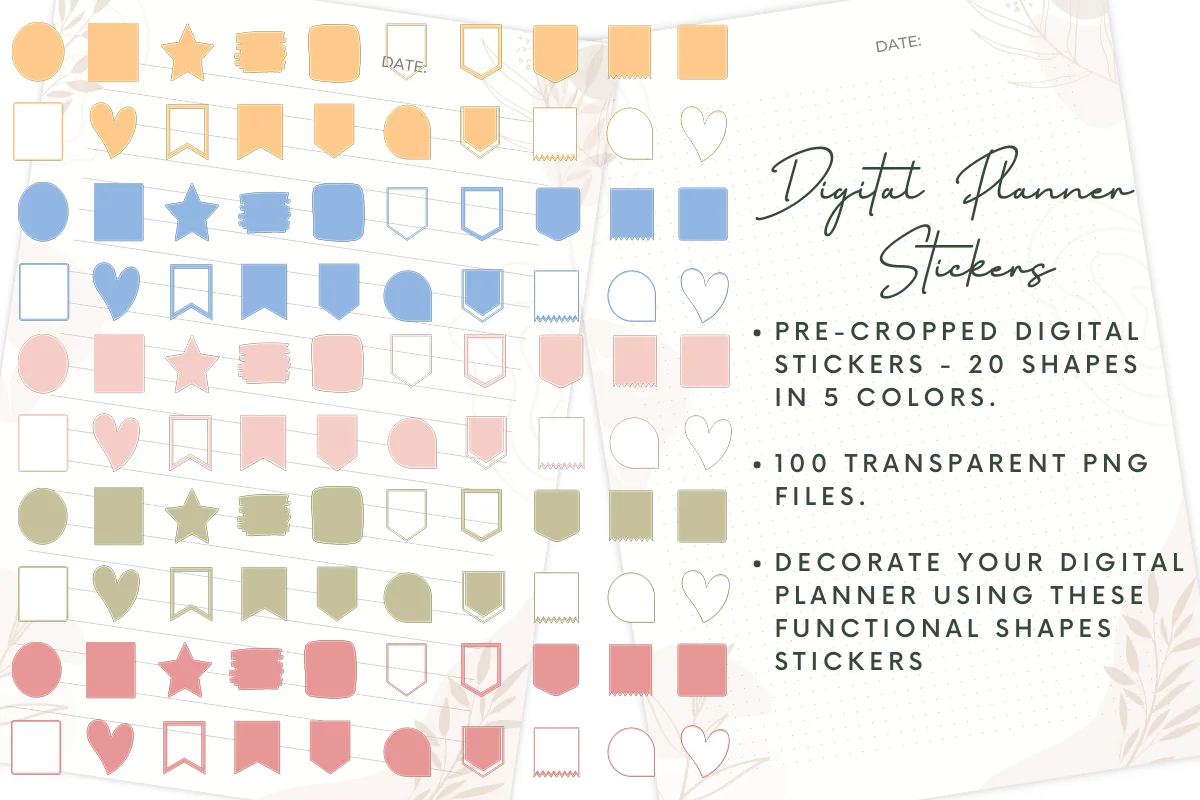
Best functional shapes
3. Digital Planner Stickers V1
Layouts: 100 stickers: 20 shapes × 5 colors
Best for: minimalists, color coders, budget shoppers. Designed by printablepdf.
- 100 pre-cropped stickers: 20 functional shapes in 5 colors
- Transparent PNG files, sorted by color and shape
- Flags, banners, boxes, hearts, stars and speech bubbles
- For GoodNotes, Notability, Xodo, Noteshelf
Plain shapes in five soft colors, perfect for color-coding: blue flags for work, pink for family. They're the stickers you'll actually write on, and they cost very little.
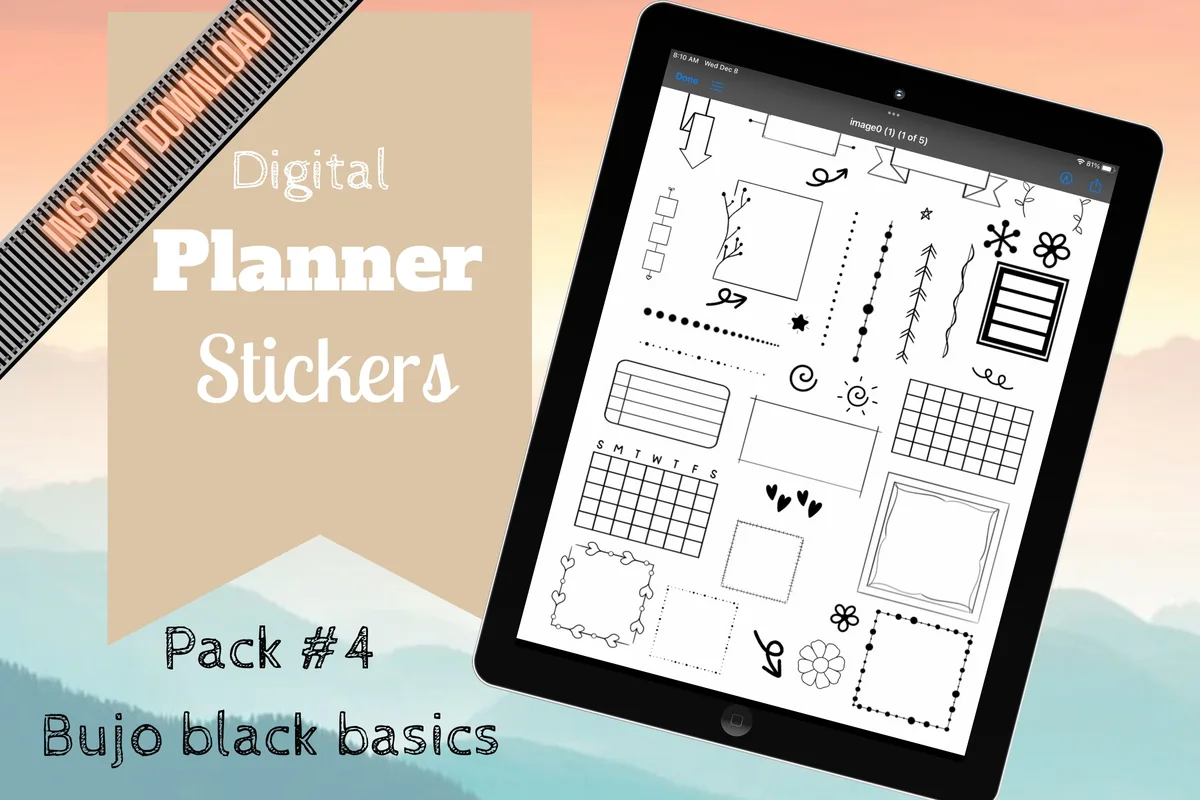
Best minimal black doodles
4. Digital Planner Stickers – Bujo Inspired
Layouts: Hand-drawn black doodles
Best for: bullet journalers, minimalists, note takers. Designed by Shades of Zen.
- Hand-drawn black designs inspired by bullet journaling
- Dividers, frames and elements to build your own spreads
- Pre-cropped PNGs with transparent background
- GoodNotes sticker file included
Black line doodles go with any planner color and any palette, which makes them the safest pick here. Great for dividing notes into sections or making a bullet journal spread from a blank page.
Best neutral aesthetic
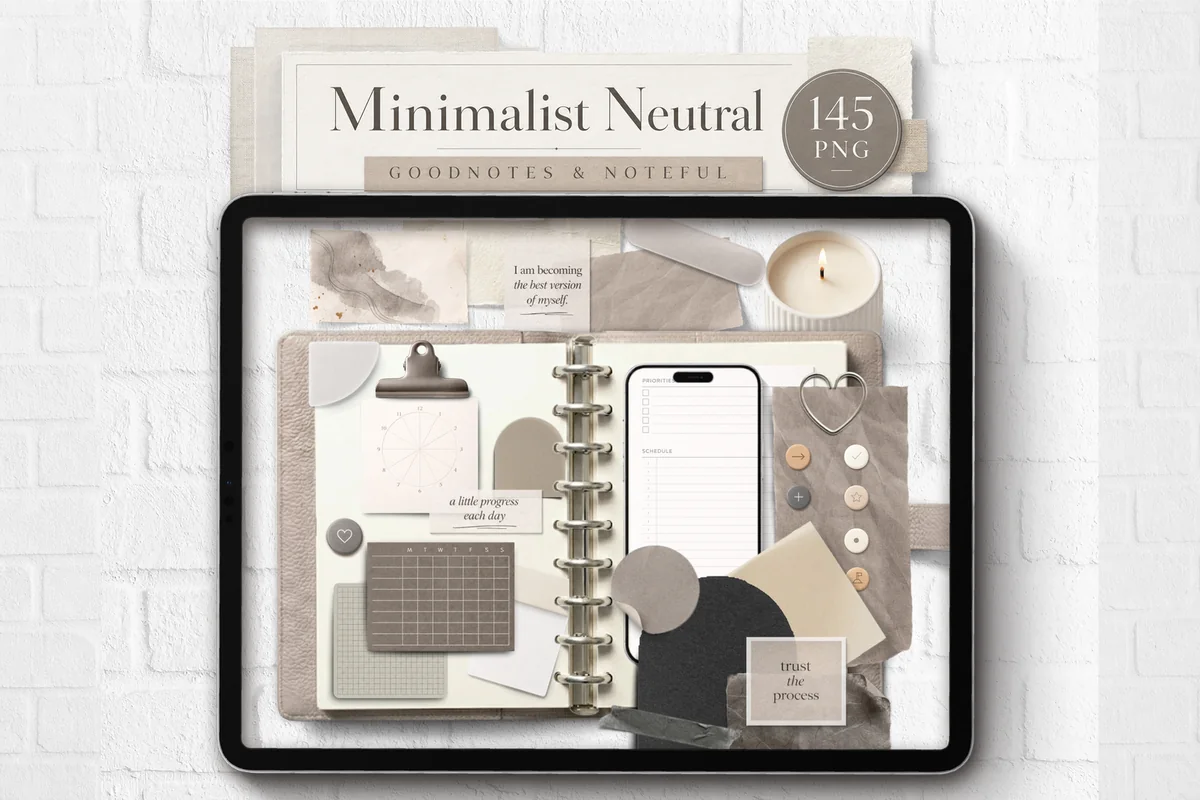
5. Minimalist Neutral Digital Sticker
Layouts: 145 PNGs (per the cover)
Best for: neutral lovers, journalers, aesthetic planners. Designed by joypaperless.
- Neutral journal elements with realistic paper texture and shadows
- Individual PNGs, a GoodNotes file and a Noteful file
- Notes, tabs, photos-style frames and objects
- For GoodNotes, Noteful, Notability and other apps
Beige papers, clips and photo frames with soft shadows: the closest thing to a real paper journal on the iPad. Ideal for neutral planners and "that girl" style weekly spreads.
Best washi and torn paper
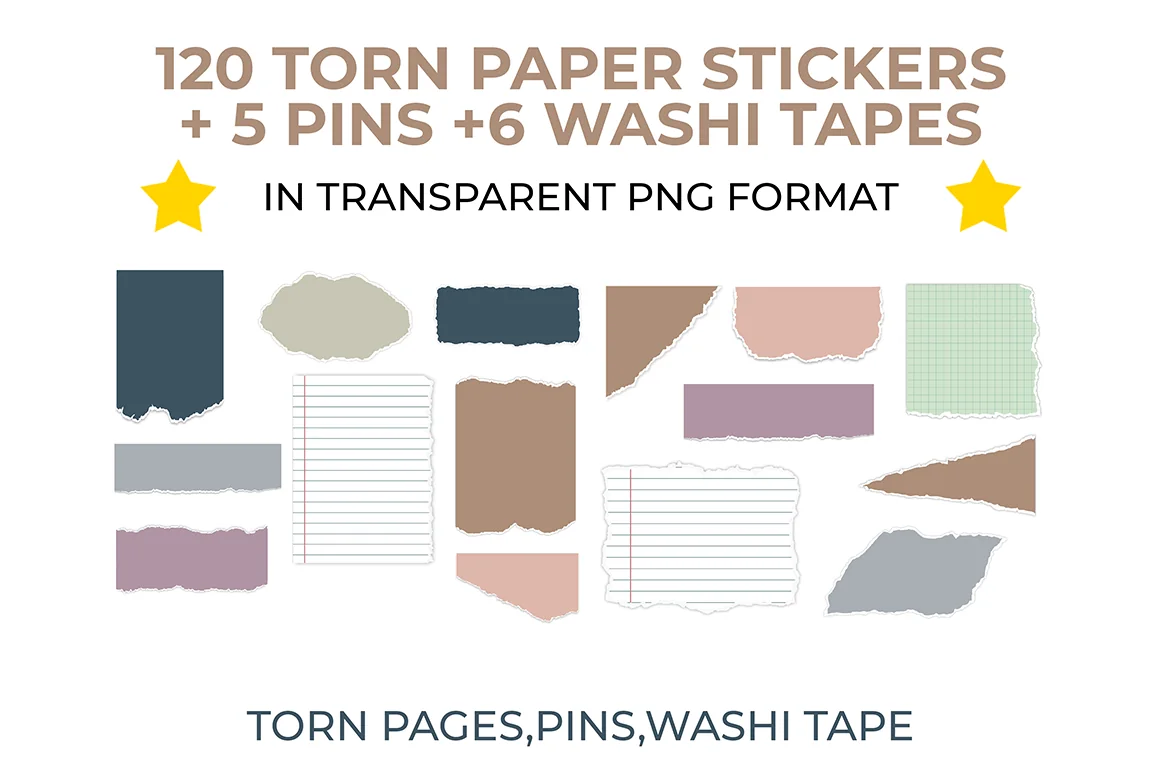
6. Torn Paper Digital Sticker Clip Art
Layouts: 120+ torn papers, pins, washi tapes
Best for: scrapbookers, journalers, muted color fans. Designed by The Lunar Digital.
- 120 torn paper stickers, 5 pins and 6 washi tapes
- 8 color variations in muted tones
- High-quality transparent PNGs
- For GoodNotes, Notability, Noteshelf, Xodo
Torn paper behind a photo or a washi strip across the top makes any page look layered and handmade. Muted colors keep it from getting loud; a lovely pack for journaling spreads.
Biggest bundle
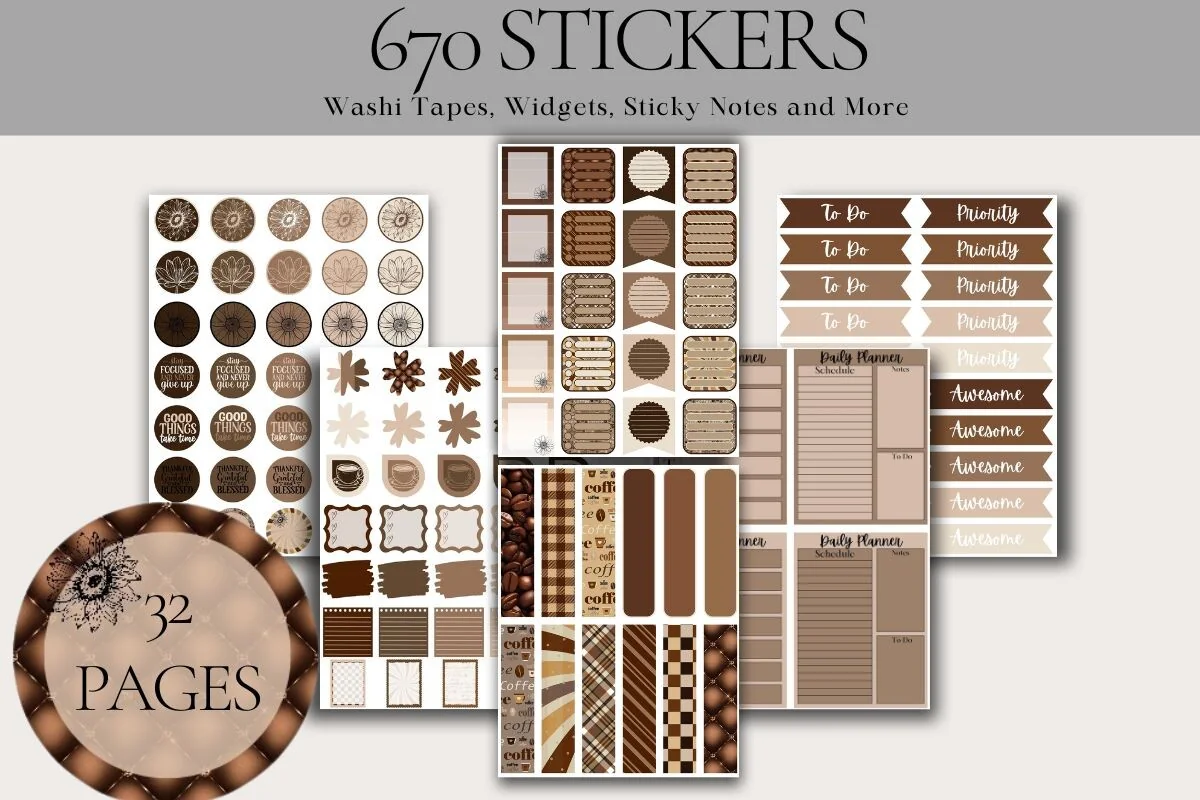
7. Digital Planner Sticker Bundle Coffee
Layouts: 670 stickers, 32 sticker pages
Best for: coffee lovers, brown and neutral fans, sticker collectors. Designed by ArtByNicoleEngela.
- 670 individually cropped PNG stickers
- 32 PNG sticker pages
- Washi tapes, widgets, sticky notes and more (per the cover)
- Warm coffee browns
Washi, widgets, sticky notes and labels, all in the same coffee browns: one theme for the whole year. It pairs beautifully with latte-colored planners.
Best for meal planning
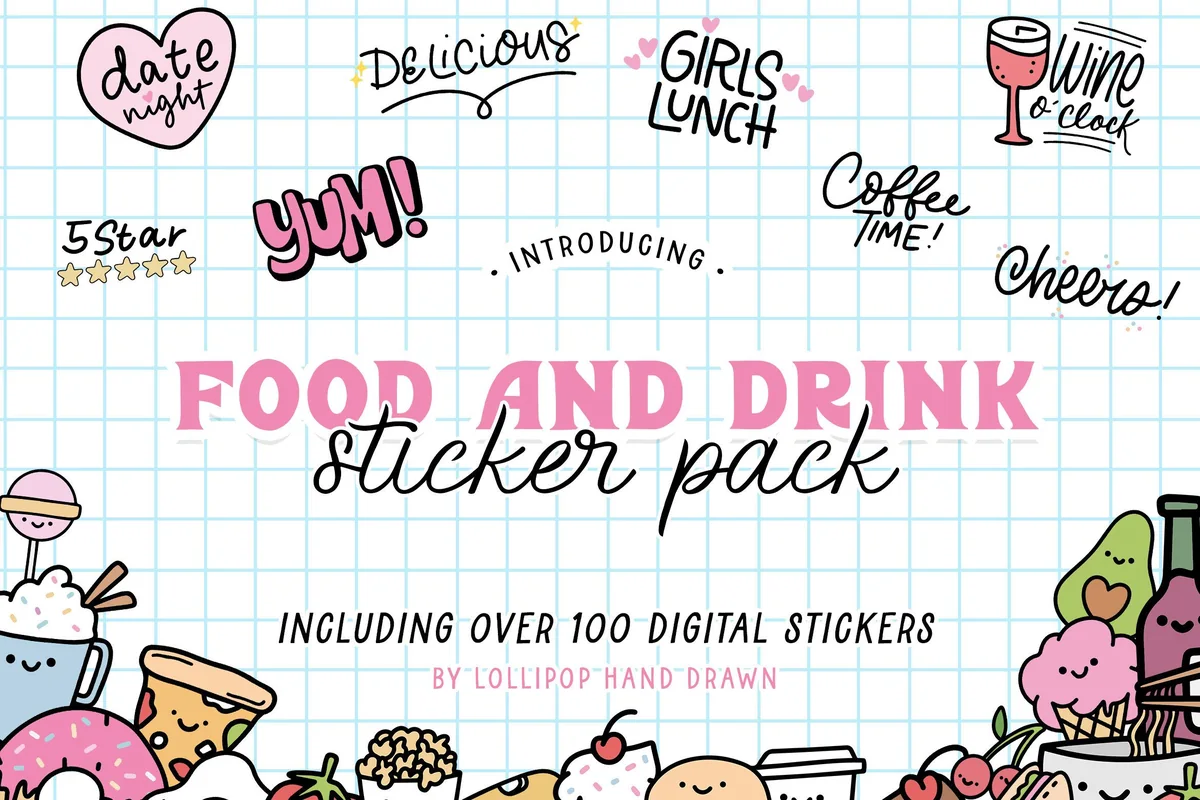
8. Food and Drink Digital Stickers
Layouts: 104 hand-drawn stickers
Best for: meal planners, foodies, cute sticker fans. Designed by Lollipop Hand Drawn.
- 104 hand-drawn food and drink stickers
- Colored and white-bordered versions
- 2 pre-cropped GoodNotes sticker files plus PNGs
- Includes 24 food characters and word stickers like "date night"
Tacos, coffee, pizza and little smiling toast: these make a weekly meal plan fun to fill in. The white-bordered version looks like real vinyl stickers.

Best florals
9. Florals – Digital Planner Stickers
Layouts: 500+ stickers, hyperlinked sticker book
Best for: floral lovers, decorators, color coordinators. Designed by NDP Design Studio.
- Over 500 floral planner stickers
- Hyperlinked GoodNotes sticker book, PNGs and placement guides
- Color hex codes included
- 150 DPI on purpose, so the iPad isn't slowed down
Over 500 florals with a hyperlinked sticker book and the hex codes of every color, so your pen can match the flowers. A thoughtful pack for anyone who loves decorating.
Best fall set
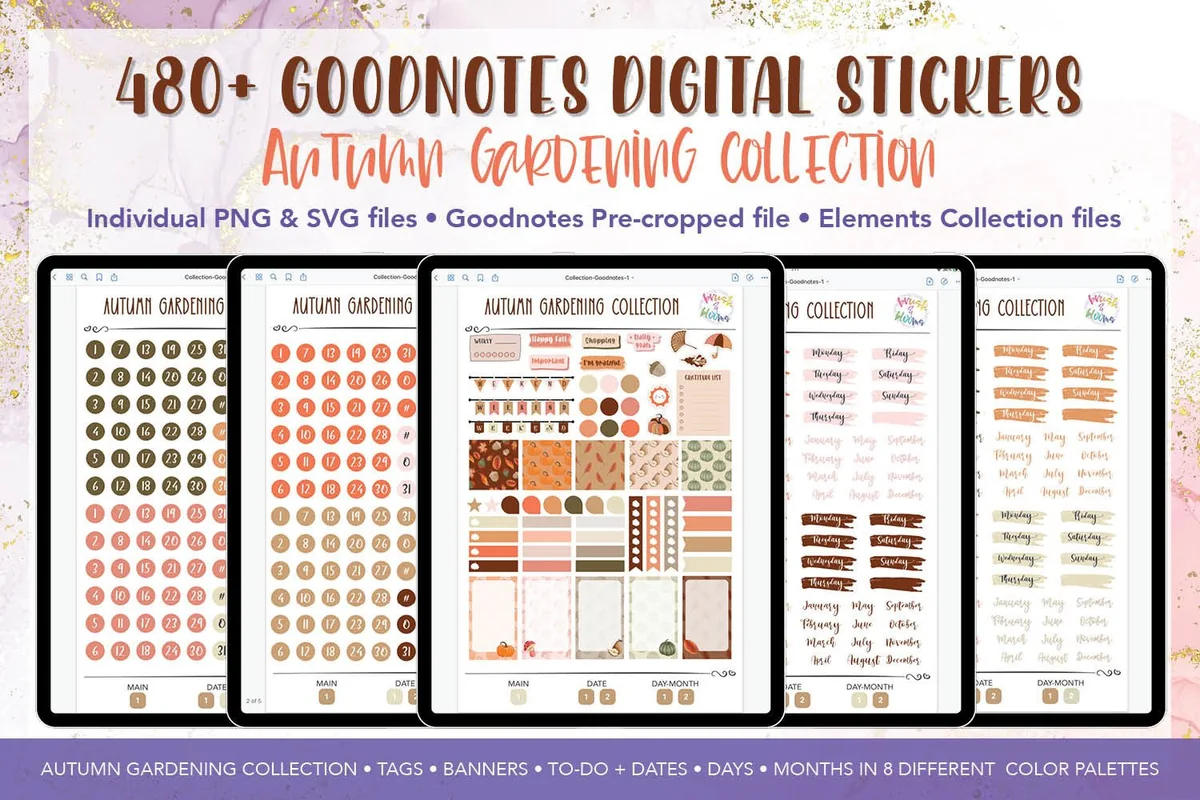
10. Autumn Digital Planner Stickers Bundle
Layouts: 486 PNGs, pre-cropped sticker book
Best for: seasonal decorators, fall lovers, cozy planners. Designed by kisscdesign.
- Pre-cropped GoodNotes sticker book with hyperlinks
- 5 collections for the GoodNotes Elements tool
- 486 PNG and 476 SVG files
- Hand-drawn stickers and daily planning essentials
Right on time for the season: pumpkins, leaves and warm planner essentials. The ready Elements collections are a nice touch, so your fall stickers live in the GoodNotes toolbar.
Best bright and colorful
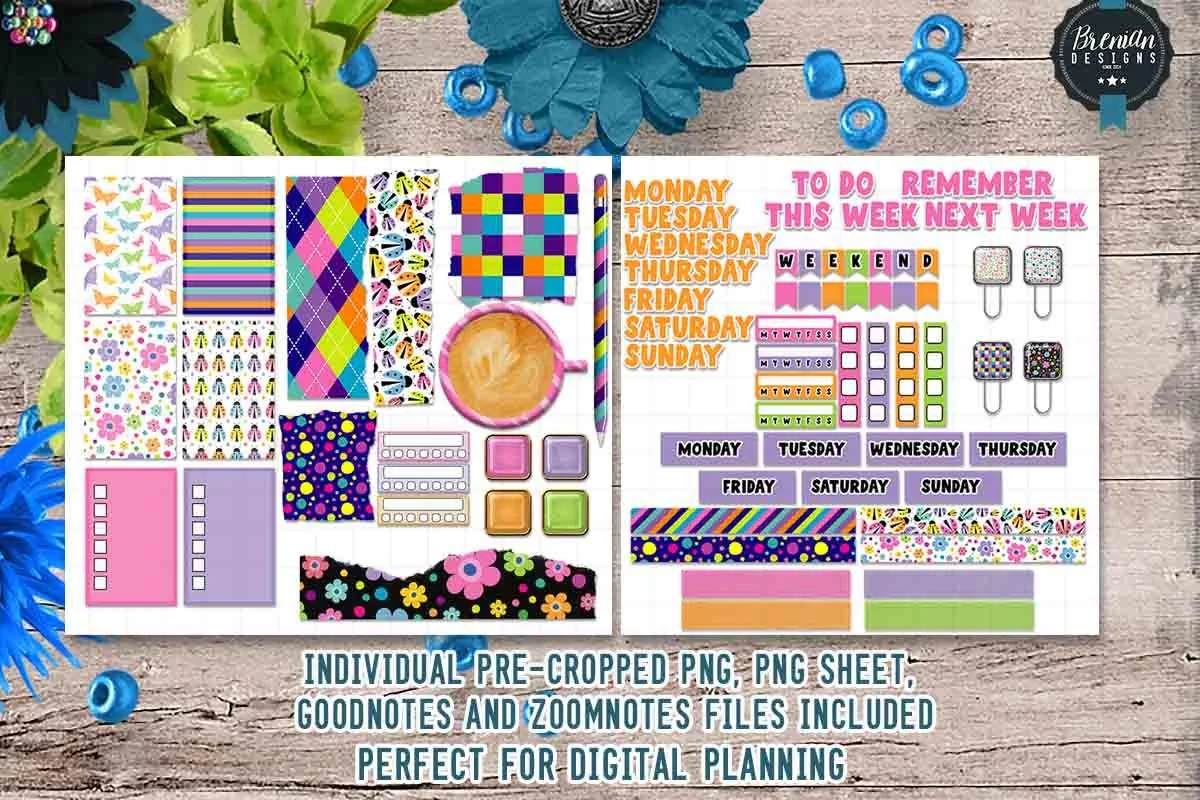
11. Bright Spring Digital Planner Stickers
Layouts: 50+ pre-cropped stickers
Best for: color lovers, weekly planners, budget shoppers. Designed by Bren Wotherspoon.
- Over 50 pre-cropped stickers for daily and weekly layouts
- Planner essentials like to-do and reminder labels
- GoodNotes file, ZoomNotes file, PNGs and PNG sheets
- Made for digital use only
Bold patterns and bright colors in a small, cheap pack, and the most reviewed sticker set in this list. It includes the essentials for a weekly spread, so it's decorative and practical at once.
Quick Comparison
| Sticker pack | Type | What you get | Stand-out extra |
|---|---|---|---|
| 1. Digital Stickers Book for Goodnotes | Mixed | 250+ stickers | Quotes in 3 colors |
| 2. Cute Sticky Notes Digital Sticker | Functional | 34 sticky notes | Bonus sticker book |
| 3. Digital Planner Stickers V1 | Functional | 100 shapes | 5 colors for coding |
| 4. Digital Planner Stickers – Bujo Inspired | Functional | Black doodles | Fits any planner |
| 5. Minimalist Neutral Digital Sticker | Decorative | Neutral journal elements | Realistic shadows |
| 6. Torn Paper Digital Sticker Clip Art | Decorative | 120 torn papers + washi | 8 muted colors |
| 7. Digital Planner Sticker Bundle Coffee | Mixed | 670 stickers | One coffee theme |
| 8. Food and Drink Digital Stickers | Decorative | 104 food stickers | 2 styles |
| 9. Florals – Digital Planner Stickers | Decorative | 500+ florals | Hex codes included |
| 10. Autumn Digital Planner Stickers Bundle | Seasonal | 480+ autumn stickers | GoodNotes Elements |
| 11. Bright Spring Digital Planner Stickers | Mixed | 50+ stickers | Most reviewed |
Functional vs Decorative Digital Stickers
It helps to think of stickers in two groups, because they do different jobs:
- Functional stickers organize the page: sticky notes, flags, labels, boxes, checklists, icons for appointments, birthdays or bills. You write on them or next to them. They make a planner faster to read.
- Decorative stickers set the mood: florals, washi tape, food, seasonal themes. They make a planner nicer to open every day, which is half of actually using it.
A good start is one functional pack plus one decorative pack in colors that match your planner. If you like a consistent look, match your pen colors too; I listed hex codes in my GoodNotes color palettes.
For a teaching week, that functional-and-decorative pairing can mean subject badges beside lesson notes and a school-themed monthly cover. My teacher stickers for GoodNotes roundup separates classroom labels from decorative school kits so you can choose by the job each needs to do.
How to Add Stickers in GoodNotes
Sticker packs come in two formats, and both are easy:
Pre-Cropped GoodNotes Sticker Book
- Unzip the file in the Files app and tap the .goodnotes file; it opens as a new notebook in GoodNotes.
- Choose the lasso tool and circle the sticker you want.
- Tap it, choose Copy, go to your planner page and paste.
- Resize or rotate it with the lasso handles.
Tip: open the sticker book and your planner side by side in GoodNotes, so you can copy and paste without switching notebooks. You can also save favorite stickers to GoodNotes Elements (or the Elements collections included in some packs) to have them one tap away in every notebook.
PNG Files
- Save the PNG files to Photos or the Files app.
- In GoodNotes, use the image tool to insert a picture, or drag a PNG from Files straight onto the page in Split View.
- Because the background is transparent, the sticker sits on the page like a real one.
PNG files work the same way in Notability, Noteshelf, Xodo and most other note-taking apps.
Sticker Ideas for Your Planner Pages
- Sticky note for the top 3 priorities
- Flags for deadlines
- Icons for appointments, birthdays, bills
- Washi strip as a page header
- Torn paper behind photos
- Food stickers on the meal plan
- Seasonal set on the monthly cover page
- Checkbox labels for habits
- Quote sticker for the week
- Blank labels to rename sections
Keep it light: two or three stickers per page look intentional, ten look busy and make it harder to find what you wrote.
Quote Stickers for GoodNotes
Quote stickers are the quickest way to give a page a mood: one line at the top of a weekly spread sets the tone for the whole week. Most quote packs on Creative Fabrica are SVG files for cutting machines and print, so I looked only at sets with GoodNotes files. These two have them.
Best for colorful one-word quotes
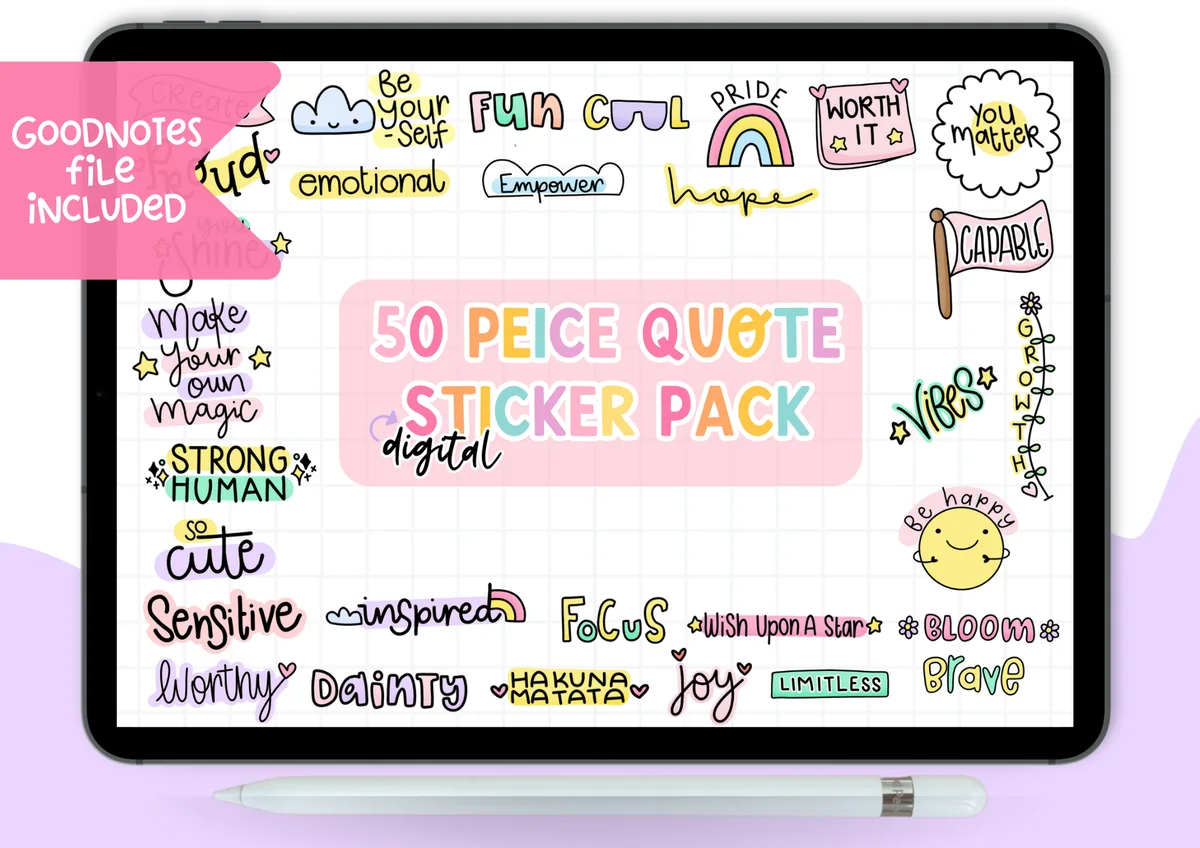
50 Piece Quote Digital Sticker Pack
Stickers: 50 hand-lettered quotesFiles: GoodNotes sticker book + PNG with and without a white border
Best for: date headers, habit trackers, small corners of a page. Designed by Okay Doodle Design Studio.
- 50 short quotes and words such as Be Yourself, Worth It, You Matter, Strong Human, Focus, Bloom and Brave
- A pre-cropped GoodNotes sticker book in landscape, plus a short guide on using it
- Each design comes twice: with a white border and on a transparent background
- Rainbow pastel lettering with small doodles: clouds, stars, a smiling sun
This is the pack I’d pick for a planner: the words are short enough to fit beside a date header or in the corner of a habit tracker. With over 200 favorites it’s also the most-saved quote set I found on Creative Fabrica that comes ready for GoodNotes.
Best for full-sentence affirmations
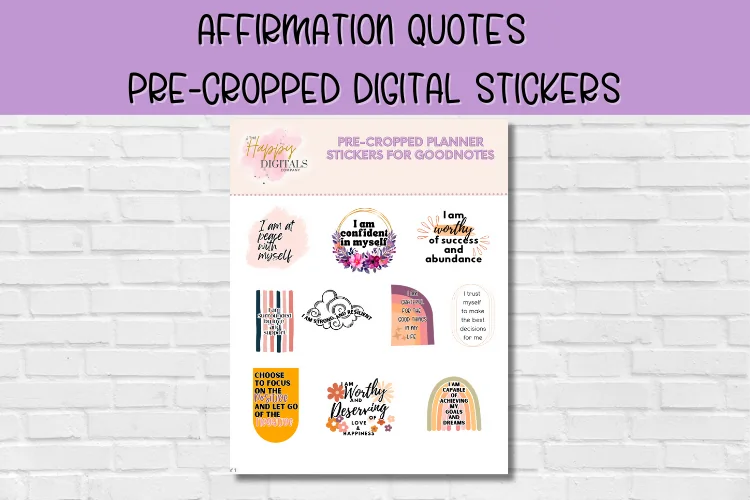
Affirmation Quote Digital Stickers
Stickers: pre-cropped affirmation quotesFiles: made for GoodNotes
Best for: journal pages, monthly covers, self-care Sundays. Designed by Happy Digitals Co.
- Whole affirmations such as I Am at Peace with Myself, I Am Confident in Myself, I Am Worthy of Success and Abundance
- Pre-cropped for GoodNotes: drag a sticker from the sticker page onto any planner page
- Each quote sits on its own small design: rainbows, florals, stripes and soft shapes
- Warm pink, orange and mustard tones
The Okay Doodle pack is single words, these are whole sentences, so they need some space around them: the top of a journal page or a monthly cover. I’d choose one for each week of the month and come back to it on Sunday.
For more affirmations and pages for hard days, see my mental health stickers.
Where to Find Free GoodNotes Stickers
- Creative Fabrica freebies: there’s a free section with sticker sets and planner elements that changes regularly.
- The GoodNotes Marketplace inside the app has free and paid sticker packs.
- Bonuses in planners: many digital planners include a sticker book, so check what you already have before buying more.
- Make your own (see below), which is free and endlessly personal.
Whatever you pick, check that it’s a transparent PNG or a GoodNotes file. A JPG with a white background will show a white box around every sticker.
Two Free Sticker Books Worth Saving
From that Creative Fabrica freebies section, these are the two goodnotes stickers sets I’d save first. Neither costs anything or needs the All Access trial, and both include a ready GoodNotes file, so there’s no cropping before you use them.
Free functional set
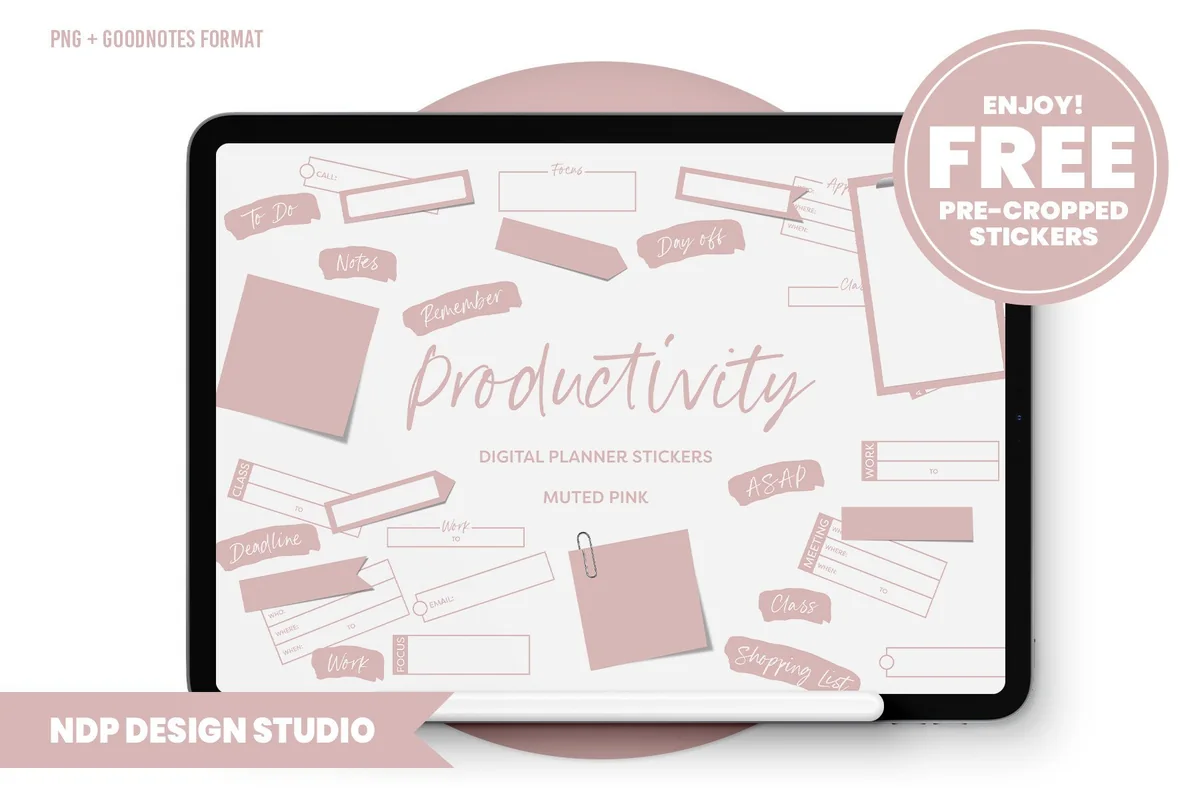
Productivity Digital Planner Stickers
Stickers: 85 stickersFiles: GoodNotes sticker book + PNGs, 150 dpi
Best for: to-do boxes, labels, sticky notes for work and school. Designed by NDP Design Studio.
- 85 functional stickers in muted pink
- A hyperlinked .goodnotes sticker book with everything placed
- PNGs and a blank hyperlinked PDF sticker book for other apps
- Small 150 dpi files that keep the iPad fast
This is the closest a free set gets to a paid functional kit, and the sticker book is already built. Copy the boxes and labels with the lasso tool and you have a week laid out in a couple of minutes.
Free seasonal kit
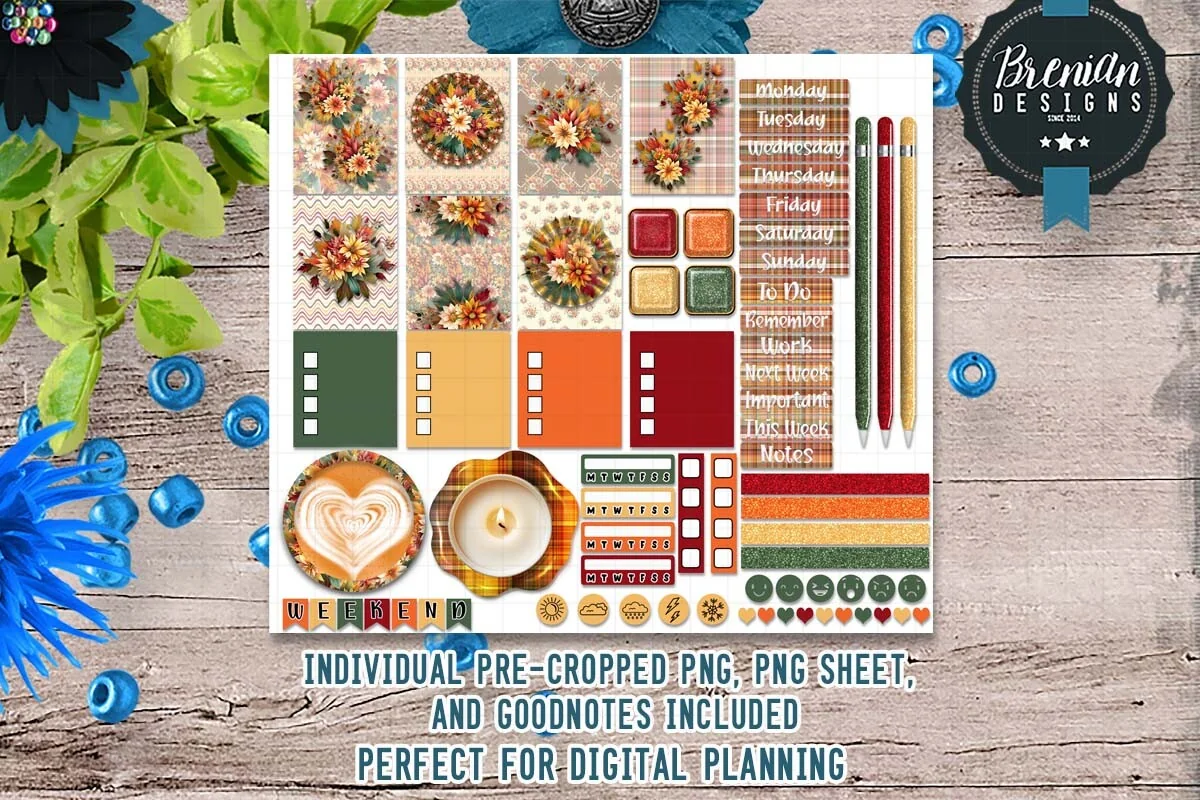
Autumn Floral 2 Digital Stickers
Stickers: 40+ stickersFiles: GoodNotes file and PNGs
Best for: fall spreads, decorative plus functional stickers in one kit. Designed by Bren Wotherspoon.
- Autumn floral wreaths and patterned cards
- Checkboxes, weekday labels and a latte sticker
- Colored tabs in green, orange, red and gold
- Made for the screen, not for printing
A seasonal kit that mixes decoration with the useful pieces, so it shows both sides of stickers from the start of this guide. Good for the fall months, then swap it for a winter set.
How to Make Your Own Digital Stickers
- From a photo: in the Photos app on iPhone or iPad, touch and hold the subject of a photo (your cat, your coffee) and choose Copy. iOS lifts it off the background, and you can paste it straight into GoodNotes.
- Draw it: sketch a sticker in Procreate or any drawing app on a transparent background and export it as a PNG.
- Design it: make simple labels or quote stickers in Canva and export them as PNG with a transparent background (a Canva Pro feature).
- Save them as a sticker book: paste all your stickers into one GoodNotes notebook, so they’re as easy to use as a bought pack.
FAQ
How do you get stickers on GoodNotes?
Import a pre-cropped sticker book (.goodnotes file) and copy stickers from it with the lasso tool, or insert transparent PNG files with the image tool. Both ways are described above.
What does “pre-cropped” mean?
Each sticker is already cut out and placed in a GoodNotes sticker book, so you just copy and paste it. Uncropped sticker sheets need you to cut out each sticker yourself with the lasso or a crop tool.
Does GoodNotes have free stickers?
Yes, the GoodNotes Marketplace has some free sticker packs, and many digital planners include a free sticker book as a bonus. Creative Fabrica also has free sticker sets in its freebies section.
Do digital stickers work in Notability?
Yes. The .goodnotes sticker books are only for GoodNotes, but the PNG files included in almost every pack work in Notability, Noteshelf, Xodo and other apps.
Will stickers slow down my planner?
A few won’t, but hundreds of large, high-resolution images can make a long planner file heavy. Sticker packs made for digital use (some use 150 DPI on purpose) are lighter than print-quality PNGs.
Final Thoughts
Start with one functional pack of GoodNotes stickers (sticky notes or icons) and one decorative pack that fits your planner’s colors. That covers 90% of what stickers do in a digital planner. For planners to put them in, see my cute and aesthetic digital planners and digital planner templates, or browse all planner stickers. To match the notebooks themselves, see my GoodNotes covers. For the holidays, see my Christmas digital stickers and the Thanksgiving stickers for GoodNotes, and for photo and memory pages, the digital scrapbook stickers. Prefer to draw your own? See my Procreate brushes for planners for doodles and hand lettering. Keeping a reading log? See my bookish stickers for TBR lists and book reviews. Love cats? My cat stickers for GoodNotes collect cozy, funny and sleepy ones. For tiny faces and soft colors, see my kawaii stickers for GoodNotes. For a themed pack, my coffee stickers and flower stickers roundups have both functional and decorative sets. Filling in a weekly meal plan? My food stickers for iPad planners cover meals, desserts and fast food. If sticky notes are your favorite part, I also rounded up the best digital sticky notes for GoodNotes.
Still looking for an all-in-one setup? See my top digital planner picks for 2027, dated and undated. For borders and tabs, see my digital washi tape sets for GoodNotes.
You May Also Like
For a hand-drawn look, these doodle digital stickers bring crayon textures, playful frames and small illustrated details to GoodNotes pages.
Building a daily weather log? Compare these weather digital stickers for clear symbols, bright accents and cute sky illustrations.
For Bible journaling or a prayer page, these Christian digital stickers offer a more focused selection of faith-themed accents.
This post contains affiliate links. If you buy through them, I may earn a small commission at no extra cost to you. Learn more.