A digital planner can look as flat as a spreadsheet: same font, same boxes, week after week. The right Procreate brushes fix that in a few taps. A lettering brush turns “October” into a real header, a stamp drops in a ready weekly layout, and a strip of washi tape or a small doodle makes the page feel like a paper journal again.
For a stitched border rather than a strip of washi, the Procreate stitch brush comparison covers a different decorative edge. This is a Procreate drawing choice, not a ready-made GoodNotes sticker.
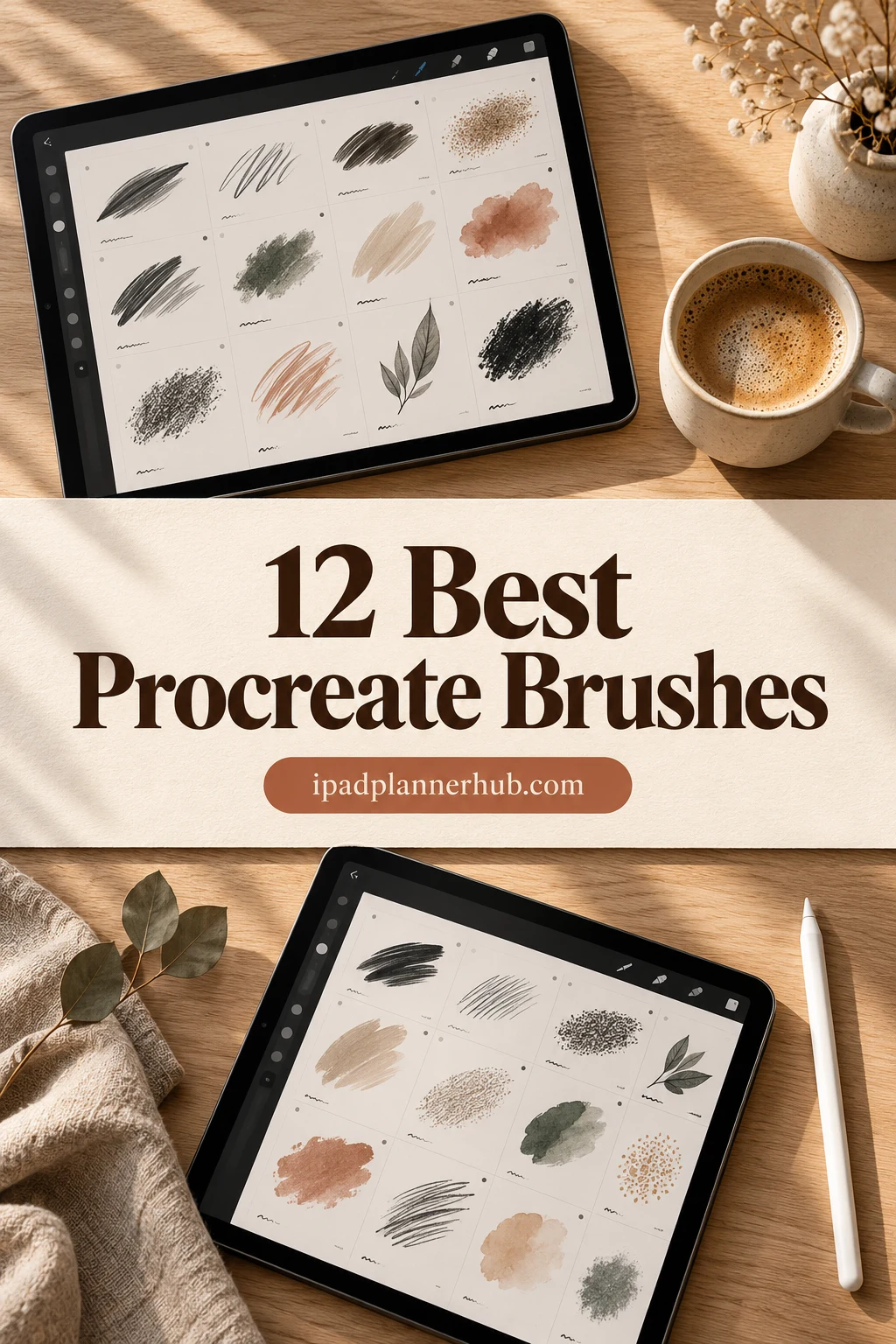
Below are 12 Procreate brush sets I’d use to decorate a planner on the iPad, from lettering and highlighter brushes to planner stamps, washi tape and doodles. After the list: brushes vs stamps, free vs paid, how to install them, how to get your Procreate pages into GoodNotes, and a few ideas to start with. For December pages there are separate Christmas Procreate stamps, and for quiet evenings, Procreate coloring pages.
The Best Procreate Brushes for Planners I Found
I skipped painting, portrait and texture packs made for illustration and kept only sets that help on a planner page. The list goes in four groups: lettering and highlighting (1–4), stamps for building planner layouts (5–8), washi tape (9–10) and doodles (11–12). All of them are Procreate brush files for the iPad; they don’t work inside GoodNotes itself, so the section after the list shows how to move your designs over.
TL;DR: 12 Procreate brush sets for decorating a digital planner on the iPad: 4 for hand lettering and highlighting, 4 stamp sets for building planner layouts (headers, labels, grids), 2 washi tape sets and 2 doodle sets. They all work in the Procreate app only; you design in Procreate, then move the result into GoodNotes as an image or a page.
Quick Picks
- Best overall: 40+ Procreate Lettering Brushes
- Best for steadier calligraphy: Procreate Hand Lettering Brushes
- Best for bubble-letter headers: 130 Procreate Outline Lettering Brushes
- Best for highlighting headers: Procreate Highlighter Marker Brush Set
- Best for building planner pages: Elegant Planner Procreate Brush Stamps
- Best for ready-made day headers: Sketchy Planner Words Procreate Stamps
- 40+ Procreate Lettering Brushes – Best overall
- Procreate Hand Lettering Brushes – Best for steadier calligraphy
- 130 Procreate Outline Lettering Brushes – Best for bubble-letter headers
- Procreate Highlighter Marker Brush Set – Best for highlighting headers
- Elegant Planner Procreate Brush Stamps – Best for building planner pages
- Sketchy Planner Words Procreate Stamps – Best for ready-made day headers
- 140 Frame Label Procreate Stamps – Best for boxes and labels
- Procreate Grid Brushes Stamp – Best for dot grid and lined paper
- Procreate Washi Tape Stamp Brushes – Best for a big washi collection
- Washi Tape Stamp for Procreate – Best for cute washi strips
- 100 Cute Doodle Stamps Procreate – Best for line-art doodles
- Kawaii Doodle Procreate Brush Set – Best for two-color kawaii icons
Best overall
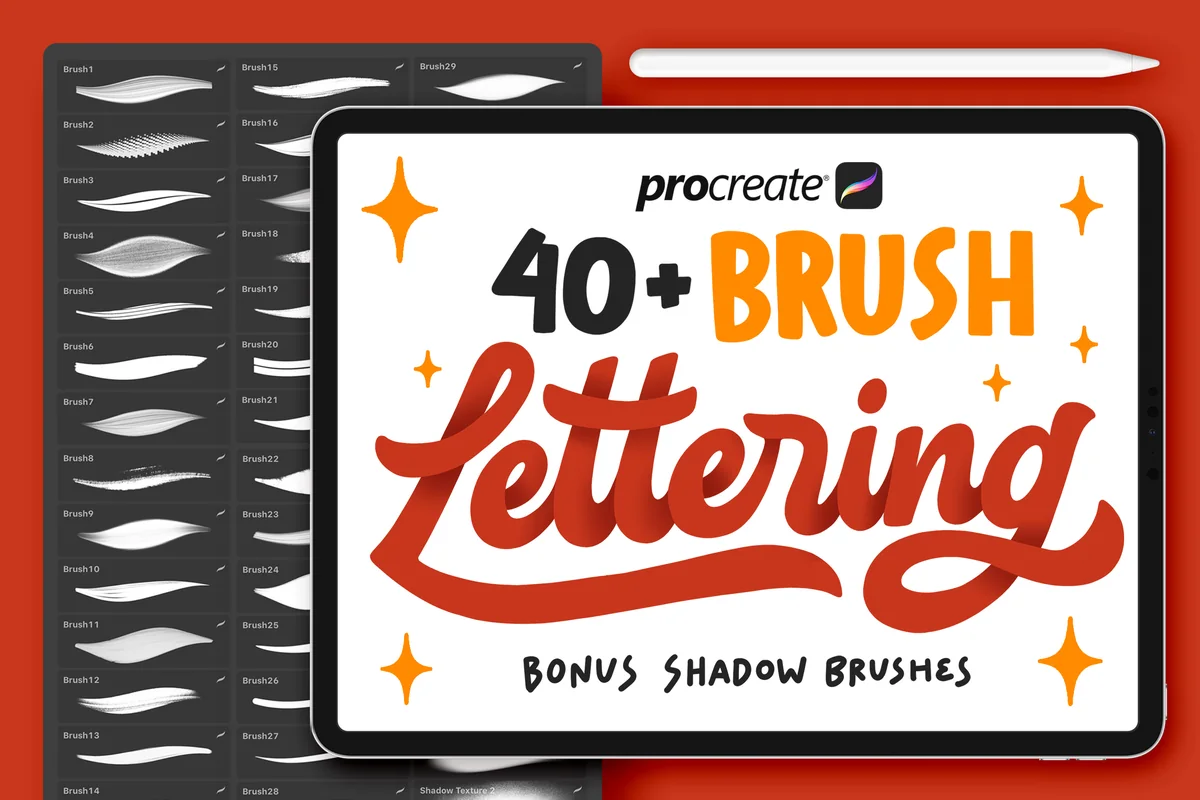
1. 40+ Procreate Lettering Brushes
Layouts: 42 lettering brushes + 3 shadow brushes (calligraphy, monoline, signature, ribbon)Format: Procreate brushset
Best for: lettering beginners, header makers, bullet journal fans. Designed by Nurmiftah.
- 42 lettering brushes plus 3 shadow brushes, 45 in total
- Calligraphy, monoline, signature, ribbon and Japanese-style brush textures
- Spray and fire effect brushes for bolder titles
- Made for the Procreate app only, not Photoshop
If you want one lettering set and nothing else, this is where I'd start: script for month titles, monoline for neat section labels, and the shadow brushes to make a header pop off the page. 45 brushes is a lot to scroll through, so I'd pin three favorites and ignore the rest at first.
Best for steadier calligraphy
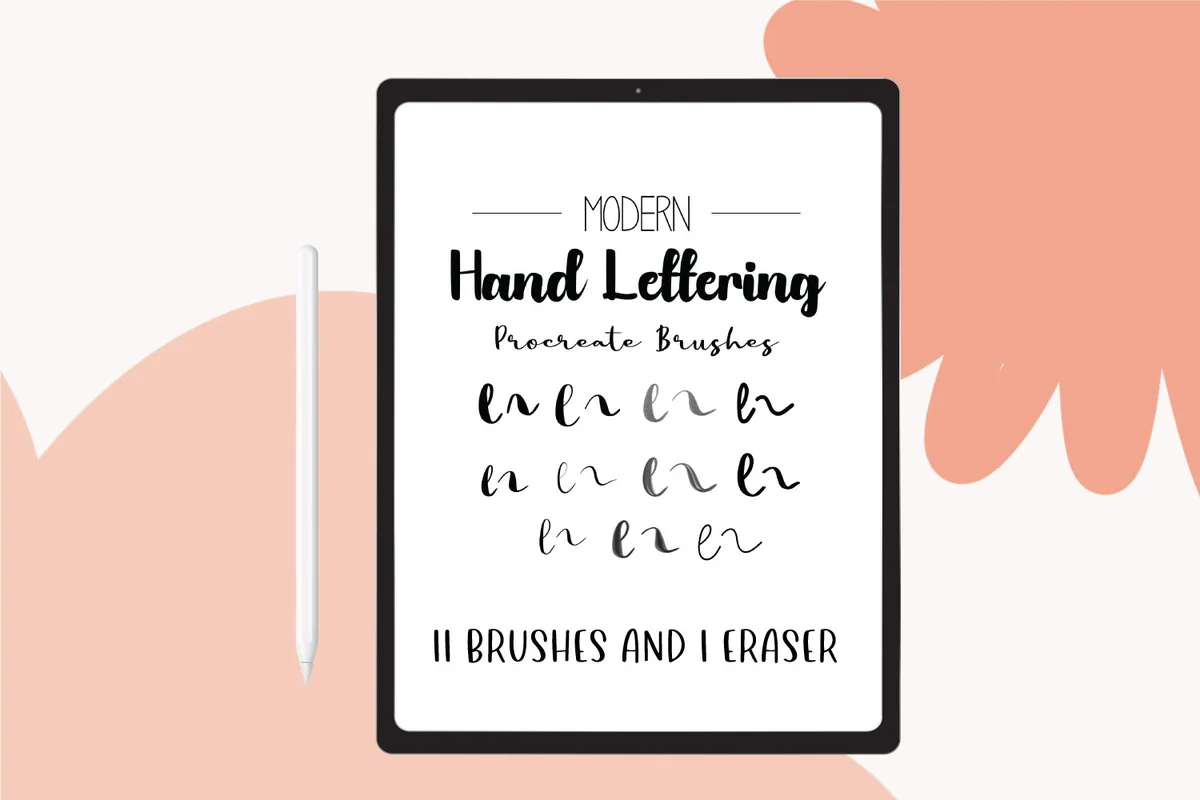
2. Procreate Hand Lettering Brushes
Layouts: 11 modern calligraphy brushes + 1 eraserFormat: Procreate brushset
Best for: lettering beginners, calligraphy fans, neat planners. Designed by mandalabunnydigital.
- 11 modern calligraphy brushes plus 1 eraser brush
- Designed to smooth out shakiness and rough edges in digital lettering
- Brush styles on the cover: chunky, extra smooth, brush paint, coarse, streak, fountain pen, monoline script, flat nib marker
- Comes with a Procreate file and instructions
Shaky lines are the reason most people give up on lettering, and this set is built around fixing exactly that. Eleven brushes is a calmer choice than a 45-brush pack, and the fountain pen and flat nib marker look like real planner pens on a page.
Best for bubble-letter headers
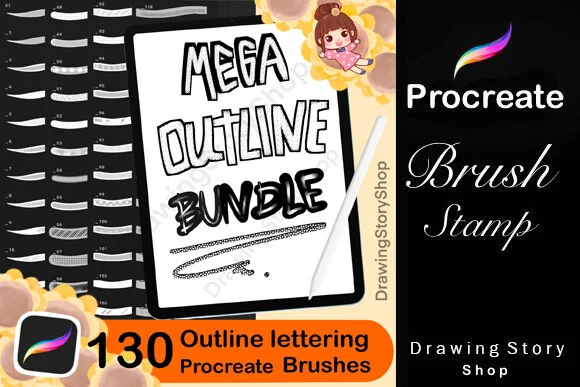
3. 130 Procreate Outline Lettering Brushes
Layouts: 130 outline lettering brushes (calligraphy and graffiti styles)Format: Procreate brushset + PDF install guide
Best for: bubble letter fans, header makers, colorful planners. Designed by DrawingStoryShop.
- 130 outline lettering brushes: calligraphy and graffiti styles
- Each stroke draws a hollow outline you can fill with color
- A PDF guide on how to import the brushes into Procreate
- Added to Creative Fabrica in 2026
Outline letters are the quickest way to get a hand-drawn header that still looks tidy: write the word once, then fill it with a pastel. This is a newer set without many reviews yet, but 130 variations means you won't run out of title styles for a long time.
Best for highlighting headers
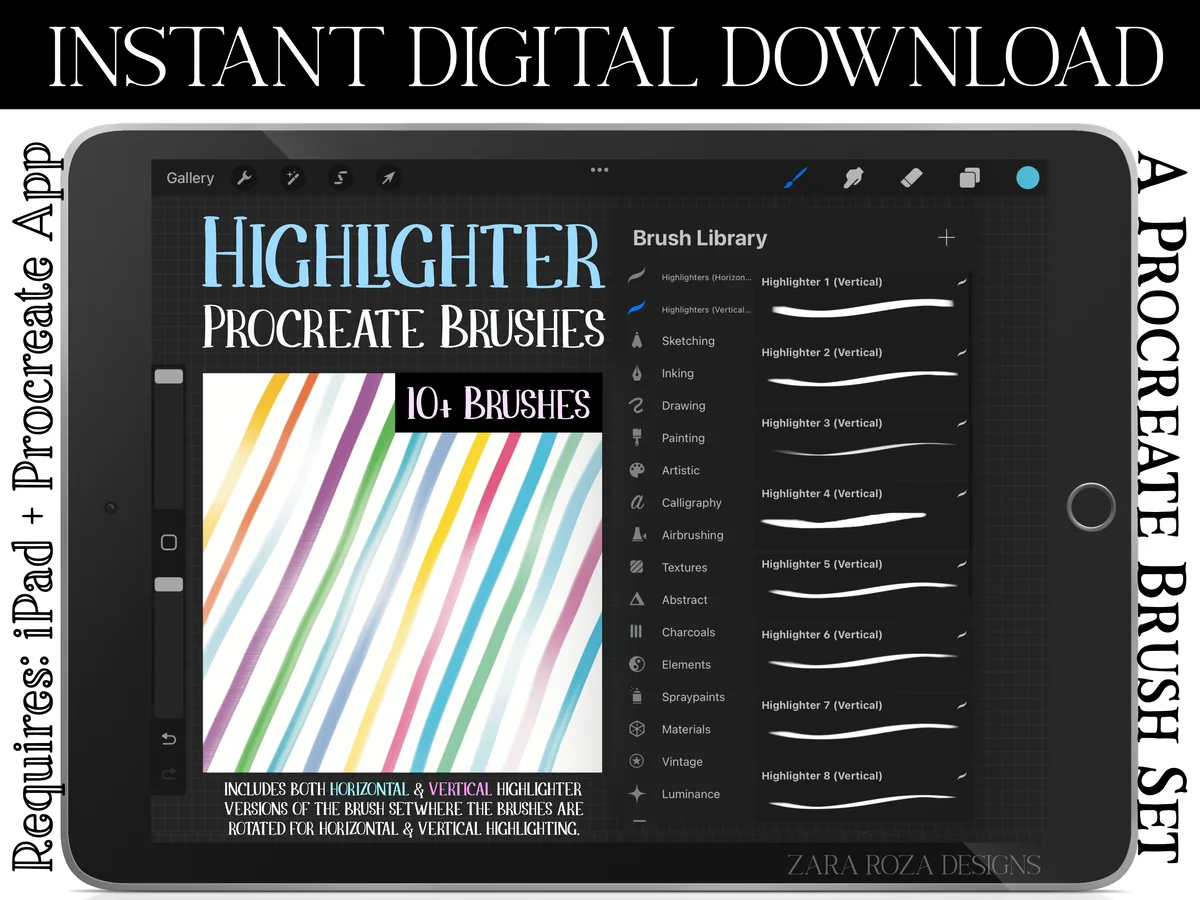
4. Procreate Highlighter Marker Brush Set
Layouts: 13 highlighter brushes, horizontal and vertical versionsFormat: 2 Procreate brushsets
Best for: students, note takers, minimalists. Designed by ZaraRozaDesigns.
- 13 highlighter and marker brushes with opacity that follows Apple Pencil pressure
- A second copy of all 13 rotated 90 degrees for vertical highlighting
- 2 .brushset files
- Works with Procreate on iPad and iPad Pro
A good highlighter does more for a planner page than any decoration: one streak behind a header and the page has structure. I like that the vertical versions are included, so you can highlight a day column as easily as a line of text.
Best for building planner pages
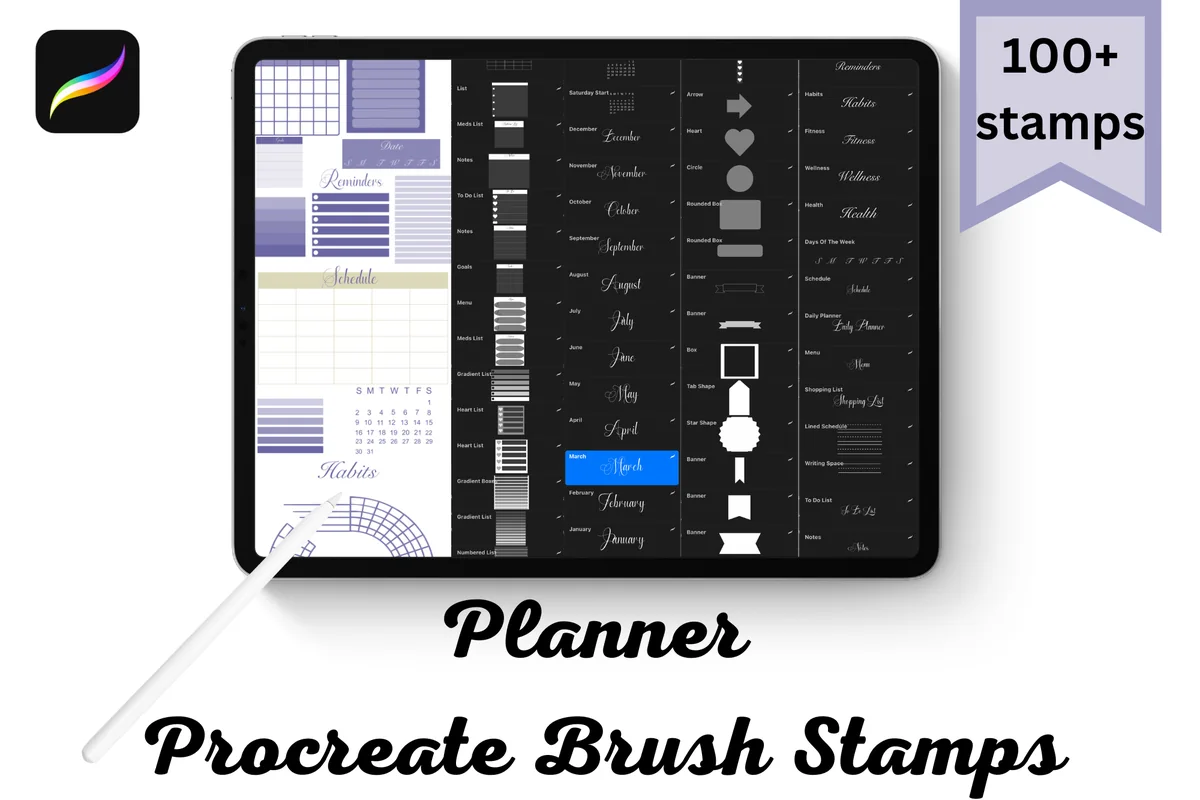
5. Elegant Planner Procreate Brush Stamps
Layouts: 100+ stamps: months, days, planner words, tags, banners, lists, grids, calendarsFormat: 4 Procreate brushsets
Best for: DIY planner makers, bullet journal fans, neutral lovers. Designed by Niki Lyn Digital Design.
- 100+ stamp brushes in 4 brushset files
- Months, days of the week, common planner words
- Tags, banners, lists, grids and calendar layouts
- Tap to place a stamp, change color and size; one stamp per layer is easy to resize
This is the set I'd pick to build a planner from scratch in Procreate: month and day words, list boxes and grids are all there, so a weekly spread is a few taps instead of an evening of drawing lines. It's an elegant, neutral style, so it won't clash with stickers you already own.
Best for ready-made day headers
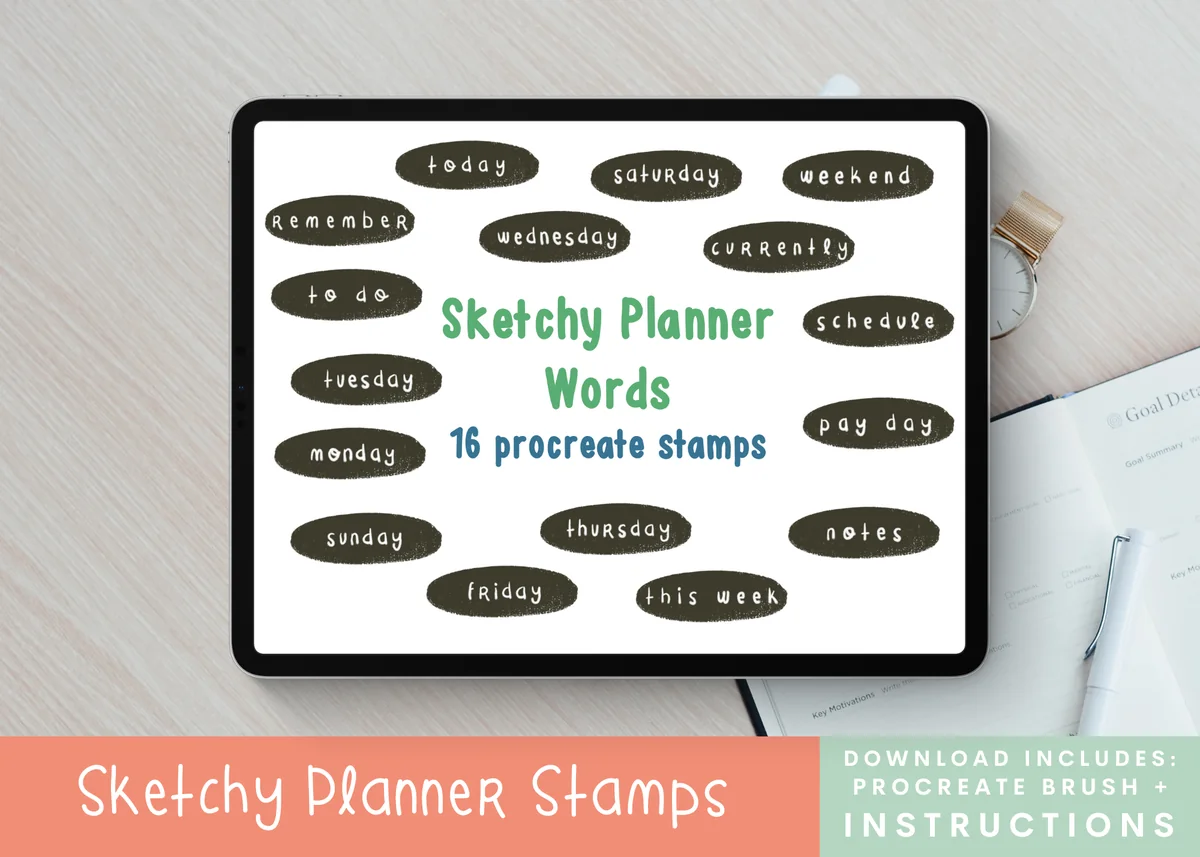
6. Sketchy Planner Words Procreate Stamps
Layouts: 16 word stamps: 7 days of the week + planner headersFormat: Procreate brush
Best for: weekly planners, hand-drawn style fans, sticker makers. Designed by Moe Howard.
- 16 planner word stamps in one Procreate brush
- The 7 days of the week plus words for headers and sections
- Words on the cover include today, weekend, to do, schedule, notes, this week, remember
- Sketchy, hand-drawn look
Not everyone wants to letter every Monday by hand, and that's what these stamps are for: tap once and the header is done, still looking hand-drawn. Sixteen words is a small set, but they're the ones a weekly page actually needs.
Best for boxes and labels
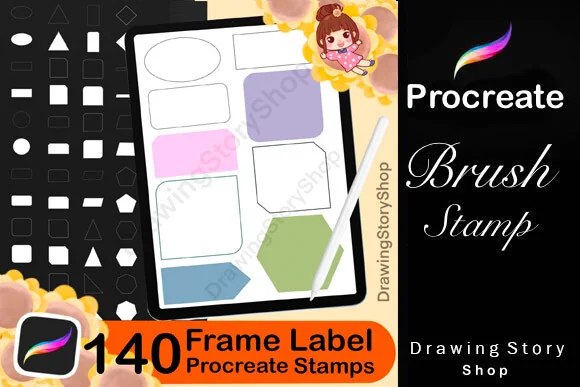
7. 140 Frame Label Procreate Stamps
Layouts: 140 frames, labels, journal boxes and shapesFormat: Procreate brushset + PDF install guide
Best for: layout builders, scrapbookers, pastel lovers. Designed by DrawingStoryShop.
- 140 frame and label stamps: journal boxes, planner layout shapes, scrapbook frames
- Rounded boxes, tags, banners and geometric shapes on the cover
- A PDF guide on how to import the stamps into Procreate
- Added to Creative Fabrica in 2026
Boxes are the skeleton of any planner layout, and drawing them neatly by hand is slow. With 140 frames you can stamp a box, fill it with a soft color and write inside, which is how most of the pretty spreads on Pinterest are put together. It's new, so there are few reviews yet.
Best for dot grid and lined paper
8. Procreate Grid Brushes Stamp
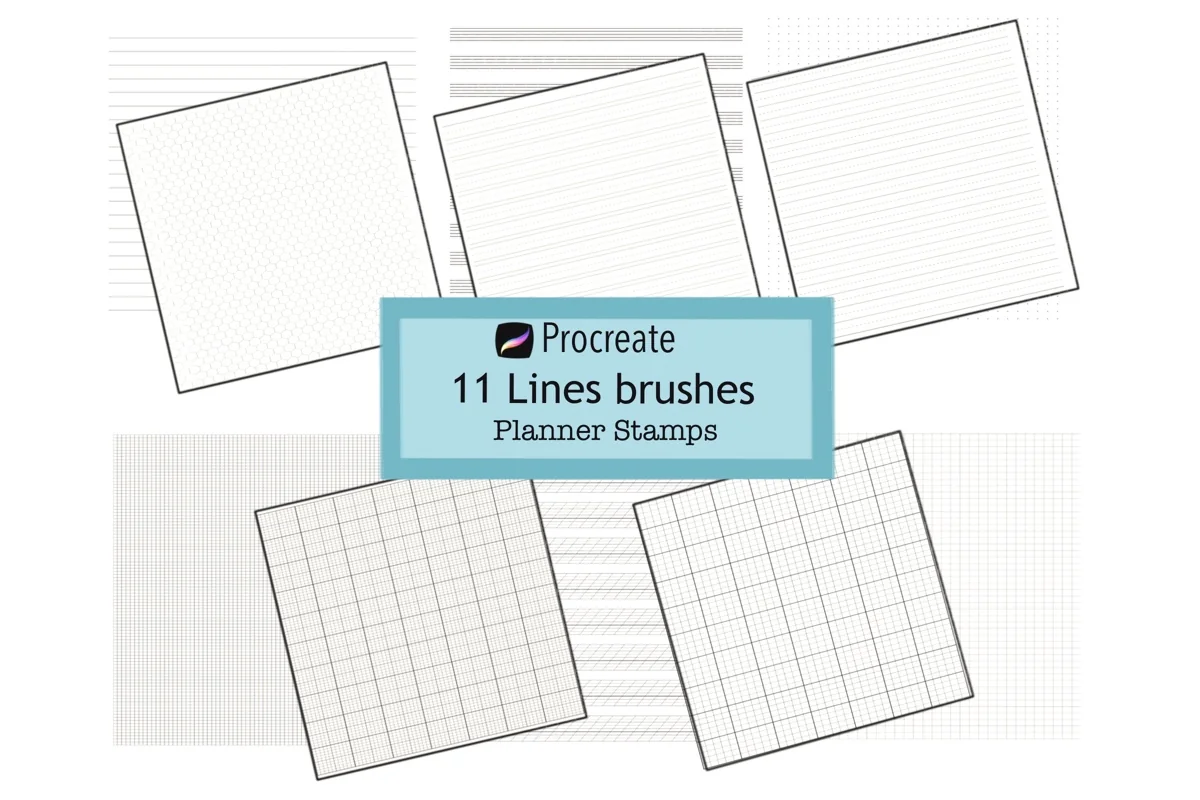
Layouts: 11 paper stamps: lined, graph, dot grid, hexagon, handwriting and calligraphy guidesFormat: Procreate brushset
Best for: bullet journal fans, lettering learners, note takers. Designed by Richy Bunny.
- 11 paper stamps: lined, 4 graph papers, dot grid, hexagon graph
- Handwriting, calligraphy and dot middle-line guides
- A music note staff
- Scale, opacity and color can be changed
A dot grid behind a page is what makes a Procreate layout feel like a real bullet journal. The handwriting and calligraphy guides are a bonus: put them on a layer under your lettering practice and switch them off when you're done.
Best for a big washi collection
9. Procreate Washi Tape Stamp Brushes
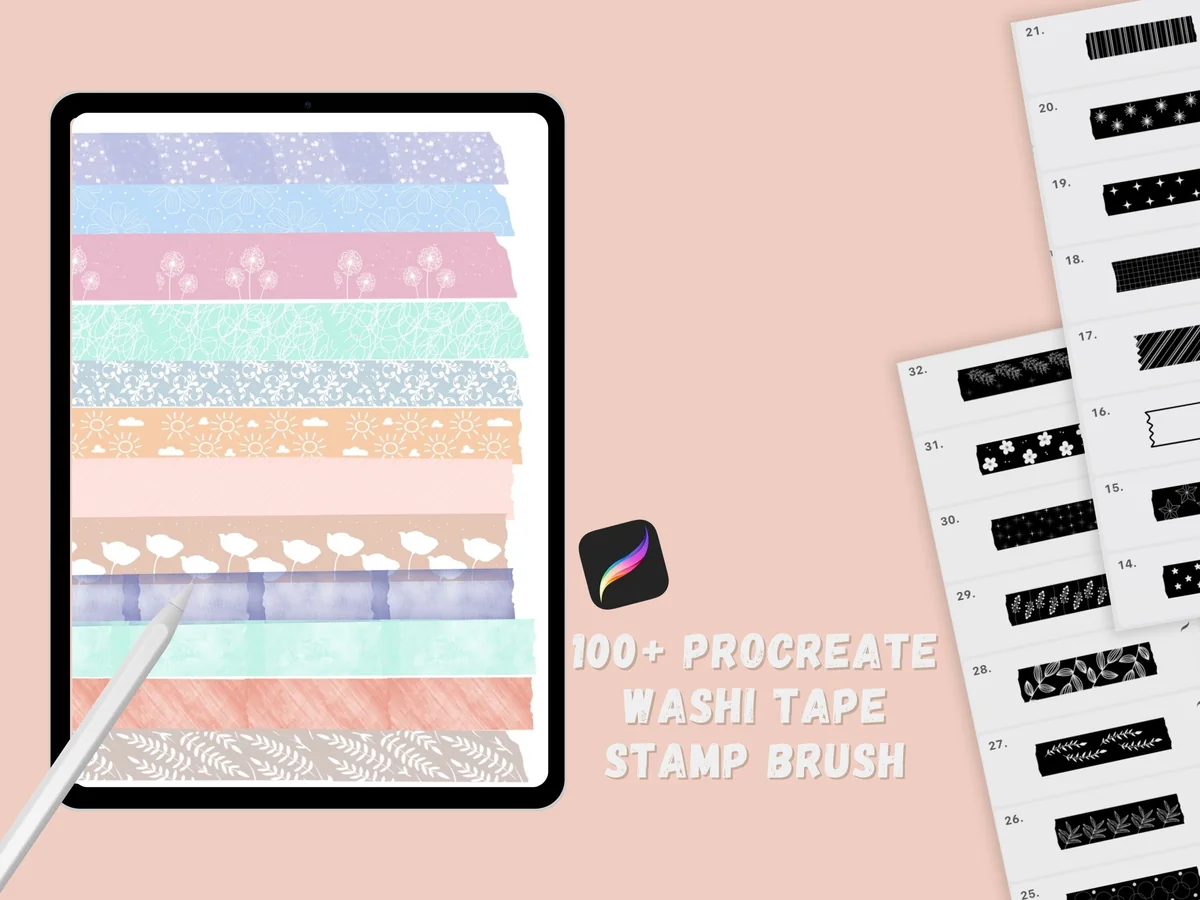
Layouts: 104 washi tape stamps in 4 stylesFormat: Procreate brushset
Best for: scrapbookers, sticker makers, memory keepers. Designed by jenstrokeandstyle.
- 104 hand-drawn washi tape stamp brushes in 4 styles
- The stamps follow the angle of the Apple Pencil or stylus
- Made for scrapbooking, sticker making and illustration
- One of the newer washi sets on Creative Fabrica
Washi tape is the easiest way to make a digital page look less flat, and 104 patterns covers every season. I like that the tape follows the pencil angle, so you can lay a strip across the corner of a photo instead of only straight lines.
Best for cute washi strips
10. Washi Tape Stamp for Procreate
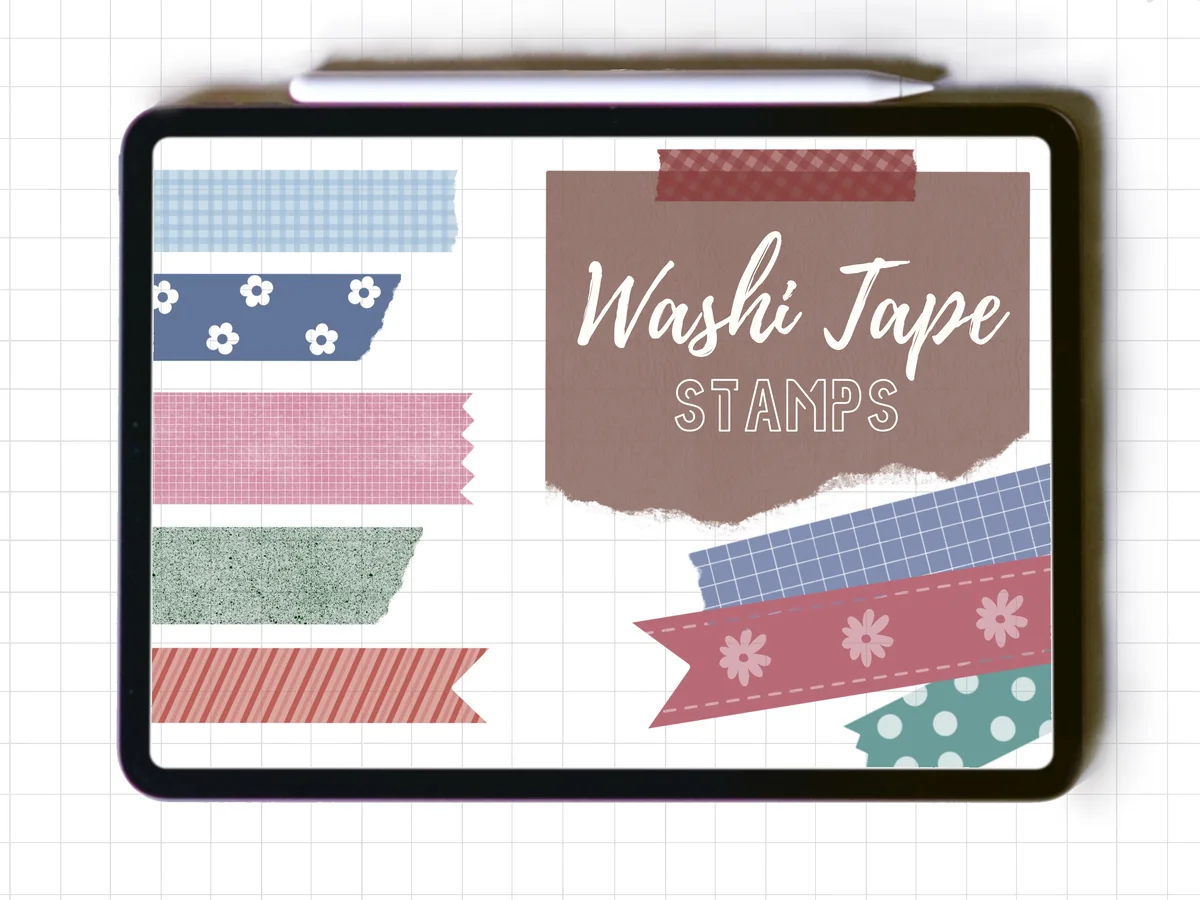
Layouts: 20 washi tape pieces (hearts, dots, florals, gingham, stripes)Format: Procreate brushset
Best for: cute style fans, journalers, beginners. Designed by JumpeedaCrafts.
- 20 washi tape stamps in one brushset
- Separate tape pieces, not a continuous brush
- Patterns on the cover: hearts, dots, florals, stars, gingham, stripes
- Any color and opacity, resizable
If 104 tapes feels like too much, this small set is the opposite: 20 cute strips with torn ends that you recolor to match the page. Because each one is a single piece, they look like real tape stuck on, not a painted line.
Best for line-art doodles
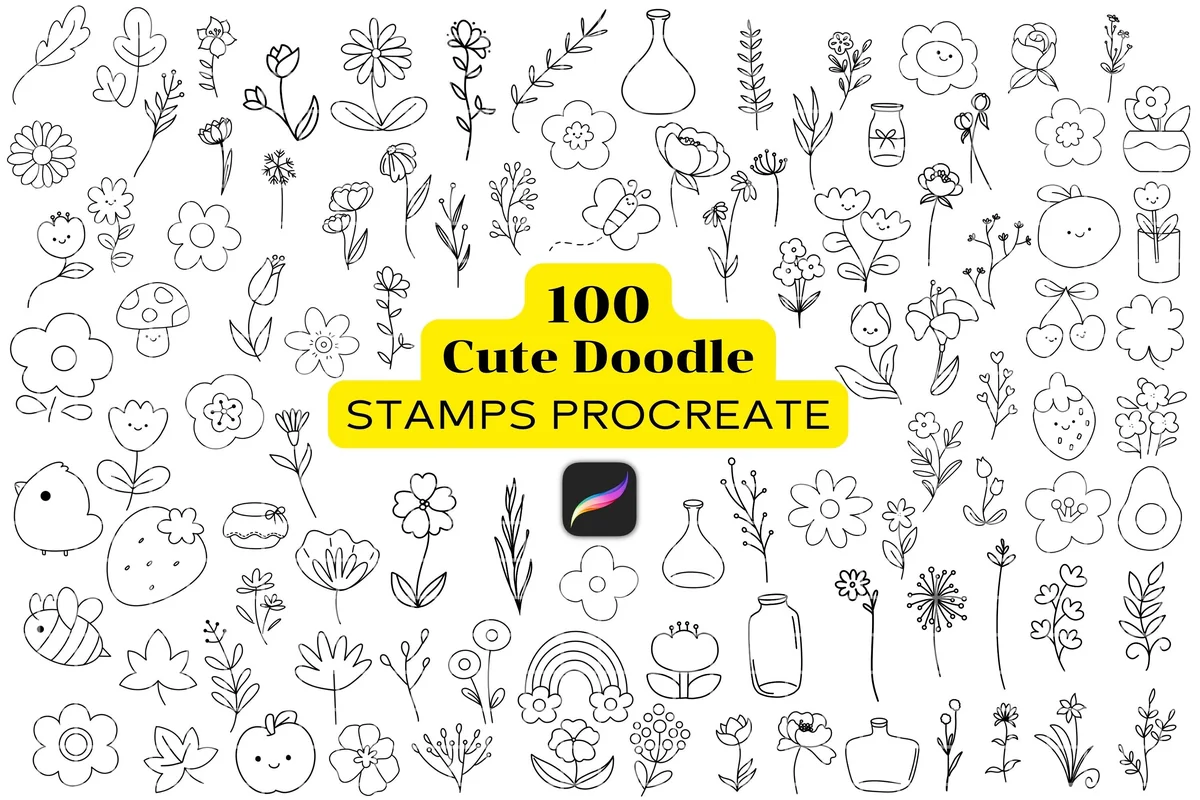
11. 100 Cute Doodle Stamps Procreate
Layouts: 100 line-art doodle stamps (flowers, fruit, bees, jars, animals)Format: Procreate brushset
Best for: doodlers, bullet journal fans, cute style fans. Designed by Adalin Digital.
- 100 cute element stamp brushes in one .brushset file
- Doodles on the cover: flowers, leaves, fruit, bees, jars, a rainbow, small animals
- Any color and opacity, resizable
- Needs Procreate, an iPad and an Apple Pencil
Doodles are what make a planner look like yours, and 100 line-art stamps is enough for a different corner every day of the month. They're simple outlines, so they work in any color scheme and don't fight with the text.
Best for two-color kawaii icons
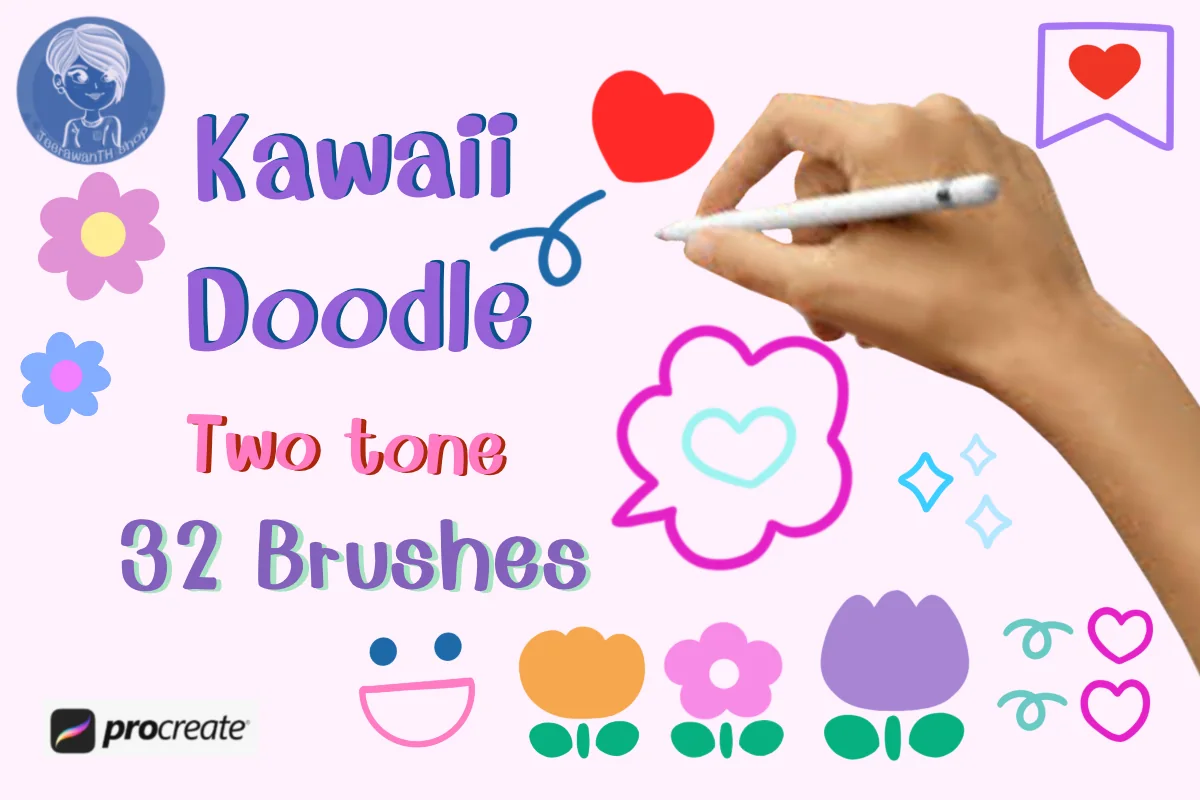
12. Kawaii Doodle Procreate Brush Set
Layouts: 32 kawaii stamps that apply in two colorsFormat: Procreate brushset
Best for: kawaii fans, mood trackers, sticker makers. Designed by JeerawanTH.
- 32 hand-drawn kawaii stamps
- Each stamp applies in two colors with one tap
- Emojis, hearts, sparkles, flowers and small icons
- Made for digital journaling, planners, stickers and mood boards
Two-color stamps save a step: one tap and the heart or flower already has its fill, no coloring in. It's a small set and a very cute style, so I'd pair it with the line-art doodles above rather than use it alone.
Quick Comparison
| Brush set | Type | What you get | Stand-out extra |
|---|---|---|---|
| 1. 40+ Procreate Lettering Brushes | Lettering | 45 brushes | 3 shadow brushes |
| 2. Procreate Hand Lettering Brushes | Lettering | 11 brushes + eraser | Made to smooth shaky strokes |
| 3. 130 Procreate Outline Lettering Brushes | Lettering | 130 brushes | Hollow outline strokes |
| 4. Procreate Highlighter Marker Brush Set | Highlighter | 13 brushes x 2 | Vertical versions included |
| 5. Elegant Planner Procreate Brush Stamps | Planner stamps | 100+ stamps | Months, days, grids, calendars |
| 6. Sketchy Planner Words Procreate Stamps | Planner stamps | 16 word stamps | Days of the week |
| 7. 140 Frame Label Procreate Stamps | Planner stamps | 140 stamps | Frames, tags, banners |
| 8. Procreate Grid Brushes Stamp | Paper stamps | 11 grids and lines | Calligraphy guide lines |
| 9. Procreate Washi Tape Stamp Brushes | Washi tape | 104 stamps | Follows pencil angle |
| 10. Washi Tape Stamp for Procreate | Washi tape | 20 stamps | Torn-edge pieces |
| 11. 100 Cute Doodle Stamps Procreate | Doodles | 100 stamps | Line-art elements |
| 12. Kawaii Doodle Procreate Brush Set | Doodles | 32 stamps | Two colors in one tap |
Procreate Brushes vs Stamps: What Each Does in a Planner
Both come as the same kind of file (.brushset) and live in the same Brush Library, but they work differently on the page:
- Brushes follow your stroke. Lettering, calligraphy, monoline, highlighter and marker brushes react to Apple Pencil pressure, so a heavier downstroke gives a thicker line. Use them for anything you write or draw yourself: headers, notes, underlines.
- Stamps place a whole image with one tap: a “Monday” header, a box, a grid, a washi strip, a doodle. Size and color are set before you tap. Most stamps work with a finger too, so you don’t need an Apple Pencil for them.
- Paper and grid stamps are a middle ground: one tap covers the canvas with dot grid, graph or lined paper that you can put on its own layer and fade out.
For a planner, a good mix is one lettering set, one highlighter, a set of header or label stamps and something decorative. That’s four sets, not forty. If your letters still look wobbly, start with lettering practice sheets for iPad before buying more brushes.
For a retro page theme, choose whether you want to draw a stepped outline or place a ready icon. The Procreate pixel brush guide compares those roles with patterned shading, helping you identify which tool belongs in your small working kit.
What I Look For in Procreate Brushes for Planners
- Made for the page, not a canvas. Planner words, boxes, grids and small doodles are more useful than painting textures you’ll never need on a to-do list.
- Clean edges at small sizes. Headers in a planner are tiny compared with a poster. Monoline and outline brushes stay readable when shrunk; heavy textures turn to mush.
- Recolorable. Stamps should take any color and opacity, so they match your palette instead of the seller’s.
- Fewer, better brushes. A 45-brush set is fine, but only if the styles are actually different. I’d rather have 11 brushes I use than 500 I scroll past.
- A clear license. Every set here is fine for your own planner. If you want to sell planners or stickers you make with them, read the license on the product page: rules differ from designer to designer.
Free vs Paid Procreate Brushes
Procreate already comes with good brushes. The Calligraphy set in the Brush Library has monoline and script brushes that are enough to start lettering, and the Inking and Sketching sets have clean pens for notes and line art. Plenty of designers also give away free Procreate brushes, usually one or two as a sample of a bigger brush pack.
Where paid sets earn their place is planner stamps. Free packs rarely include a full set of days, months, labels and grids in one style, and drawing those by hand every week is exactly the work stamps save. My rule: start with the built-in Calligraphy brushes, and buy one stamp set once you know which layouts you keep drawing.
Two Free Brush Sets I’d Add to Procreate
Two free sets on Creative Fabrica fit that rule well, because they add something the built-in library doesn’t have. Both are marked as freebies, so they cost nothing and come without the All Access trial. One draws arrows for planner pages, the other fills backgrounds with line patterns.
Free arrow brushes
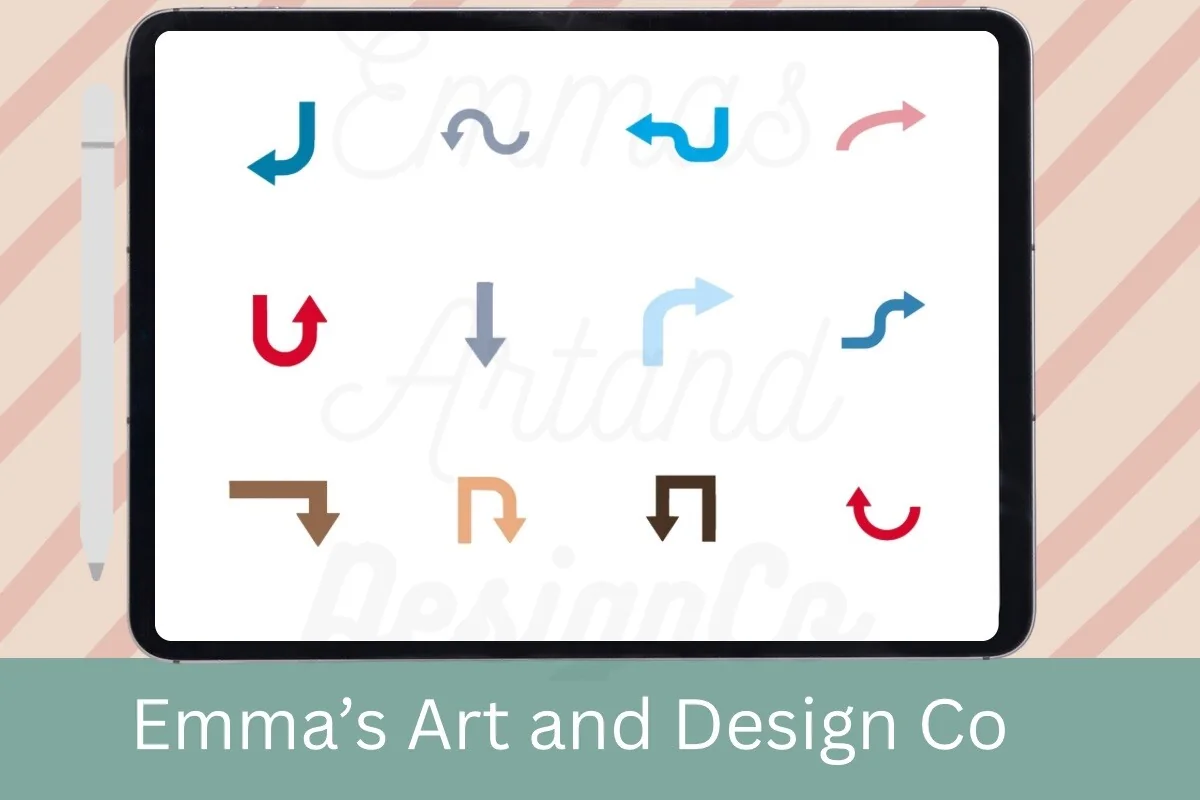
12 Arrows Procreate Brushes Free Palette
Brushes: 12 arrow brushes + 1 color paletteFiles: .brushset and .swatches
Best for: lettering accents, pointing to a deadline, boho headers. Designed by Emma's Art & Design Co.
- 12 hand-crafted arrow brushes in rustic, elegant and boho styles
- A free color palette as a .swatches file
- Made for Procreate on iPad with an Apple Pencil
- Curved, straight and hooked arrows, as shown in the previews
Arrows are the doodle I draw most in a planner: from a task to the day it moved to, or from a goal to its first step. Having a dozen ready shapes saves redrawing a wobbly one every time, and the palette is a nice small extra.
Free pattern fills
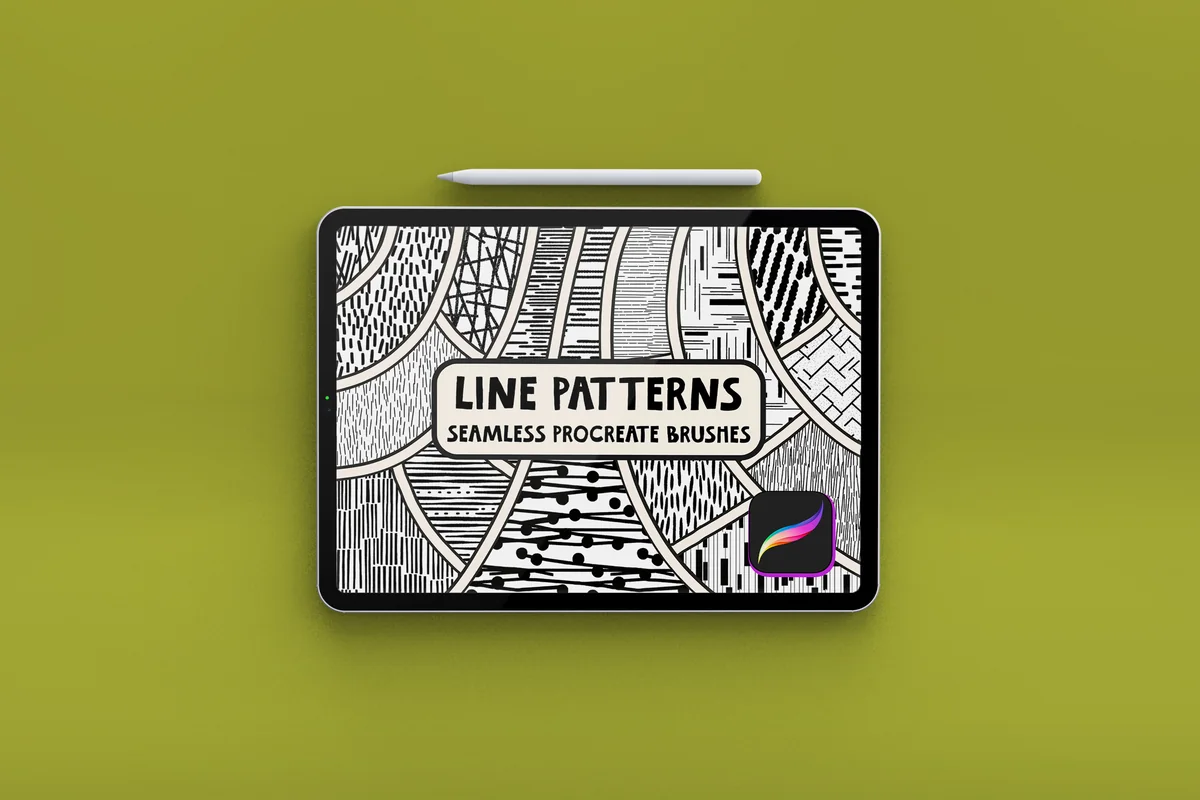
Free Line Pattern Procreate Brush Set
Brushes: 18 seamless line pattern brushesFiles: Procreate brushes
Best for: page backgrounds, journal headers, washi-style strips. Designed by HG Designs.
- 18 seamless tiling brushes: paint once and the pattern repeats
- Made from high-contrast black artwork
- Suggested uses include backgrounds, textures, journals and scrapbook projects
- Shown on an iPad in the Procreate previews
I’d use these for the parts of a page that usually stay empty: a striped band behind a month title, or a patterned strip that works like washi tape. Paint a strip in Procreate, export it as a PNG and it becomes a sticker for any planner.
How to Install Procreate Brushes on iPad
Importing brushes into Procreate takes about a minute:
- Save the file from Creative Fabrica to the Files app on your iPad (or to iCloud Drive from a computer).
- If it’s a ZIP, tap it in Files to unzip it. Inside you’ll find one or more .brushset files.
- Tap a .brushset file. Procreate opens and adds the set to the top of your Brush Library.
- If nothing happens, open Procreate first, then try again, and check that Procreate is updated to the latest version.
- Single brushes come as .brush files and install the same way.
On a Mac you can unzip the file and AirDrop the .brushset straight to the iPad, which is often the quickest route.
How to Create Your Own Brushes in Procreate
The sets above save time, but making a brush yourself is easier than it looks. Every Procreate brush setting lives in the Brush Studio, and the safest start is a copy of a brush you already like:
- In the Brush Library, swipe left on a brush (a monoline from the Calligraphy set is a good base) and tap Duplicate, so the original stays untouched.
- Tap the copy to open the Brush Studio. Each tab on the left changes one part of the brush.
- In Stroke path, Spacing sets how close the marks sit, and StreamLine smooths shaky strokes. A little StreamLine helps small planner lettering a lot.
- In Apple Pencil, set how much pressure changes size and opacity. A big size change gives the thick downstrokes of brush calligraphy; almost none gives an even monoline.
- In Shape, you can import your own image as the brush tip. With spacing turned all the way up, that’s how a stamp brush is made (see the FAQ below).
- Test it on the Drawing Pad, rename it and move it into its own set, for example “Planner”.
Want a chisel brush for headers? Start from a flat nib: the flat nib marker style in #2 already has that look, and in your own copy, lowering Roundness in the Shape tab flattens the tip, so sideways strokes come out thin and downstrokes thick. Watercolor, crayon and paper texture effects come from the Grain tab. Keep those for big titles, because at planner size a clean edge reads better.
For a deliberately sparkling title, compare Procreate glitter brushes as a separate texture choice. Check the marks at the size of your header before choosing a pack, rather than assuming a sparkly preview will stay readable when reduced.
How to Use Procreate Brushes With a GoodNotes Planner
Procreate and GoodNotes don’t share brushes, so the trick is to design in Procreate and bring the result into your planner. There are two ways.
Make your own stickers and headers
- Create a canvas and letter a header, stamp a label or a strip of washi tape, each on its own layer.
- Hide the background layer so it’s transparent.
- Export it as a PNG (Actions, Share, PNG).
- In GoodNotes, insert the image on your page or save it to your sticker collection (Elements in GoodNotes 6), so it’s one tap away next week.
Design whole planner pages
- Set the canvas to the same shape as your planner page, for example Letter or A4 portrait.
- Stamp a grid on the bottom layer, then add boxes, day headers and doodles on top.
- Export as PDF or PNG and import it into GoodNotes as a new page or as a page template.
- Write on it in GoodNotes with your normal pens. Keep the Procreate file, so you can tweak the layout next month.
If you’d rather not design at all, ready sticker packs do the same job inside GoodNotes; see my GoodNotes stickers and digital scrapbook stickers lists. To keep your Procreate colors and planner pens in one palette, the GoodNotes color palettes come with hex codes you can type into both apps.
Planner Doodle and Lettering Ideas to Try
Headers and Lettering 1–5
- 1Month name drawn with an outline brush like #3, filled with the month’s main color
- 2Script day names with a highlighter streak behind them
- 3One quote a week in monoline, with a small drop shadow
- 4Section labels (To Do, Notes, Meals) stamped once and saved as stickers
- 5A lettering practice page on a calligraphy guide grid
Layouts From Stamps 6–10
- 6Weekly spread: seven stamped boxes on a dot grid
- 7Monthly cover page with a big header and a doodle border
- 8Habit tracker made from a stamped grid and colored boxes
- 9Label tabs down the page edge for each part of your planner
- 10A “this week” box with three priorities and a small doodle
Washi and Doodles 11–15
- 11Washi strips “holding” photos on a memory page
- 12One seasonal doodle per day in the corner of a daily page
- 13A washi tape divider between morning and evening
- 14Two-color kawaii icons for moods or the weather
- 15A doodle border that changes color every month
Who These Brushes Are For
- Bullet journal fans who moved to the iPad and miss drawing their own spreads.
- Lettering beginners who want headers that look hand-made without weeks of practice.
- Planner sticker makers who design their own headers, labels and washi for GoodNotes.
- Anyone already paying for Procreate who uses it only for art and wants it to help with planning too.
If you just want a planner that looks nice out of the box, a ready digital planner is less work; my undated digital planners are a good place to start.
FAQ
Do Procreate brushes work in GoodNotes?
No. Procreate brushes only work inside Procreate. You can still use them for your planner: design headers, stickers or whole pages in Procreate, export them as PNG or PDF and add them to GoodNotes.
A small drawing gives that export workflow a clear purpose. The pixel art journal projects include a two-letter divider and a month-name title, with a suggested grid and color limit for each design you draw in Procreate.
Is Procreate a one-time purchase?
Yes. Procreate is a one-time App Store purchase for the iPad, with no subscription. Brush sets are separate, and each set you buy is also yours to keep.
Do I need an Apple Pencil for Procreate brushes?
For lettering and highlighter brushes, yes: they rely on pencil pressure to make thick and thin strokes. Stamps place a whole image with one tap, so most of them work fine with a finger.
Before choosing a pressure-dependent lettering set, check which Pencil you own. The Apple Pencil guide for digital planning compares model capabilities and covers nib care and handwriting practice for the planner pages you use alongside your Procreate designs.
How do I use Procreate stamps?
Pick the stamp in the Brush Library, set its size and color, then tap once on the canvas. Put each stamp on its own layer, so you can move and resize it later without touching the rest of the page.
Can I make my own stamp in Procreate?
Yes. Draw the design on its own canvas, then create a new brush in the Brush Studio, import the drawing as the brush shape and set the spacing so one tap leaves one image. The Procreate Handbook walks through the exact settings.
Why don’t my new brushes show up in Procreate?
Most often the file is still zipped: unzip it in the Files app first and tap the .brushset inside. New sets appear at the very top of the Brush Library. If a set still won’t open, update Procreate, because some sets need a recent version.
Final Thoughts
You don’t need a huge library of Procreate brushes to make a planner look hand-made. One lettering set, a highlighter, a set of planner stamps and a little washi or a few doodles cover almost every page. Start with what you’d use this week, save your favorite headers as stickers, and your GoodNotes planner will look like yours in a month. For more ways to decorate, see my GoodNotes stickers and GoodNotes covers, or browse all how-to guides. To keep brush colors consistent from page to page, add one of my Procreate color palettes.
When a planner illustration needs rough outlines or textured surfaces, our Procreate sketch brushes for iPad comparison separates main drawing sets from wood and foliage effects.
For a sky-themed page illustration, these Procreate cloud brushes focus on clouds rather than planner lettering or borders.
You May Also Like
This post contains affiliate links. If you buy through them, I may earn a small commission at no extra cost to you. Learn more.